Build a Toggle Sidebar Component
HTML Structure
Building the Skeleton
Sidebars are a common feature in web applications, typically used to house the main navigation menu. Before we can make a sidebar look good or add any fancy effects, we need to build its structural foundation with HTML. Think of it as creating the skeleton of a building before adding walls and paint.
The Main Container
First, we need a container to hold all the elements of our sidebar. This groups everything together into one logical unit. The most common element for this job is the <div>, which is short for "division." It's a generic box that doesn't have any specific meaning on its own, making it perfect for creating layouts.
<div class="sidebar">
  <!-- Navigation items will go here -->
</div>
Here, we've created a <div> and given it a class attribute of "sidebar". This class acts like a label, allowing us to identify this specific <div> later when we want to add styling.
Marking Up Navigation
Now that we have our container, we need to specify that its purpose is navigation. While we could use another <div>, HTML provides a more descriptive, or semantic, element for this: <nav>. Using <nav> tells browsers and assistive technologies like screen readers that this section contains the primary navigation links for the page.
<div class="sidebar">
  <nav>
    <!-- Our list of links will go here -->
  </nav>
</div>
Using semantic tags like
<nav>instead of generic<div>s makes your code more readable and improves accessibility.
Listing the Links
A navigation menu is essentially a list of links. The best way to represent a list in HTML is by using list elements. For a standard navigation menu where the order isn't critical, we use an unordered list (<ul>). Each item within the list is then wrapped in a list item (<li>) tag.
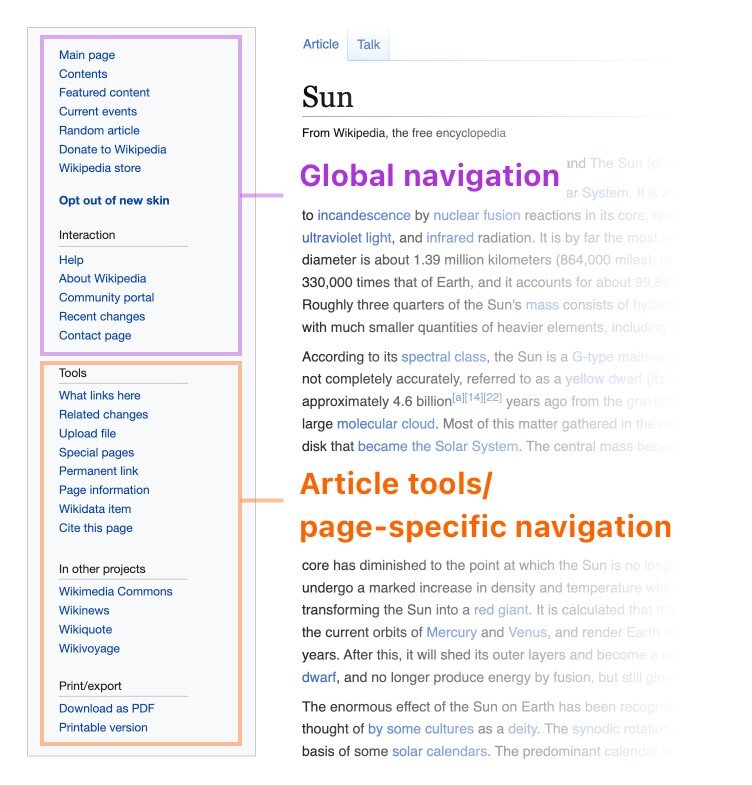
Let's add a list to our structure. Each <li> will eventually hold a link, but for now, we'll just use placeholder text.
<ul>
  <li>Home</li>
  <li>Profile</li>
  <li>Settings</li>
</ul>
Putting It All Together
When we combine these elements, we get a complete and well-structured HTML skeleton for our sidebar. The <ul> and its <li> children go inside the <nav> element, which is itself inside our main <div> container.
<div class="sidebar">
  <nav>
    <ul>
      <li>Home</li>
      <li>Profile</li>
      <li>Settings</li>
    </ul>
  </nav>
</div>
This structure is logical and semantic. The <div> creates the layout block, the <nav> defines the block's purpose, and the <ul> and <li> elements organize the content within it. With this foundation, you're ready to add actual links and, in later steps, apply styles to make it look like a proper sidebar.
What is the primary role of the <div> element when building the HTML structure for a sidebar?
For semantic clarity, which HTML element is most appropriate for wrapping the primary list of navigation links?