Boost Your Home Wi-Fi for Remote Work
Understanding Wi-Fi Basics
How Wi-Fi Works
Wi-Fi is a way to get internet access without plugging in a cable. It uses radio waves to send and receive data between your devices, like your phone or laptop, and a router. Think of your router as a tiny radio station that broadcasts the internet instead of music. Your devices have receivers that tune into that broadcast.
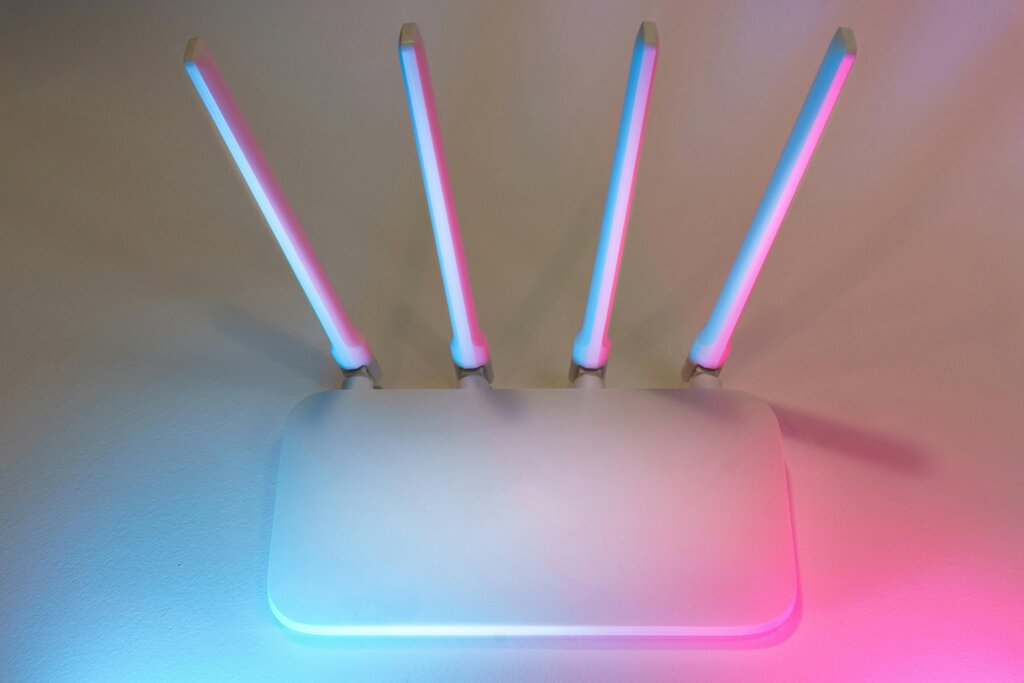
This broadcast doesn't happen on just any frequency. Like radio stations that use specific channels to avoid talking over each other, Wi-Fi operates on designated frequency bands. The two most common bands in homes today are 2.4 gigahertz (GHz) and 5 GHz.
The Two Main Bands
Most modern routers can broadcast on both 2.4 GHz and 5 GHz bands, and it's useful to know the difference. You can think of them as two different types of highways for your data.
The 2.4 GHz band is like an older, two-lane country road. It reaches farther and is better at getting around obstacles, but it's slower and can get congested. The 5 GHz band is like a wide, modern superhighway. It’s much faster and has more lanes to prevent traffic jams, but its range is shorter and it's more easily blocked.
The 2.4 GHz band is also more crowded. It's not just your Wi-Fi that uses it. Many common household devices, like baby monitors, garage door openers, and even microwave ovens, operate on this frequency. This can create interference, like too many cars trying to merge onto that two-lane road.
The 5 GHz band is less cluttered, which is another reason it can be faster. Here’s a quick summary of the tradeoffs:
| Feature | 2.4 GHz Band | 5 GHz Band |
|---|---|---|
| Range | Longer | Shorter |
| Speed | Slower | Faster |
| Interference | More likely | Less likely |
Signal Blockers and Interference
Your Wi-Fi signal is a physical thing, a type of electromagnetic wave. Just like light can't pass through a solid wall, Wi-Fi signals get weaker when they have to travel through objects. The denser the material, the more it blocks the signal.
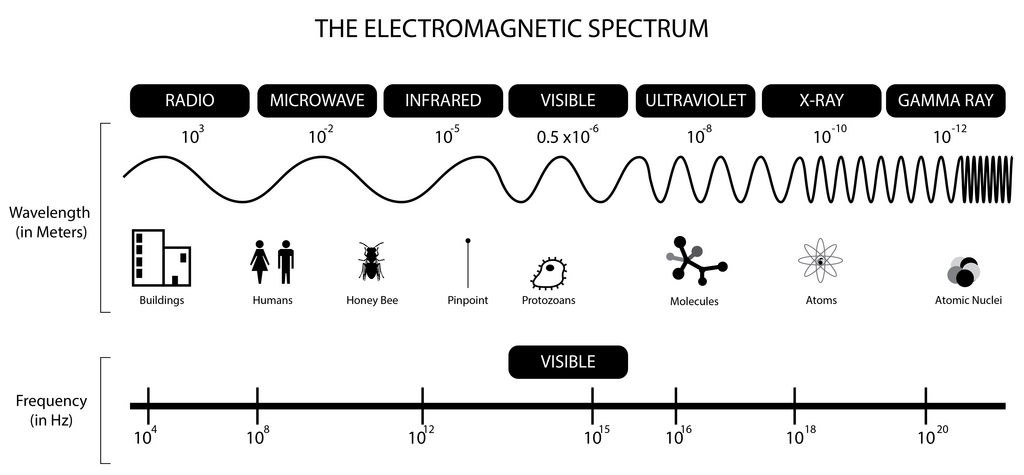
Materials like drywall and wood are fairly easy for Wi-Fi signals to penetrate. Brick, plaster, and glass are more difficult. The worst offenders are dense materials like concrete, stone, and especially metal. A metal filing cabinet or a refrigerator can create a "Wi-Fi shadow" behind it where the signal is very weak.
Water also absorbs radio waves very effectively. This means that aquariums, and even people, can obstruct a Wi-Fi signal.
Physical placement of your router matters. The more open space and direct line-of-sight it has to your devices, the better your connection will be.
Interference is another major issue. It happens when other electronic devices use the same radio frequencies as your Wi-Fi network. This is a bigger problem for the 2.4 GHz band.
Common sources of interference include:
- Microwave ovens: These can seriously disrupt a 2.4 GHz signal when they are running.
- Cordless phones and baby monitors: Many of these devices also operate on the 2.4 GHz band.
- Bluetooth devices: Bluetooth uses the same frequency and can cause minor interference.
- Your neighbor's Wi-Fi: In an apartment building, many different Wi-Fi networks compete for the same limited airwaves, creating congestion.
Now, let's test what you've learned about the fundamentals of Wi-Fi.
You're setting up Wi-Fi in a large house with many walls and need the signal to reach the farthest corners. Which frequency band is generally better for this situation?
Which of the following household items is most likely to block a Wi-Fi signal?
Understanding these core concepts is the first step toward a better, more reliable home network.