Boost Your Home Wi-Fi for Remote Work
Understanding Wi-Fi Fundamentals
How Wi-Fi Works
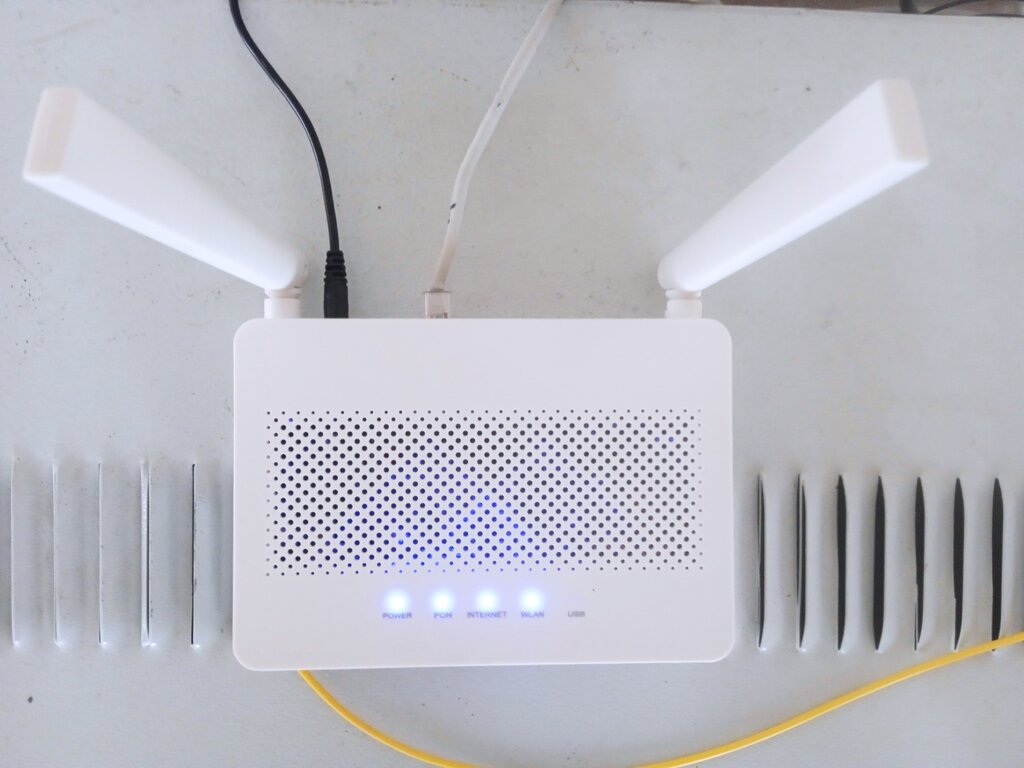
At its core, Wi-Fi is just a way to send information through the air using radio waves. Think of your Wi-Fi router as a small radio station. It takes the internet connection from your wall and broadcasts it, while your phone, laptop, and other devices have tiny receivers to tune in.
This two-way conversation allows you to send emails, stream movies, and browse the web without being tethered by a cable. The router converts digital data (ones and zeros) into radio signals, and your device converts them back. It all happens incredibly fast, allowing for seamless communication.
The Two Wi-Fi Lanes
Most modern Wi-Fi networks operate on two different frequency bands: 2.4 gigahertz (GHz) and 5 GHz. You can think of these as two separate highways for your internet traffic. Your devices will often automatically choose the best one, but sometimes it helps to know the difference.
The main trade-off between them is range versus speed. They each have distinct advantages depending on your situation.
2.4 GHz: Slower speeds, but longer range. It's better at penetrating solid objects like walls.
5 GHz: Faster speeds, but shorter range. It's more easily blocked by obstacles.
The 2.4 GHz band is more crowded. Many household devices, like microwaves, baby monitors, and older cordless phones, also use this frequency. This can cause interference, slowing your connection down further. The 5 GHz band is much less congested, which also contributes to its faster, more stable performance.
Signal Blockers
Your Wi-Fi signal doesn't just get weaker over distance—it can also be blocked or absorbed by things in your home. The materials in your walls and the objects in your rooms have a significant impact on your network's performance.
| Material | Signal Impact |
|---|---|
| Wood, Drywall, Glass | Low |
| Brick, Plaster | Medium |
| Concrete, Metal | High |
| Water (e.g., aquariums) | High |
This is why your Wi-Fi might be great in the living room but barely work in the basement or on the other side of a brick fireplace. Large metal objects, like refrigerators or filing cabinets, are particularly effective at blocking radio waves. Even a person standing between your device and the router can slightly weaken the signal.
For the strongest connection, try to maintain a clear line of sight between your device and your router.
Now that you know how Wi-Fi signals travel and what can get in their way, let's test your understanding.
What is the primary function of a Wi-Fi router in a home network?
Which frequency band is described as being more crowded with potential interference from devices like microwaves and baby monitors?
Understanding these fundamentals is the first step toward troubleshooting any connection problems. By knowing how frequency, distance, and obstacles affect your network, you can make smarter decisions about router placement and device usage.