Boost Your Home Wi-Fi for Remote Work
Understanding Wi-Fi Basics
What is Wi-Fi?
At its core, Wi-Fi is simply a way to get internet access without plugging in a cable. It uses radio waves to send and receive data between your devices and an internet router. Think of your router like a miniature radio station. Instead of broadcasting music, it broadcasts your internet connection. Your phone, laptop, and smart TV act like tiny radios, tuning into that specific signal to get online.
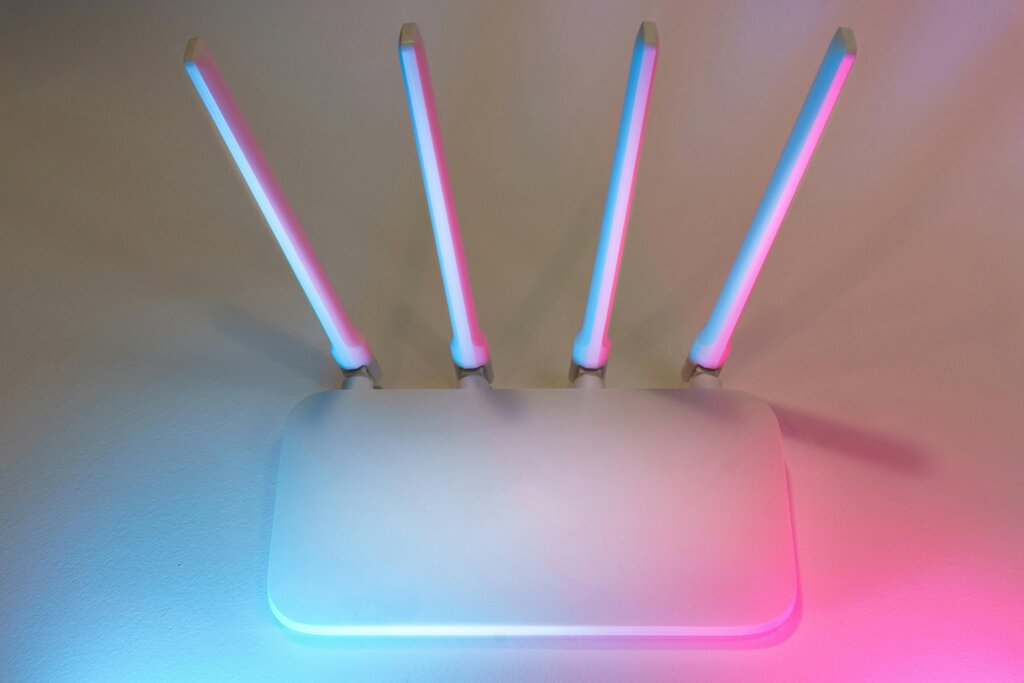
This process happens incredibly fast, allowing you to stream movies, browse websites, and send emails wirelessly. The router is connected to the internet with a physical cable, and it converts that wired signal into a wireless one that your devices can use.
The Invisible Highways
Just like radio stations broadcast on different frequencies to avoid talking over each other, Wi-Fi operates on specific frequency bands. These are invisible highways for your data. The two most common bands in home networks are 2.4 gigahertz (GHz) and 5 GHz.
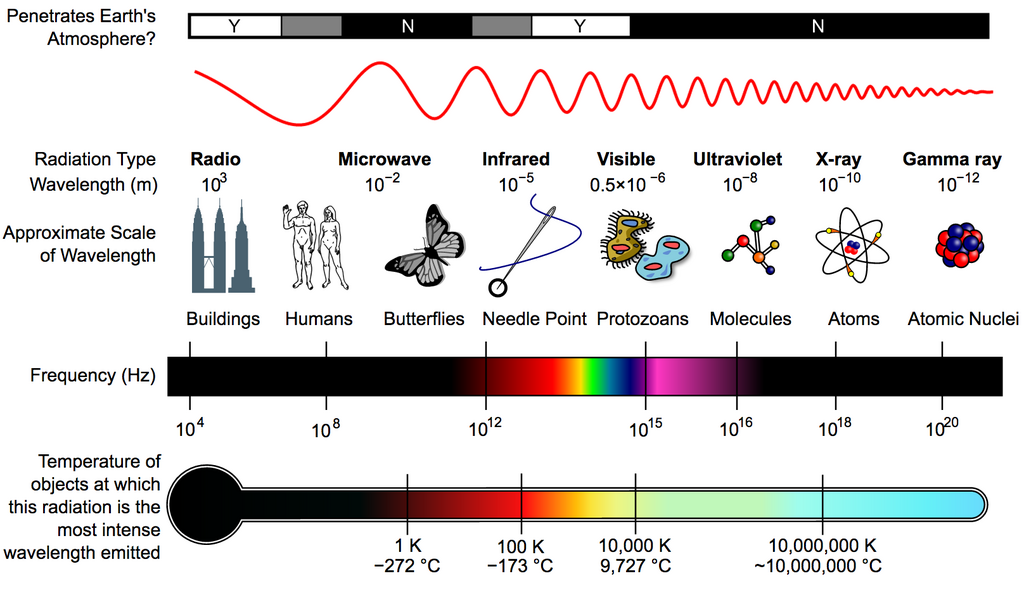
Most modern routers are “dual-band,” meaning they broadcast on both frequencies at the same time. This is like having two separate highways for your internet traffic. Each has its own strengths and weaknesses.
| Feature | 2.4 GHz Band | 5 GHz Band |
|---|---|---|
| Range | Longer range | Shorter range |
| Speed | Slower speeds | Faster speeds |
| Penetration | Better through walls | Weaker through walls |
| Interference | More crowded | Less crowded |
The 2.4 GHz band is like a country road. It can travel a long distance and is good at getting around obstacles, but it’s slower and can get congested. Many household devices, like microwaves, cordless phones, and Bluetooth speakers, also use this band, which can cause traffic jams for your data.
The 5 GHz band is like a multi-lane superhighway. It’s much faster and less crowded, making it ideal for high-bandwidth activities like streaming 4K video or online gaming. The catch is that its signal doesn't travel as far and is more easily blocked by walls and floors.
Why Your Signal Drops
Ever wonder why your Wi-Fi works perfectly in the living room but drops in the bedroom? Several factors can weaken the radio waves coming from your router.
Distance is the simplest factor. The farther you move from the router, the weaker the signal becomes, just like the sound from a speaker fades as you walk away.
Physical obstructions are another major culprit. Wi-Fi signals are radio waves, and they have to travel through the air and solid objects in your home. Different materials block the signal to varying degrees.
- Dense materials like brick, concrete, and stone are major signal blockers.
- Metal, including appliances like refrigerators and ovens, can reflect and scatter Wi-Fi signals.
- Even a large fish tank can be a problem, as water absorbs radio waves effectively.
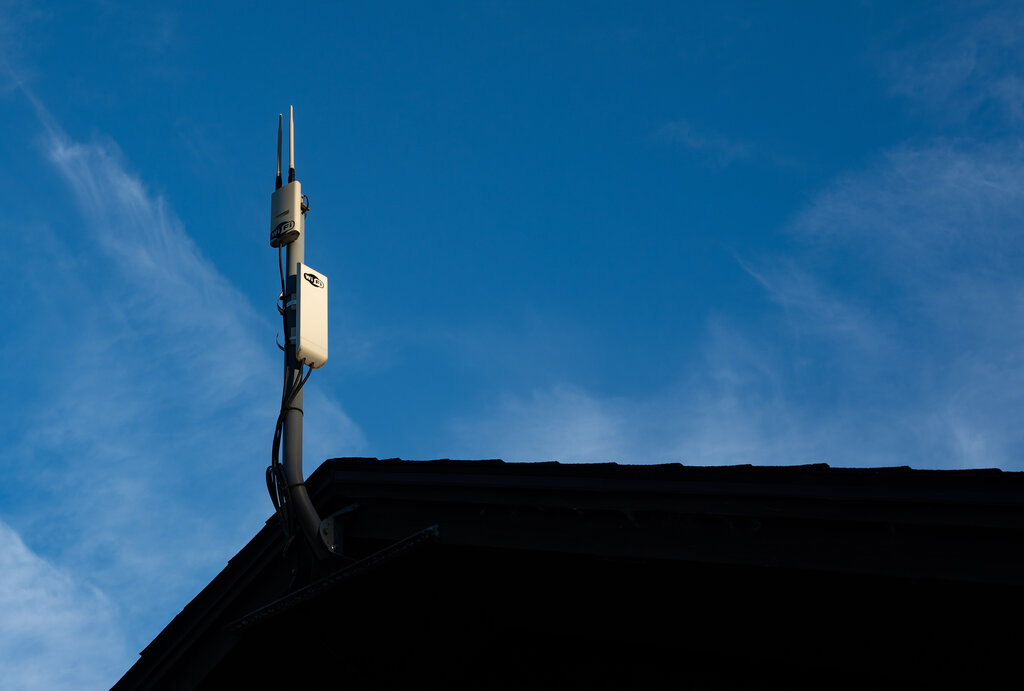
Finally, there's interference from other electronic devices. As mentioned, the 2.4 GHz band is a busy place. Microwaves, baby monitors, and even your neighbor's Wi-Fi network can all compete for the same airspace, causing your connection to slow down or become unstable. This is why the 5 GHz band is often a better choice if your device is close enough to the router.
Let's check your understanding of these Wi-Fi fundamentals.
The provided text compares a Wi-Fi router to what kind of device?
Which of these common household items is most likely to interfere with a 2.4 GHz Wi-Fi signal?
Understanding these core concepts is the first step toward improving your home network. By knowing how Wi-Fi works, you can make smarter decisions about where to place your router and which frequency band to use for your devices.