Boost Your Home Wi-Fi for Remote Work
Wi-Fi Basics
What is Wi-Fi?
Wi-Fi is a technology that lets devices connect to the internet without cables. Think of it like a radio station, but instead of broadcasting music, it broadcasts internet data. Your router acts as the radio tower, sending and receiving signals, and your phone or laptop is the radio, tuning into that signal.
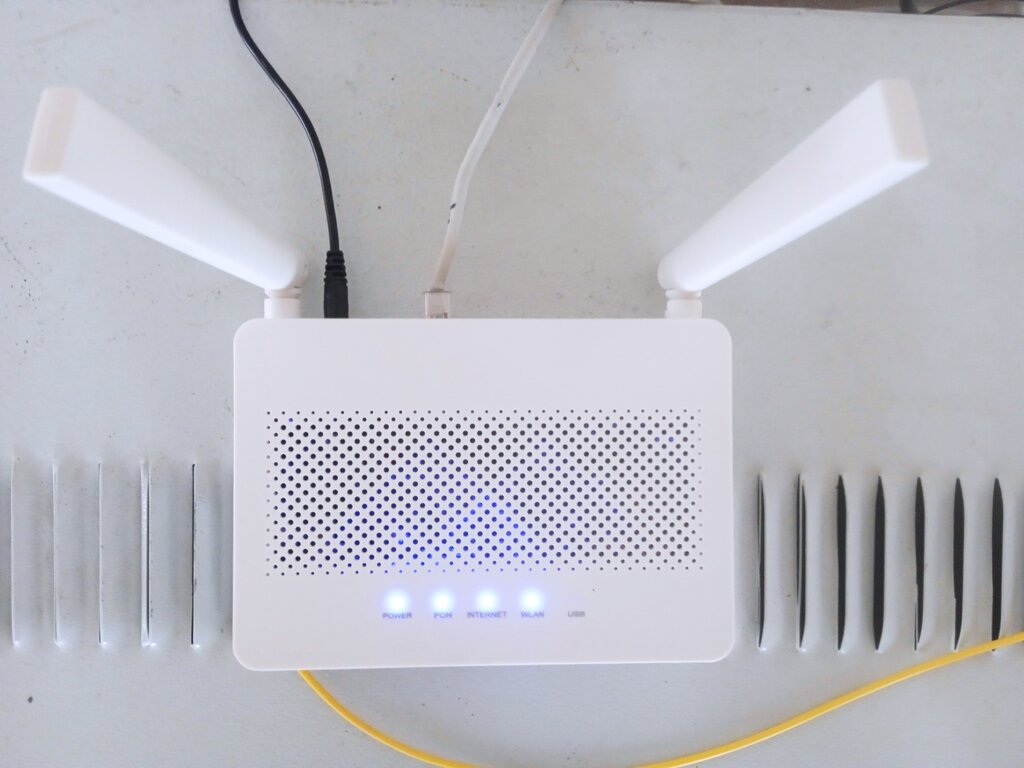
The process is a two-way street. A physical cable brings the internet to your router. The router then translates that wired signal into wireless radio waves and sends them out. Your devices have tiny antennas that catch these waves and convert them back into data you can use. When you send an email or stream a video, your device sends data back to the router using the same radio waves, which the router then sends out to the internet through its cable.
Frequencies and Bands
To avoid a chaotic mess of signals, Wi-Fi operates on specific radio frequencies, much like how different radio stations have their own channels. These frequencies are grouped into "bands." For home networks, the two most common bands are 2.4 gigahertz (GHz) and 5 GHz. Most modern routers are "dual-band," meaning they can broadcast on both frequencies at the same time.
Choosing a band is a trade-off between speed and range.
The 2.4 GHz band has been around longer. Its main advantage is its range. These longer radio waves are better at passing through solid objects like walls, floors, and furniture. However, this band is also more crowded. Many common household electronics, like microwaves, cordless phones, and Bluetooth devices, also use the 2.4 GHz frequency, which can cause interference and slow things down.
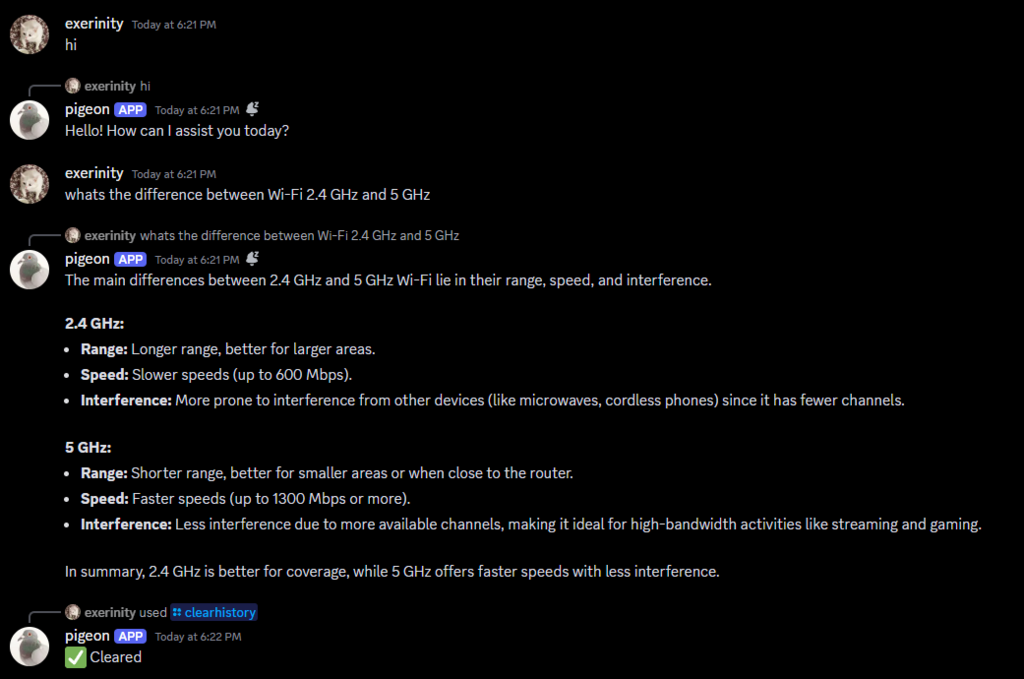
The 5 GHz band is the newer, higher-frequency option. Its biggest benefit is speed. It can transmit more data faster, making it ideal for streaming high-definition video, online gaming, or downloading large files. Because it's a less crowded frequency, you'll experience less interference from other devices. The downside is its shorter range. These higher-frequency waves are more easily blocked by physical obstacles.
| Feature | 2.4 GHz | 5 GHz |
|---|---|---|
| Range | Longer | Shorter |
| Speed | Slower | Faster |
| Penetration | Better (Goes through walls easily) | Worse (Blocked by walls) |
| Interference | More (From microwaves, etc.) | Less |
So, which one should you use? If your device is far from the router or has to connect through several walls, 2.4 GHz might be more reliable. If you're close to the router and need the fastest speeds possible, 5 GHz is the way to go.
How does a Wi-Fi router transmit internet data to your devices?
Which Wi-Fi band is best suited for streaming high-definition video when you are close to the router?