Boost Your Home Wi-Fi for Remote Work
Wi-Fi Fundamentals
What is Wi-Fi?
At its core, Wi-Fi is a technology that lets devices like computers, phones, and TVs connect to the internet without needing a physical cable. It works by converting the internet signal from your modem into radio waves. A wireless router is the device that sends out these waves, creating a wireless network in your home.
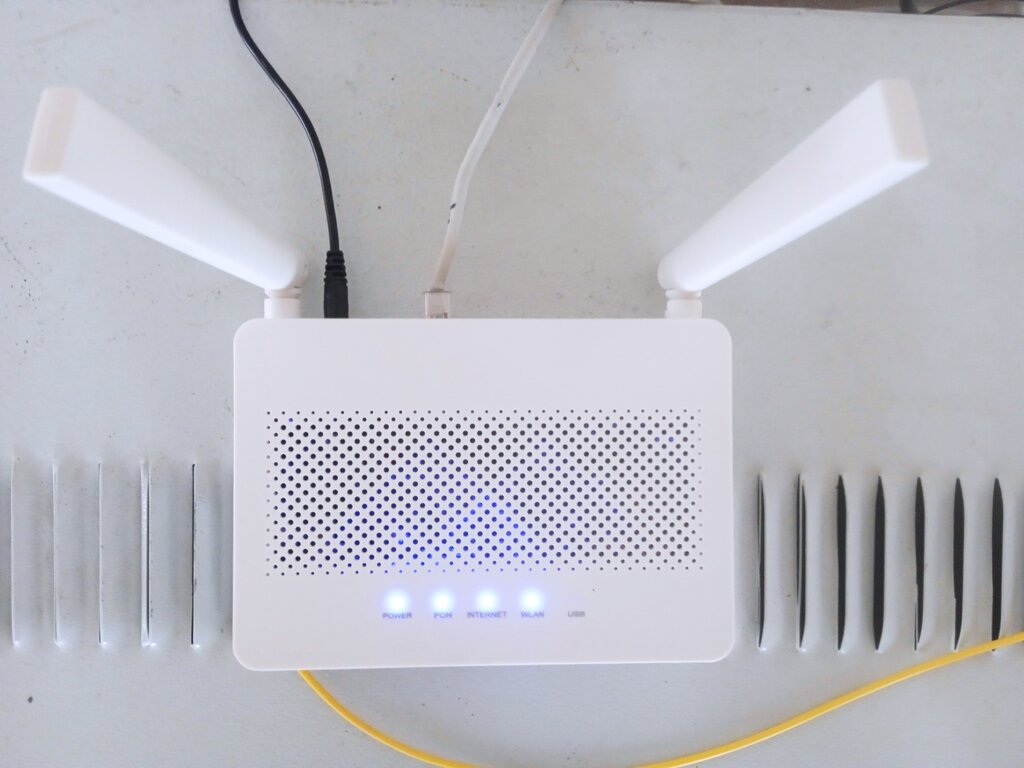
Think of your router as a tiny radio station broadcasting the internet. Your devices have built-in receivers that tune into this signal, allowing them to send and receive data. This all happens using a set of standards known as IEEE 802.11, which ensures all Wi-Fi-enabled devices can speak the same language.
The Two Flavors of Wi-Fi
Most modern routers broadcast on two different radio frequency bands: 2.4 gigahertz (GHz) and 5 GHz. They offer different trade-offs between speed and range. You can think of them as two different types of roads for your data to travel on.
Many modern Wi‑Fi routers have either dual or triple frequency bands, transmitting at both the 2.4GHz and 5GHz.
The 2.4 GHz band is like a country road. It has a longer range and is better at penetrating solid objects like walls and floors. However, it’s also slower and more prone to interference from other common household devices like microwaves, cordless phones, and Bluetooth speakers, which can cause network congestion.
The 5 GHz band is like a multi-lane highway. It offers much faster speeds and is less crowded, meaning less interference. The downside is its shorter range. The signal has a harder time passing through walls and other obstacles.
| Feature | 2.4 GHz Band | 5 GHz Band |
|---|---|---|
| Speed | Slower | Faster |
| Range | Longer | Shorter |
| Penetration | Better (through walls) | Weaker (through walls) |
| Interference | More crowded | Less crowded |
So, which one should you use? If your device is close to the router and you need top speed for activities like streaming 4K video or online gaming, connect to the 5 GHz network. If your device is farther away or you just need a stable connection for browsing, the 2.4 GHz network is a solid choice.
Where You Put Your Router Matters
Because Wi-Fi relies on radio waves, its signal can be weakened or blocked by physical objects. The placement of your router can make a huge difference in your network's performance. The goal is to give the signal the clearest possible path to all your devices.
For the best coverage, place your router in a central, open location in your home, away from thick walls and large metal objects.
Try to keep your router away from concrete or brick walls, large appliances, and even fish tanks, as water can absorb radio waves. Elevating the router on a shelf can also help the signal spread more effectively, especially in a multi-story home.
Keeping Your Network Safe
An unsecured Wi-Fi network is like leaving your front door unlocked. It allows anyone nearby to use your internet connection, which can slow it down. More importantly, it could potentially allow them to access devices on your network, putting your personal information at risk.
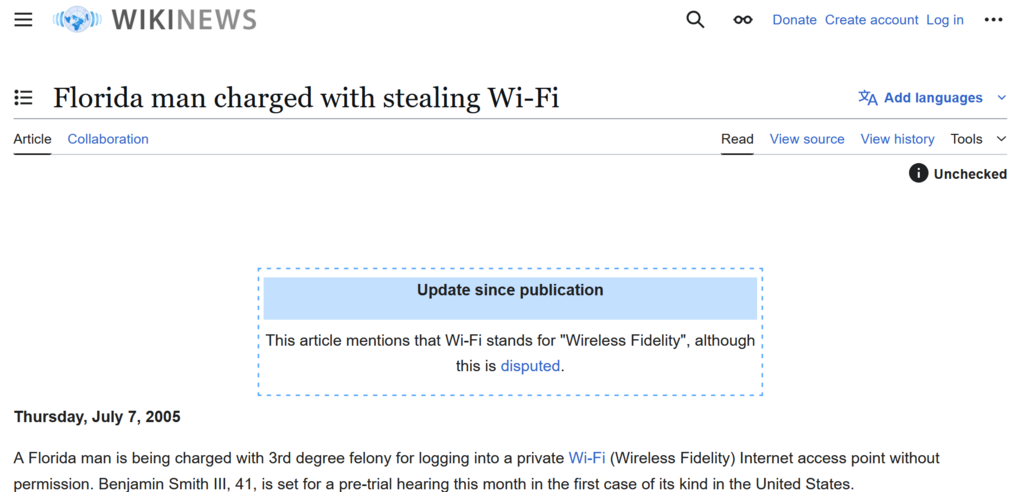
The most important step you can take is to protect your network with a strong password. A good password should be:
- Long: At least 12 characters, but longer is better.
- Complex: A mix of uppercase letters, lowercase letters, numbers, and symbols.
- Unique: Not something you use for any other account.
Avoid using personal information like birthdays or names. A good strategy is to think of a memorable phrase and turn it into a password, like "TheQuickBrownFox!23".
Also, make sure your router is using the latest security standard, which is WPA3. If WPA3 isn't available, use WPA2. You can check this in your router's settings.
Now, let's test what you've learned about the basics of Wi-Fi.
What is the primary function of a Wi-Fi router?
You are setting up a smart TV for streaming 4K movies. The TV is in the same room as your Wi-Fi router, about 10 feet away with a clear line of sight. Which frequency band should you connect to for the best performance?
Understanding these fundamentals will help you set up and manage a reliable and secure home network. It’s all about creating a strong signal and protecting it from unwanted access.