Become a C Programming Master
Introduction to C
The C Language
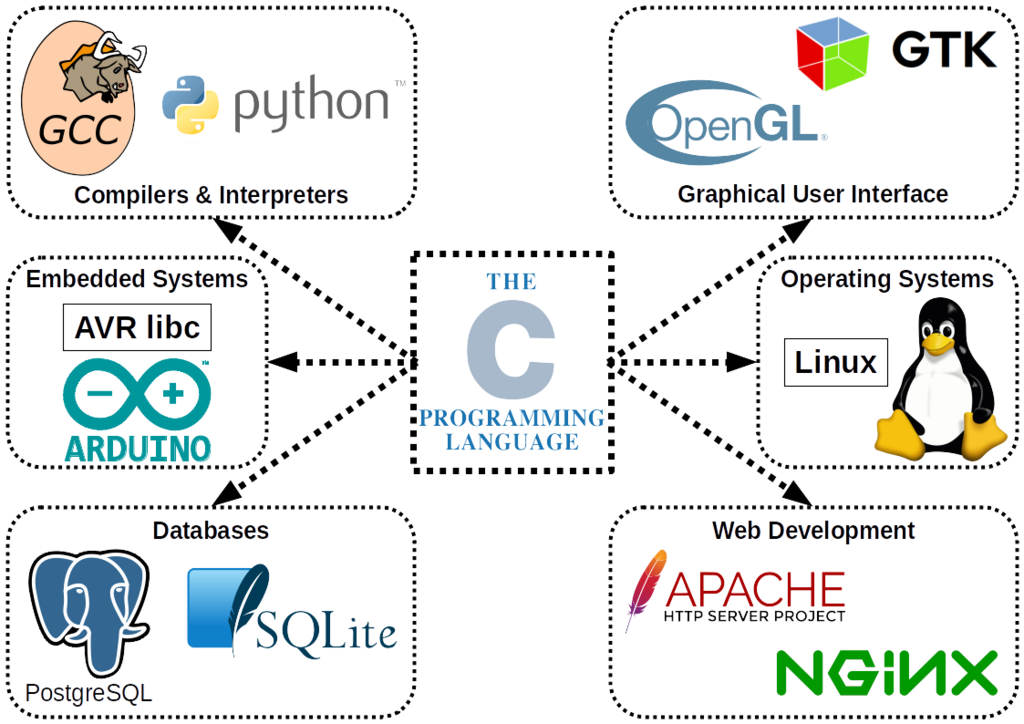
C is one of the most influential programming languages in history. Developed in the early 1970s by Dennis Ritchie at Bell Labs, it was created to build the Unix operating system. Its power and efficiency quickly made it a favorite for system-level programming, like writing operating systems and device drivers.
Why is a language from the 70s still so important? Because its DNA is everywhere. Many modern languages, including C++, Java, C#, and Python, have borrowed heavily from C's syntax and concepts. Learning C is like learning the foundation upon which much of modern computing is built.
Your First Program
To start writing C, you need two basic tools: a text editor to write your code and a compiler to translate that code into a program your computer can run. For a compiler, a popular and free option is the GNU Compiler Collection, often just called GCC.
It's a long-standing tradition to make your first program in any new language print the phrase "Hello, World!" to the screen. Let's write the code to do just that.
#include <stdio.h>

int main(void) {
    printf("Hello, World!\n");
    return 0;
}
Let's break this down line by line.
#include <stdio.h>: This is a preprocessor directive. It tells the compiler to include the "standard input/output" library, which contains the printf function we need to display text.
int main(void): This is the main function. Every C program has one, and it's the starting point for execution. When you run the program, the code inside this function's curly braces {} is what runs first.
printf("Hello, World!\n");: This is the line that does the work. The printf function prints text to the console. The text inside the quotation marks is what gets printed. The \n is a special character that means "new line," moving the cursor down for any subsequent text.
return 0;: This line tells the operating system that the program finished successfully. A return value of 0 conventionally means "no errors."
From Code to Action
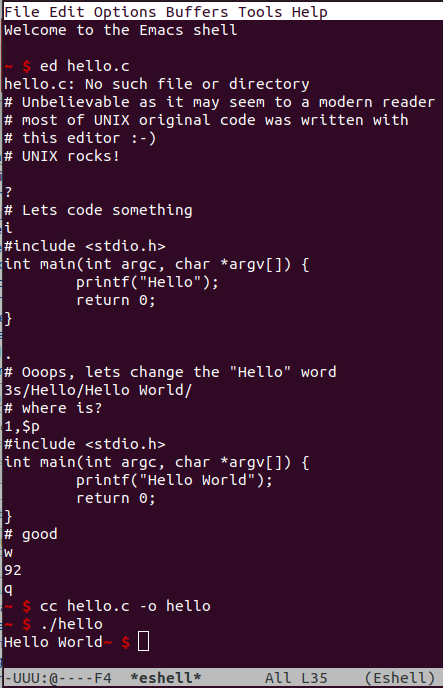
After saving your code in a file, let's call it hello.c, you use the compiler to turn it into an executable program. If you're using GCC, you'd open a terminal or command prompt, navigate to the folder where you saved your file, and type the following command:
gcc hello.c -o hello
This command tells GCC to compile hello.c and create an output file (-o) named hello. If there are no errors in your code, the compiler will create the new file. To run it, you just type:
./hello
You should see Hello, World! printed in your terminal.
Now, let's test what you've learned.
What was the primary reason for the creation of the C programming language in the early 1970s?
In a C program, what is the purpose of the line #include <stdio.h>?
You've just written and executed your first C program. This simple act of printing a message is the first step toward building much more complex and powerful applications.