Backend Authentication with Microsoft SSO
Understanding User Authentication
Proving You're You
At its core, user authentication is the process of verifying that someone is who they claim to be. Think of it like a bouncer checking your ID at the door. Before you can enter, you have to prove you're on the list and old enough to be there. In the digital world, websites and apps need a way to check your virtual ID before they let you access your account, view your personal information, or use their services.
This process is critical for security. For a Learning Management System (LMS), proper authentication ensures that a student's grades are private, that only instructors can modify course content, and that personal data like email addresses and phone numbers stay protected. Without it, anyone could potentially log in as anyone else, leading to chaos and serious privacy breaches.
Authentication is the digital gatekeeper that separates private data from public access.
Methods of Verification
The most familiar authentication method is the classic username and password combination. This is a form of single-factor authentication because it relies on just one category of proof: something you know.
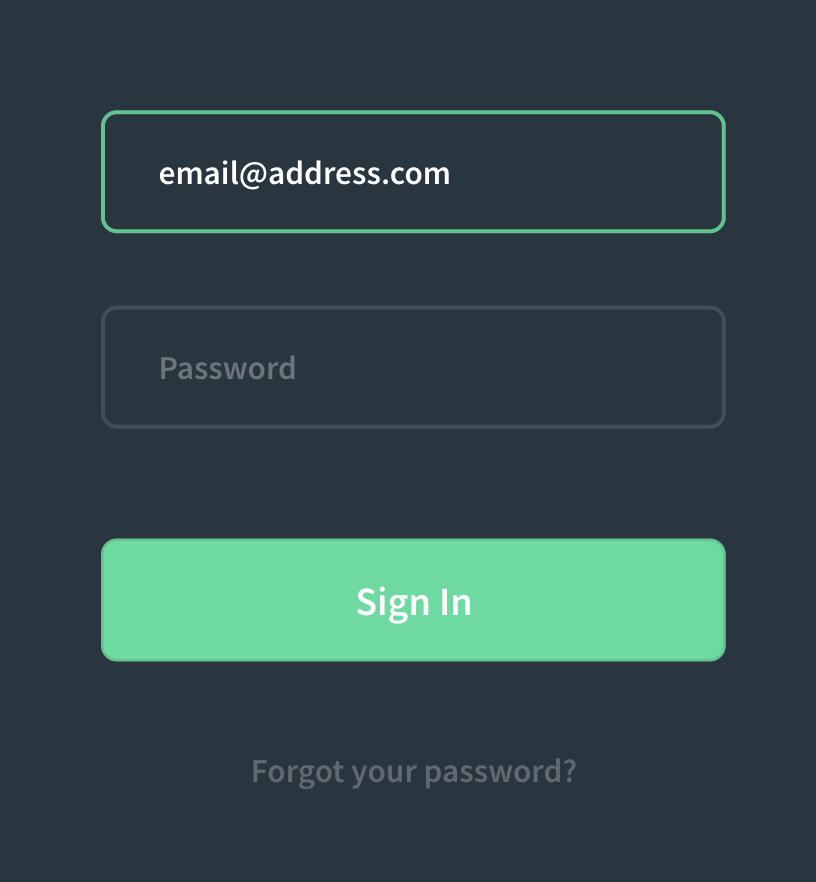
While common, relying on just a password can be risky. If someone guesses your password or steals it from another website's data breach, they have everything they need to access your account. This is where a more robust approach comes in.
Multi-factor authentication (MFA) dramatically increases security by requiring two or more types of proof. These proofs, or "factors," fall into three categories:
- Something you know: A password, a PIN, or the answer to a security question.
- Something you have: A physical object like your phone (to receive a code via text or an authenticator app) or a USB security key.
- Something you are: A biometric identifier like a fingerprint, facial scan, or voiceprint.
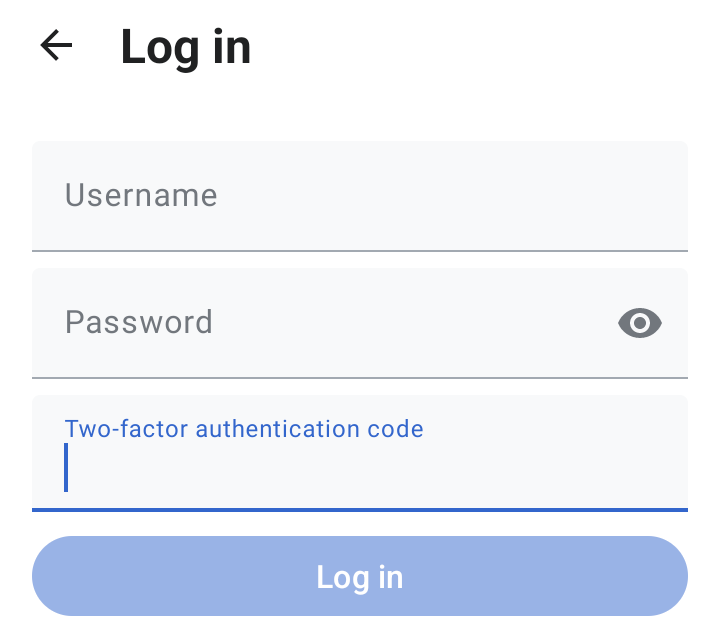
When you use MFA, you might enter your password (something you know) and then be asked for a code from your phone (something you have). This makes it much harder for an unauthorized person to get in.
Multi-Factor Authentication (MFA) is a security system that requires individuals to provide two or more authentication factors to access an account or service.
Common Threats
Hackers have developed several methods to try and bypass authentication systems. Understanding them is the first step toward building a defense.
brute force attack
noun
A trial-and-error method used to obtain information such as a user password by trying a vast number of possible combinations.
Another common technique is credential stuffing. This occurs after a data breach on a different website. Attackers take lists of leaked usernames and passwords and "stuff" them into the login forms of other services. They're banking on the fact that many people reuse the same password across multiple sites. If your password for an old, insecure forum is the same as your password for your email, a breach on that forum puts your email at risk.
Best Practices
Securing the login process isn't just about picking a method. It's about implementing it thoughtfully. Here are a few key practices for building a secure system:
-
Enforce Strong Passwords: Require a minimum length and a mix of character types (uppercase, lowercase, numbers, symbols). This makes passwords harder to guess.
-
Limit Login Attempts: After a certain number of failed login attempts from the same IP address or for the same account, temporarily lock the account. This thwarts brute force attacks by making them incredibly slow and impractical.
-
Encourage or Require MFA: For sensitive applications like an LMS, MFA should be the standard. It provides the strongest defense against account takeovers from stolen credentials.
-
Store Passwords Securely: Never, ever store passwords in plain text. They should always be "hashed"—a process that turns the password into a long, irreversible string of characters. When a user logs in, the system hashes the password they entered and compares it to the stored hash. This way, even if a database is compromised, the actual passwords are not exposed.
By understanding these core concepts, you can build and use systems that effectively protect user accounts and keep sensitive data safe.