Azure Virtual Desktop Fundamentals
Introduction to Azure Virtual Desktop
Your Desktop in the Cloud
Azure Virtual Desktop, often called AVD, is a service that runs your work computer in the cloud. Instead of having a physical desktop tower at your office, your entire Windows desktop—including all your apps and files—is hosted on Microsoft's Azure servers. You can then access it from almost any device, like your home laptop, a tablet, or even your phone, as long as you have an internet connection.
Think of it like streaming a movie. The movie file isn't stored on your TV; it's streamed from a server. AVD does the same thing, but for your entire work environment.
Microsoft.DesktopVirtualization is an Azure service that enables organizations to deliver virtual desktops and applications to any device, anywhere.
AVD vs. Traditional VDI
The idea of virtual desktops isn't new. For years, companies have used something called Virtual Desktop Infrastructure, or VDI. With traditional VDI, a company had to buy, set up, and maintain all its own servers to host these virtual desktops. This was expensive and complex. The IT team was responsible for everything: the hardware, the network, security, and all the software updates.
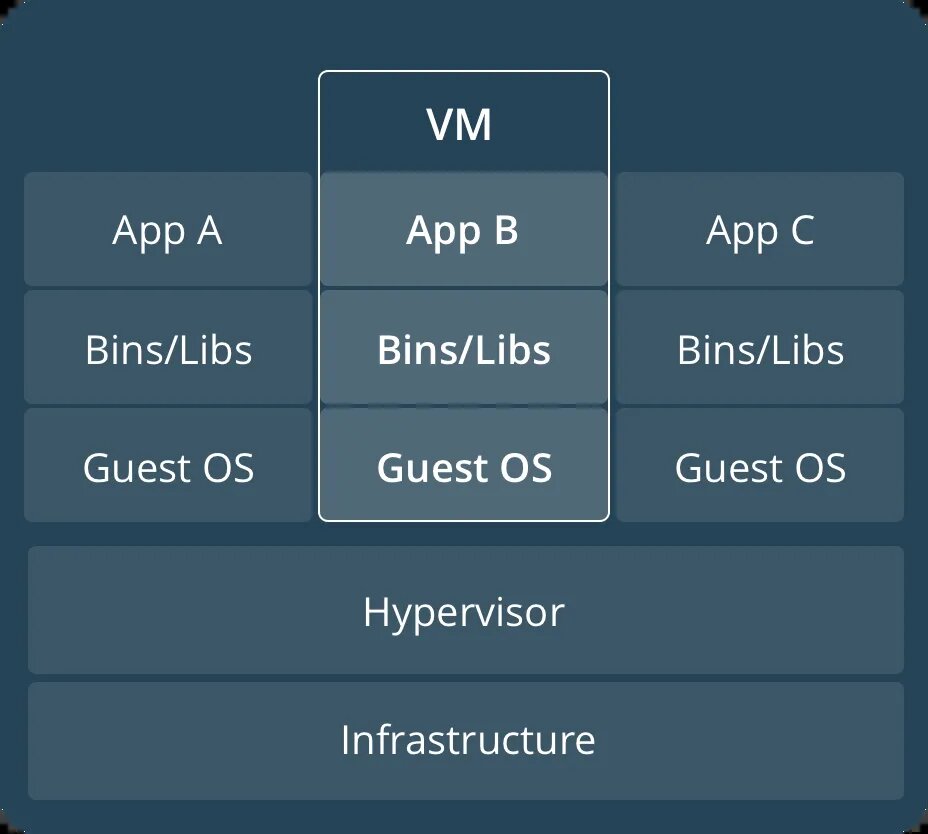
Azure Virtual Desktop changes the game by moving the infrastructure to the cloud. Microsoft manages the complex backend parts, like the servers and network access. This is known as a Platform as a Service (PaaS) model. Your company's IT team can then focus on managing the actual desktops and applications their employees use, not the hardware they run on.
| Feature | Traditional VDI | Azure Virtual Desktop (AVD) |
|---|---|---|
| Infrastructure | Company owns and manages all servers | Microsoft manages the core infrastructure |
| Management | Full control, but high complexity | Simplified; focus on apps and users |
| Cost | High upfront hardware costs (CapEx) | Pay-as-you-go subscription (OpEx) |
| Scalability | Slow; requires buying new hardware | Fast; scale up or down in minutes |
| Access | Often limited to the corporate network | Secure access from anywhere |
| Key Feature | Full control over hardware | Windows 10/11 multi-session capability |
One of AVD's biggest advantages is its unique Windows 10 and Windows 11 multi-session capability. In traditional VDI, each user typically needed their own dedicated virtual machine, which was inefficient. With AVD, multiple users can share a single virtual machine while still getting their own personalized, secure desktop experience. This significantly reduces costs.
Common Use Cases
So, who uses AVD? It’s valuable in many situations.
Remote and Hybrid Work: This is the most obvious use case. AVD allows employees to have the exact same desktop experience whether they are at home, in the office, or traveling.
It ensures everyone has access to the same tools and data securely, without the company having to manage and secure hundreds of different personal devices.

Specialized Software: Some jobs require powerful, expensive computers to run demanding software for things like graphic design, engineering, or financial modeling. Instead of buying high-end workstations for everyone, a company can host these applications on powerful virtual machines in AVD. Employees can then access them from any standard laptop.
This is also useful for short-term projects or contractors who need temporary access to specific tools without the company having to issue them a new physical computer.
High-Security Needs: In industries like finance and healthcare, protecting sensitive data is critical. With AVD, all data and applications remain within the secure Azure cloud, not on the user's local device. If a laptop is lost or stolen, no confidential information is compromised because it was never stored there in the first place.
Now that you have a foundational understanding of what AVD is and why it's used, let's test your knowledge.
What is the primary function of Azure Virtual Desktop (AVD)?
How does Azure Virtual Desktop's infrastructure management model differ from traditional VDI?
AVD simplifies desktop management and provides flexible, secure access to corporate resources from anywhere.