AWS Cloud Architecture Mastery
AWS Core Services
The Building Blocks of AWS
Amazon Web Services offers a massive catalog of cloud services, which can feel overwhelming at first. The good news is that you don't need to know everything. Most applications are built on a handful of core services that handle the essentials: computing power, storage, and networking.
Think of these services as the fundamental building blocks, like the foundation, walls, and plumbing of a house. Once you understand them, you can construct almost anything.
Your Server in the Cloud: EC2
The most basic need for any application is a place to run its code. That's where Amazon EC2, which stands for Elastic Compute Cloud, comes in. An EC2 instance is essentially a virtual server in the cloud. Instead of buying and managing physical hardware in your own data center, you can rent a virtual machine from AWS.
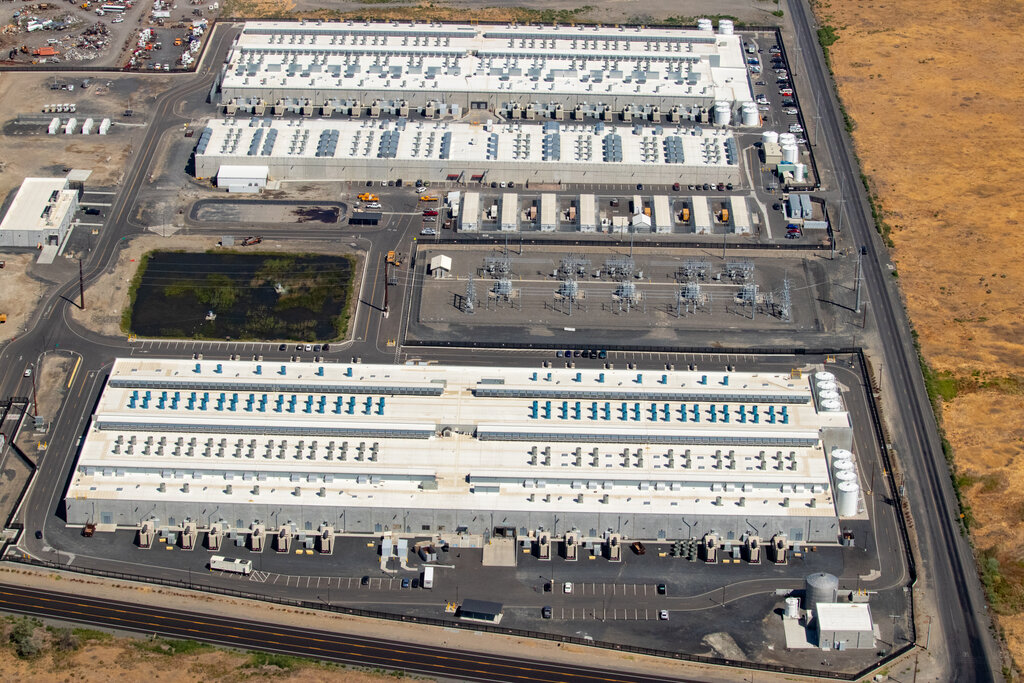
The “Elastic” part is key. You can choose from hundreds of instance types, each with a different combination of CPU, memory, storage, and networking capacity. If your website suddenly gets more traffic, you can quickly launch more instances or switch to a more powerful type. When traffic dies down, you can scale back down. You only pay for what you use, just like a utility bill.
Instance
noun
A single virtual server in the AWS cloud. You can run multiple instances of the same or different types.
A Digital Filing Cabinet: S3
Your application needs to store files, such as images, videos, user backups, or application data. For this, AWS provides Amazon S3, or Simple Storage Service. Think of it as an infinitely large and incredibly durable filing cabinet in the cloud.
Unlike the hard drive on your computer or an EC2 instance, S3 is an object storage service. You don't install an operating system on it. Instead, you store files, called “objects,” inside containers called “buckets.” Each bucket must have a globally unique name. It's perfect for storing vast amounts of data that you need to access from anywhere on the web.
S3 is built for durability and scale. It's a common choice for website hosting, data backups, and big data analytics because it's reliable and cost-effective.
Your Private Network: VPC
You wouldn't want to run your servers on the open internet without any protection. You need a private, secure space for them to operate. Amazon VPC, or Virtual Private Cloud, lets you carve out your own isolated section of the AWS cloud.
A VPC is your own virtual network. It allows you to define your own IP address range and create subnets, which are like different departments within your network. For example, you can place your web servers in a public subnet that’s accessible from the internet, and keep your databases in a private subnet that is not, adding a critical layer of security. VPC gives you full control over who can access your resources.
Balancing the Load
What happens when your application becomes popular and a single EC2 instance can't handle all the traffic? You launch more instances. But how do you distribute the incoming traffic evenly among them? That’s the job of Elastic Load Balancing (ELB).
An ELB acts as a traffic cop. It sits in front of your EC2 instances and automatically distributes incoming application traffic across the group. It also monitors the health of your instances. If one instance fails, the ELB stops sending traffic to it and reroutes it to the healthy ones, which makes your application more fault-tolerant.
Managed Databases: RDS
Most applications need a database to store structured data, like user profiles, product catalogs, or sales records. While you could install a database like MySQL or PostgreSQL on an EC2 instance yourself, managing it can be a lot of work. You have to handle patching, backups, and scaling.
Amazon RDS, or Relational Database Service, simplifies this process. It's a managed service that makes it easy to set up, operate, and scale a relational database in the cloud. You choose your database engine (like MySQL, PostgreSQL, or SQL Server), and AWS handles the tedious administrative tasks for you. This frees you up to focus on your application, not on database maintenance.
RDS automates time-consuming tasks like hardware provisioning, database setup, patching, and backups, making it a powerful tool for developers.
These five services—EC2, S3, VPC, ELB, and RDS—form the backbone of many applications built on AWS. By understanding how they work together, you have a solid foundation for building scalable and reliable systems in the cloud.
What is the primary function of Amazon EC2?
To ensure your application is highly available and can handle traffic spikes, you should run it on multiple EC2 instances. Which service distributes incoming traffic evenly across these instances?