Automating Workflows with n8n
Introduction to n8n
What is n8n?
Think of all the repetitive digital tasks you do every day. Maybe you save email attachments to a specific folder, copy data from a form into a spreadsheet, or send a welcome message to new customers. Each task is simple on its own, but together they take up a lot of time. This is where n8n comes in.
n8n is a workflow automation tool. It acts like a digital assistant that connects your different apps and services, telling them how to work together to complete tasks automatically. Instead of manually moving information between, say, your email, your cloud storage, and your project management tool, you can build a visual workflow in n8n to do it for you.
At its core, n8n is a powerful, open-source workflow automation tool.
One of the key things about n8n is that it’s “source-available.” This is similar to open-source, meaning you can view the code and even host the platform on your own servers. This gives you a high degree of control, privacy, and flexibility over your automations, which isn't always possible with other tools.
The n8n Interface
When you first open n8n, you're greeted by a blank canvas. This is where you build your automations. The interface is built on a few core concepts that are easy to grasp.
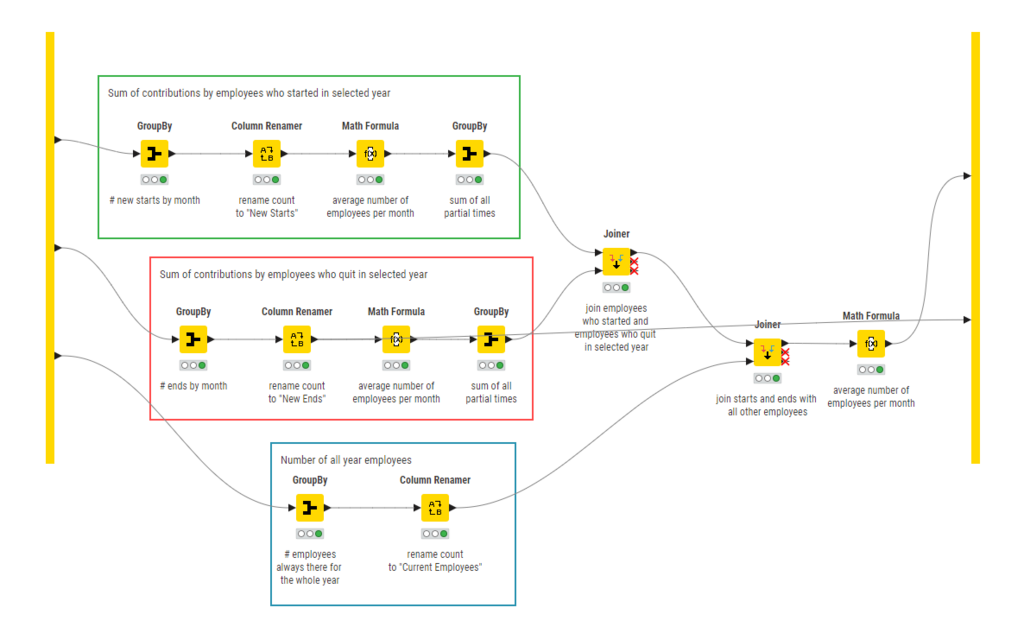
Nodes Nodes are the building blocks of any n8n workflow. Each node represents a specific app (like Gmail or Google Sheets) or a function (like waiting for a certain amount of time). You configure each node to perform a single action, such as 'read email' or 'add a row to a sheet'. There are hundreds of nodes available for different services.
Workflows A workflow is a series of connected nodes on your canvas. You link nodes together to define the path your data will take. For example, you might connect a 'New Email' node to a 'Save Attachment' node. The connection tells n8n to take the output from the first node and use it as the input for the second. This visual process of linking blocks is what makes n8n so intuitive.
Executions An execution is a single run of your workflow. When a workflow is triggered (for instance, by a new email arriving), it 'executes'. The Executions tab in n8n allows you to see a log of every time your workflow has run, which is incredibly useful for checking if everything is working correctly and for troubleshooting any errors.
Getting Started
Setting up your n8n environment is straightforward. You have two main options: using n8n's cloud service or self-hosting.
n8n Cloud: This is the easiest way to start. You sign up on the n8n website, and they handle all the setup and maintenance for you. It's a great option if you want to get building right away without worrying about servers.
Self-Hosting: If you prefer more control, you can install n8n on your own computer or server. The most common method is using Docker, a tool that simplifies running applications in isolated environments. While it requires a bit more technical know-how, the n8n documentation provides clear, step-by-step instructions for getting it up and running.
No matter which option you choose, the interface and functionality are the same. Start with the cloud version if you're unsure, as you can always migrate to a self-hosted instance later.
Once you're set up, you're ready to start automating. The real power of n8n is its ability to create simple or complex chains of actions that save you time and reduce manual errors. You can start small, with a simple two-step workflow, and build from there as you get more comfortable.
Now, let's test your understanding of these core concepts.
What is the primary function of n8n?
In an n8n workflow, what is the role of a node?
With a basic grasp of what n8n is and how its interface works, you're ready to dive in and create your first workflow. The possibilities are nearly endless.