Automating Inventory with Computer Vision
Introduction to Computer Vision
Teaching Computers to See
At its core, computer vision is a field of artificial intelligence that trains computers to interpret and understand the visual world. Using digital images from cameras and videos, machines can identify and process objects in much the same way that humans do. It's not just about recording images; it's about understanding what's in them.
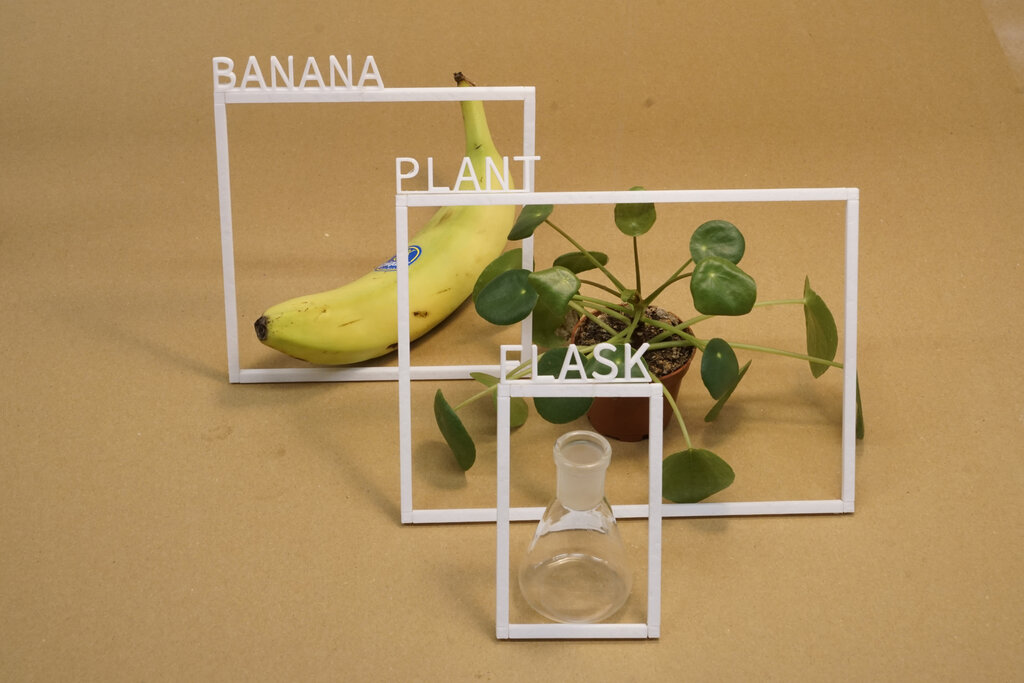
Think about how you recognize a friend in a crowd. Your brain instantly processes shapes, colors, and patterns to identify that person. Computer vision aims to replicate this process. It enables computers to perform tasks like recognizing faces, detecting obstacles for self-driving cars, and, importantly for business, keeping an accurate count of products on a shelf.
Eyes on the Stockroom
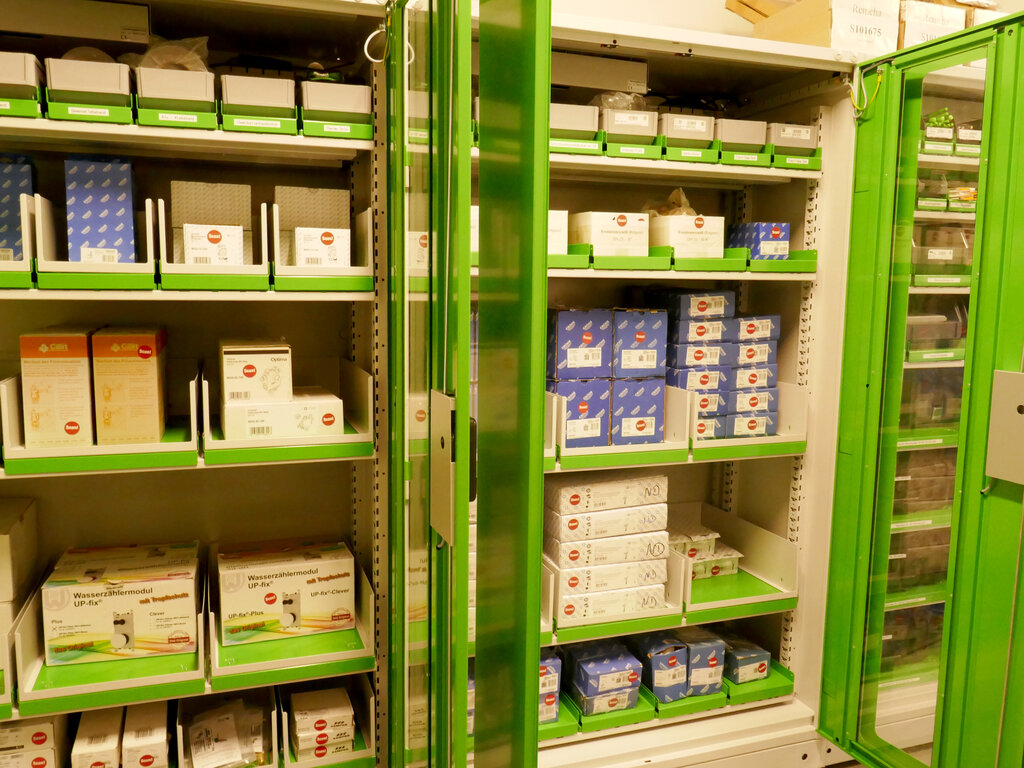
Traditional inventory management often relies on manual counts or barcode scans. These methods can be slow, prone to human error, and require significant labor. A misplaced item or a missed scan can lead to stock discrepancies, causing either lost sales from out-of-stock items or wasted capital on overstocked goods.
Computer vision offers a powerful alternative. By installing cameras in warehouses, stockrooms, or on retail floors, businesses can automate the entire process of tracking inventory.
Computer vision in inventory management uses cameras and AI to automatically monitor shelf stock levels, detect when products are running low, and trigger reordering systems.
This technology can monitor shelves 24/7, count items as they move in and out of a facility, and even identify damaged goods. The result is a real-time, highly accurate picture of what's in stock, where it is, and its condition.
How It Works
So, how does a computer go from a raw camera feed to an accurate inventory count? The process generally involves two key steps: image processing and feature extraction.
First, the system captures an image. Image processing techniques are then applied to clean up this image. This might involve adjusting brightness and contrast, sharpening the focus, or removing irrelevant background details. The goal is to prepare a clean, high-quality image for analysis.
Once the image is prepped, the next step is feature extraction. This is where the system identifies the key characteristics, or features, of the objects it needs to recognize. For a box of cereal, features could include its rectangular shape, specific colors, and the logo on the front. For a bolt in a manufacturing plant, it might be its hexagonal head and specific thread pattern.
By comparing these extracted features to a database of known products, the system can accurately identify and count each item in the image. This data is then fed directly into the inventory management software, providing an up-to-the-minute stock count without any manual intervention.
What is the primary goal of computer vision?
Which of the following is a primary problem in traditional inventory management that computer vision aims to solve?