Automating Inventory with Computer Vision
Introduction to Computer Vision
What Computers See
To a computer, a picture isn't a single thing. It’s a mosaic. Every digital image is a grid of tiny squares called pixels, and each pixel is assigned a number, or a set of numbers, representing its color and brightness. For a grayscale image, each pixel has one value, typically from 0 (black) to 255 (white). For a color image, each pixel gets three values: one for red, one for green, and one for blue.
Image processing is the art of manipulating these numbers. To make an image brighter, a program just increases the value of every pixel. To find the edge of an object, it looks for places where the pixel values change sharply. The computer isn't seeing a face or a car; it's seeing a structured collection of numerical data.
Finding Objects in the Noise
Once a computer can process an image's basic components, the next step is to recognize whole objects. This is called object detection. The goal is to not only classify an object ("this is a banana") but also to locate it within the image, usually by drawing a bounding box around it.
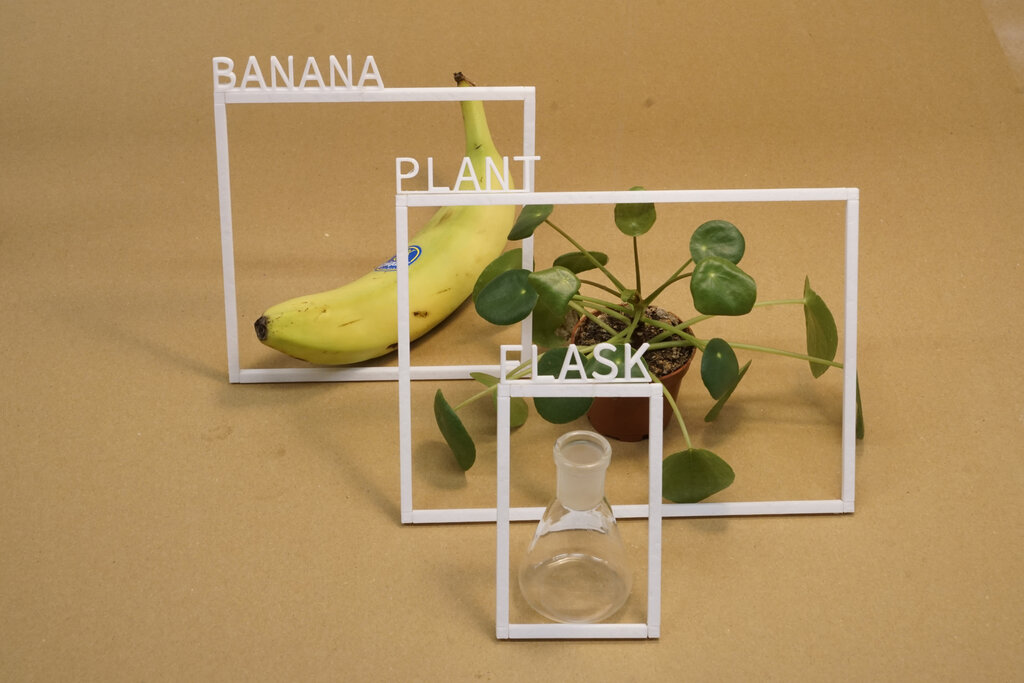
Early object detection methods relied on programmers to manually define the features of an object. For example, to find a stop sign, they'd write code to look for an octagon shape and the color red. This approach is brittle. It fails if the lighting is strange, the angle is off, or the sign is partially blocked.
To overcome these limitations, modern systems use machine learning. Instead of being programmed with explicit rules, a model is trained on a massive dataset of examples. It learns what a banana looks like by analyzing thousands of pictures of bananas in different settings and from different angles.
Automating the Warehouse
This technology is a perfect fit for inventory management. Manually counting items in a large warehouse is slow, expensive, and prone to error. A computer vision system, however, can do it instantly and continuously.
Computer vision utilizes AI-powered cameras and image recognition software to automatically monitor inventory levels, track product movements, and identify discrepancies in real-time.
Imagine cameras mounted above warehouse shelves. An object detection model, trained to recognize your products, can scan the shelves constantly. It can count how many boxes of cereal are on Shelf 3, notice when the supply of paper towels is low, and even spot a misplaced item. This data is fed directly into the inventory management system, which can trigger automatic reorders when stock runs low.
The process works by combining the key techniques:
- Image Processing: The camera feed is cleaned up, and lighting is adjusted to make objects clearer.
- Object Detection: The machine learning model identifies and draws boxes around each product it recognizes.
- Data Analysis: The system counts the detected items and compares the numbers to the digital records, flagging any differences.
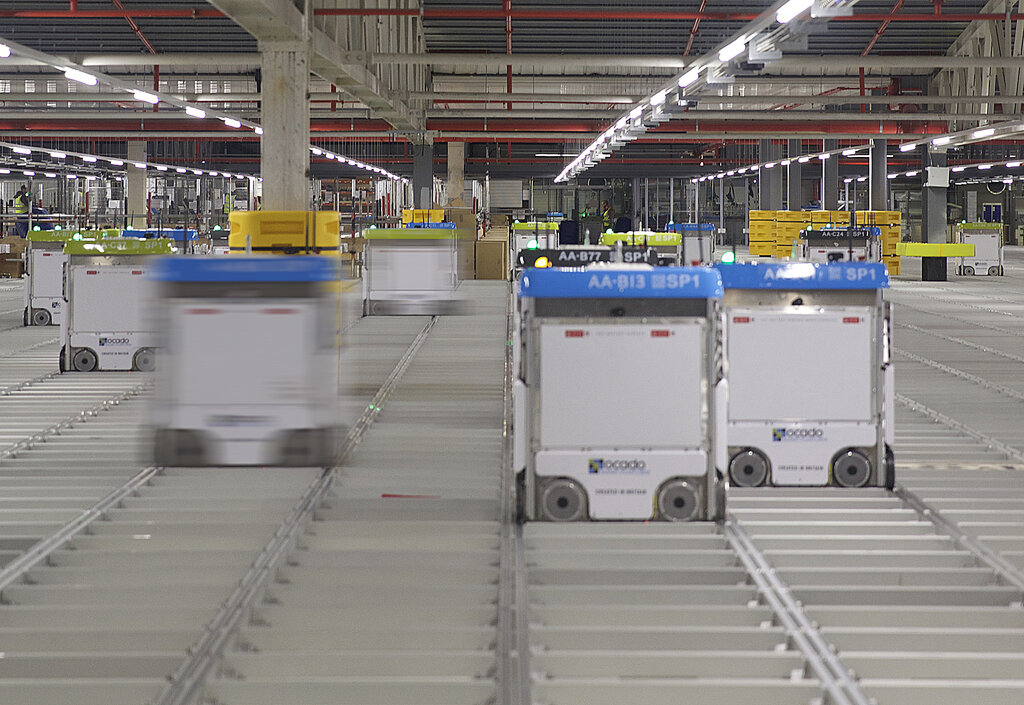
By automating these routine checks, employees are freed up to handle more complex tasks that require human judgment, like dealing with damaged goods or improving the warehouse layout. The result is a more accurate, efficient, and responsive supply chain.
Time to test your knowledge on these concepts.
How does a computer represent a color digital image at its most fundamental level?
In an automated inventory system using computer vision, what is the primary role of the object detection model?
Computer vision turns visual information into actionable data, transforming industries from retail to manufacturing.