Automating Inventory with Computer Vision
Introduction to Computer Vision
Teaching Computers to See
Computer vision is a field of artificial intelligence that trains computers to interpret and understand the visual world. Using digital images from cameras and videos, machines can accurately identify and locate objects, then react to what they “see.” It's the science of making computers see, just like humans do.
Think about how you recognize a friend in a crowd. Your brain instantly processes shapes, colors, and movements. Computer vision aims to replicate that ability. Instead of programming a computer with rigid instructions on what an apple looks like, we show it thousands of pictures of apples. Through a process called machine learning, it learns to identify an apple on its own.
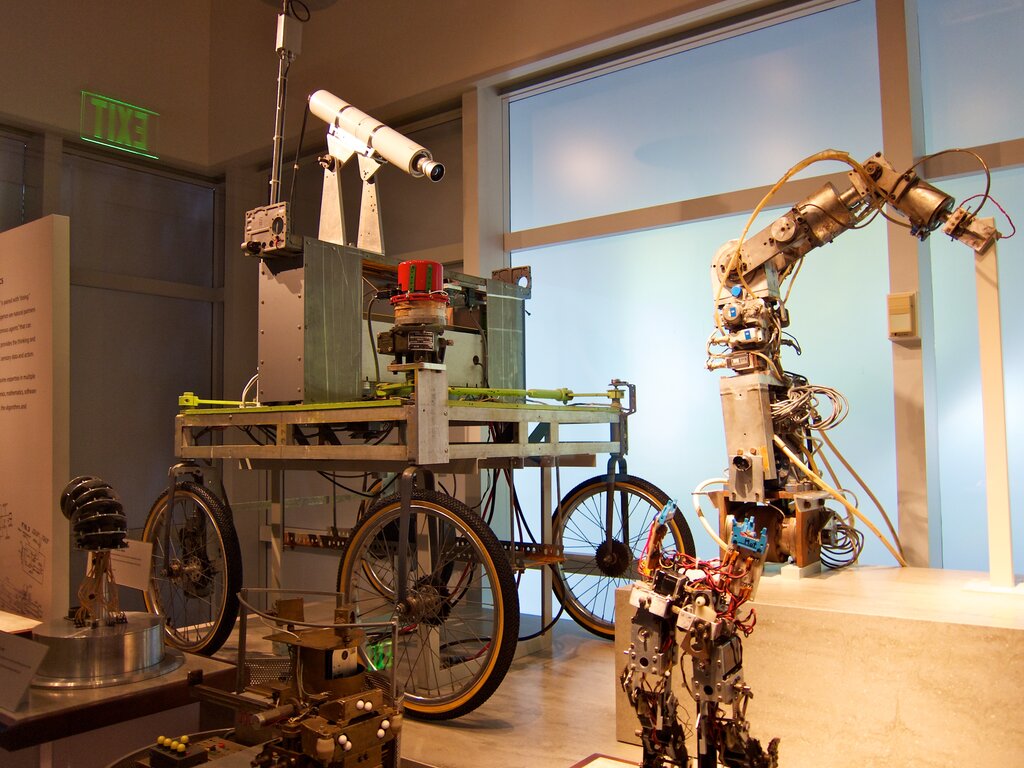
This technology is what allows for everything from facial recognition on your phone to self-driving cars navigating busy streets. In business, it has a powerful application in inventory management, helping companies keep track of what they have in stock without tedious manual counting.
How a Computer Sees an Image
To a computer, a digital image isn't a single picture. It's a grid of tiny dots called pixels, where each pixel has a numerical value representing its color and brightness. For a simple black and white image, a pixel might be 0 for black, 255 for white, and a number in between for a shade of gray.
To make sense of this sea of numbers, computers use image processing techniques. One common first step is to convert a color image to grayscale. This simplifies the data by removing color information and focusing only on the intensity of light in each pixel. It makes it much easier for an algorithm to find the basic structure of the objects in the image.
Another key technique is edge detection. This process identifies points in an image where the brightness changes sharply, which usually correspond to the boundaries of objects. By mapping these edges, the computer can begin to outline and separate different items in the visual field.
Finding Objects in the Frame
Once an image is processed, the next step is object detection. This is more than just seeing outlines; it’s about identifying what an object is and where it is located. The system draws a bounding box around each item it recognizes and assigns it a label, like "book" or "pen."
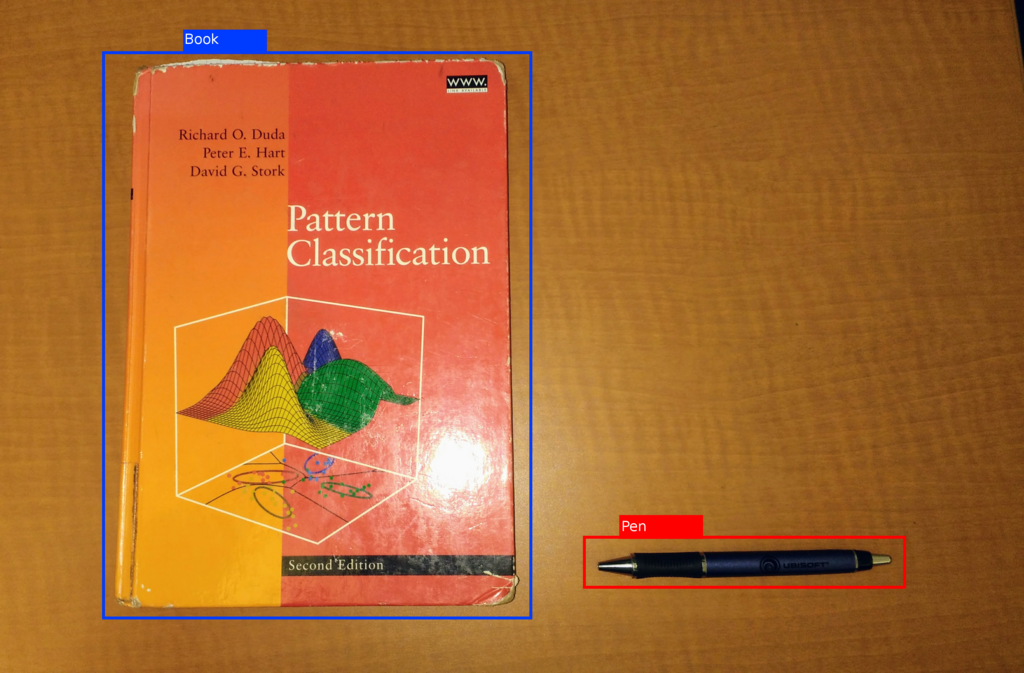
This is achieved through machine learning models trained on vast datasets of labeled images. The model learns the characteristic features, textures, and shapes associated with different objects. When it sees a new image, it scans for these learned patterns to find and classify items.
In essence, object detection answers two questions: What is in this image, and where is it?
Putting It to Work
These core concepts, image processing and object detection, are the building blocks for using computer vision in inventory management. Imagine a warehouse where cameras constantly monitor shelves. When a product is running low, the system can automatically flag it for restocking.
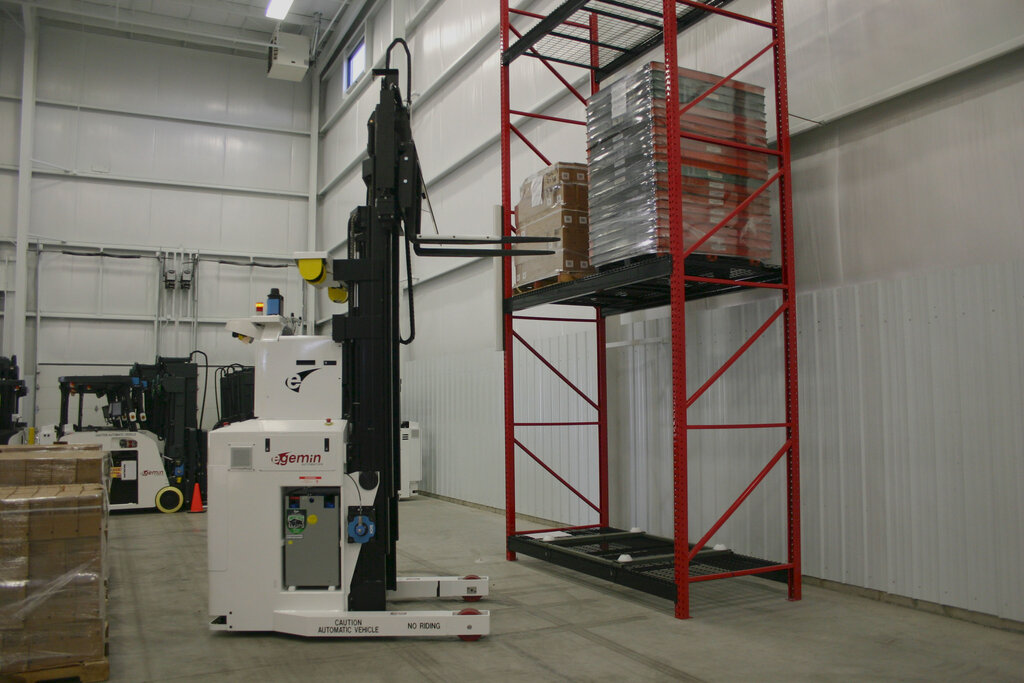
In a retail store, cameras can scan shelves to ensure products are in the right place and priced correctly. This not only saves employees time but also drastically reduces errors. Instead of relying on periodic manual counts, a business gets a real-time, accurate picture of its inventory.
Computer vision systems in retail can automatically detect, identify, and count products on shelves, track stock levels in real-time, detect misplaced items, and even monitor customer interactions with products.
By automating the tedious work of tracking physical goods, computer vision frees up human workers to focus on more complex tasks, like helping customers or improving store layouts. It’s a powerful tool for making supply chains more efficient and responsive.
Ready to test your knowledge? Let's review what we've covered.
What is the primary goal of computer vision?
To a computer, a digital image is fundamentally a...
By understanding these basics, you can see how computer vision translates simple pixels into actionable business insights.