Automating Inventory with Computer Vision
Introduction to Computer Vision
Teaching Computers to See
Humans see the world effortlessly. We recognize faces, read signs, and navigate complex environments without a second thought. But how do we teach a machine to do the same? This is the core challenge of computer vision.
Computer vision is the field of computer science that focuses on creating digital systems that can process, analyze, and make sense of visual data (images or videos) like humans do.
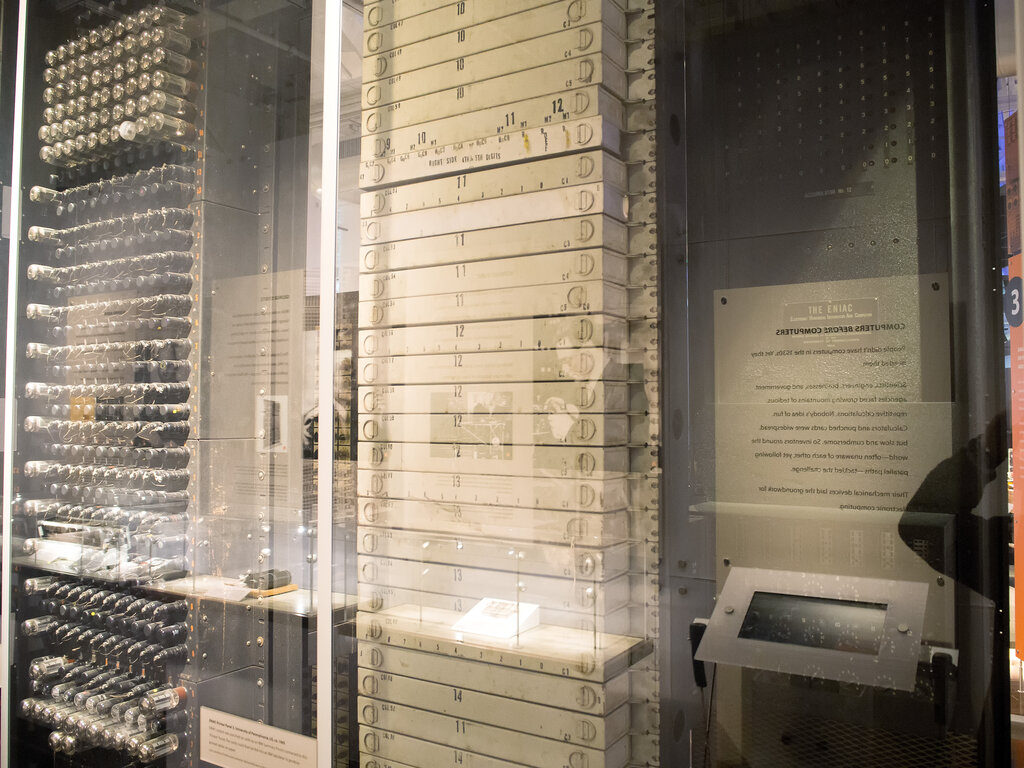
The idea isn't new. Researchers began exploring computer vision in the 1960s, trying to connect cameras to computers to understand what they were seeing. Early projects were simple, like identifying basic shapes. The technology has come a long way since then, moving from academic labs to our everyday lives.
How Computers Process Images
A computer doesn't see a photograph of a cat the way we do. It sees a grid of numbers. Every digital image is made up of tiny dots called pixels, and each pixel has a numerical value representing its color and brightness.
Image processing is the first step in making sense of this data. It involves using algorithms to manipulate the image to enhance it or extract useful information. This could mean adjusting the contrast to make features clearer, sharpening edges, or removing noise—unwanted variations in brightness or color.
Think of it like putting on glasses to see more clearly before you try to read. Once the image is cleaned up, the real work of understanding its content can begin.
Core Computer Vision Tasks
After processing an image, a computer vision system can perform several key tasks to interpret it. The most common ones are classification, detection, and segmentation.
classification
noun
The task of assigning a label to an entire image. The system looks at the whole picture and decides what it is.
For example, an image classification model might look at a photo and label it "beach" or "forest."
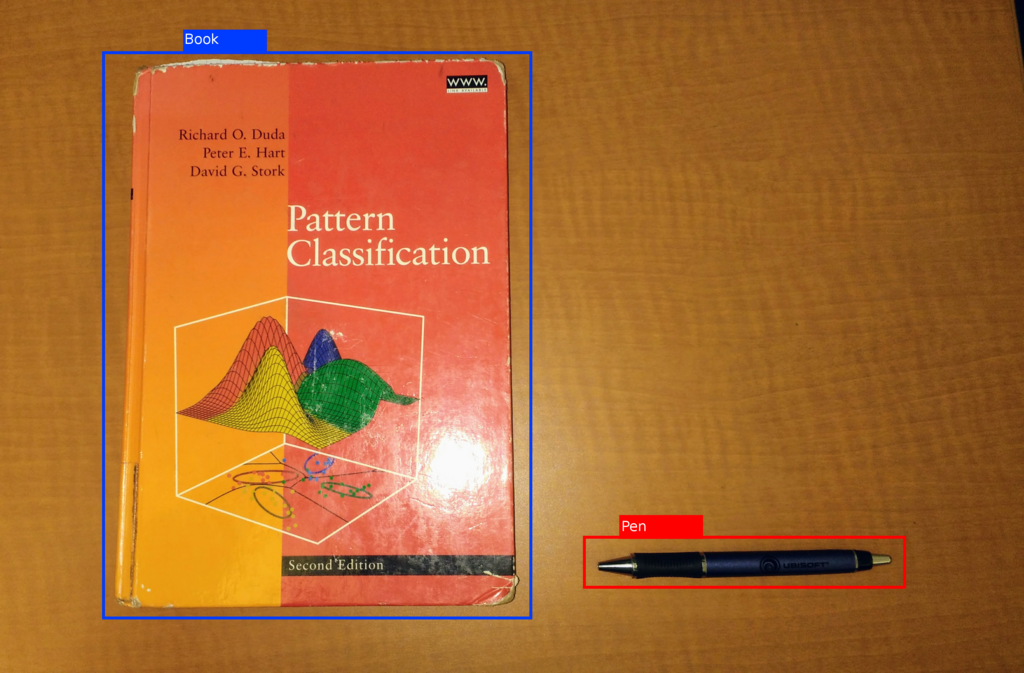
Object detection goes a step further. Instead of labeling the whole image, it identifies the location of individual objects within it and draws a bounding box around them. It answers both "what" is in the image and "where" it is.
Segmentation is the most detailed of the three. It involves classifying each pixel in an image to a specific object or region. Instead of a simple box, segmentation creates a precise outline, like coloring in the exact shape of an object. This is useful when the exact boundaries of an object are important.
| Task | Goal | Output |
|---|---|---|
| Image Classification | What's in the image? | A single label (e.g., "car") |
| Object Detection | What objects are where? | Bounding boxes with labels (e.g., a box around each car) |
| Image Segmentation | What is the exact shape of each object? | A pixel-level mask for each object |
Real-World Applications
Computer vision is no longer science fiction; it's integrated into countless industries.
In healthcare, it helps doctors analyze medical scans like X-rays and MRIs to spot tumors or other anomalies faster and more accurately. In agriculture, drones with computer vision systems monitor crop health, identify pests, and optimize watering.
Automotive companies use it to develop self-driving cars that can see and react to pedestrians, traffic lights, and other vehicles. And in retail, it powers everything from automated checkout systems to apps that let you virtually try on clothes.
These tasks—classification, detection, and segmentation—are the building blocks that allow computers to make sense of the visual world and perform these amazing feats.
Time to check your understanding of these core concepts.
What is the fundamental way a computer perceives a digital image?
A self-driving car needs to identify the exact outline of a pedestrian to navigate safely. Which computer vision task is best suited for this requirement?
By teaching computers to interpret visual data, we open up new possibilities for automation, analysis, and interaction.