Automating Inventory with Computer Vision
Introduction to Computer Vision
Teaching Computers to See
At its core, computer vision is a field of artificial intelligence that trains computers to interpret and understand the visual world. Using digital images from cameras and videos, machines can accurately identify and classify objects, and then react to what they “see.”
Think about how your phone unlocks by recognizing your face. That's computer vision at work. It's the same technology that allows self-driving cars to navigate roads and identify obstacles. While these examples are familiar, the real power of computer vision is unfolding in business, especially in places like warehouses and retail stores.
A Smarter Way to Count Stock
Traditionally, managing inventory has been a manual process. Employees walk through aisles with clipboards or scanners, counting items one by one. This method is slow, prone to human error, and only provides a snapshot in time. A box gets misplaced, a number is keyed in wrong, and suddenly the records don't match reality.
Computer vision changes the game. Imagine cameras installed above store shelves or along warehouse conveyor belts. These cameras are constantly watching. They don't just record video; they analyze it in real-time to identify products, count them, and flag when stock is low or an item is in the wrong place. This provides a continuous, accurate stream of inventory data without manual intervention.
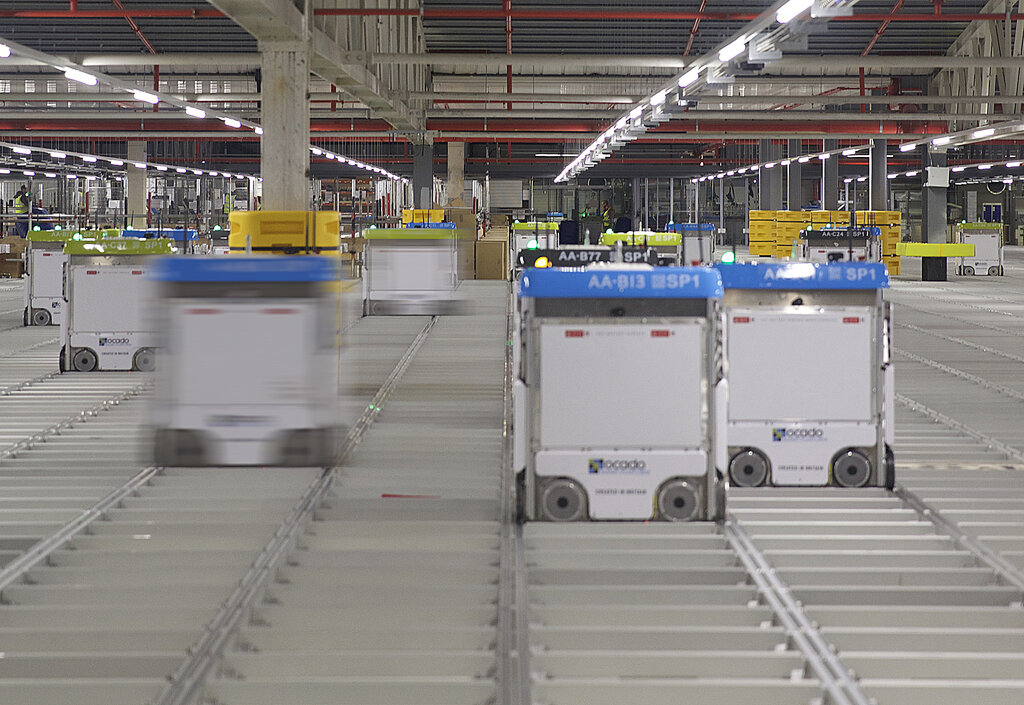
The benefits are immediate. Businesses can reduce the risk of running out of popular items, minimize overstocking, and free up employees to focus on more complex tasks, like helping customers.
Computer vision utilizes AI-powered cameras and image recognition software to automatically monitor inventory levels, track product movements, and identify discrepancies in real-time.
How Computers Learn to See
So, how does a computer go from seeing a collection of pixels to identifying a specific brand of cereal on a shelf? The process involves a few key steps that mimic how our own brains work: image processing, feature extraction, and pattern recognition.
1. Image Processing
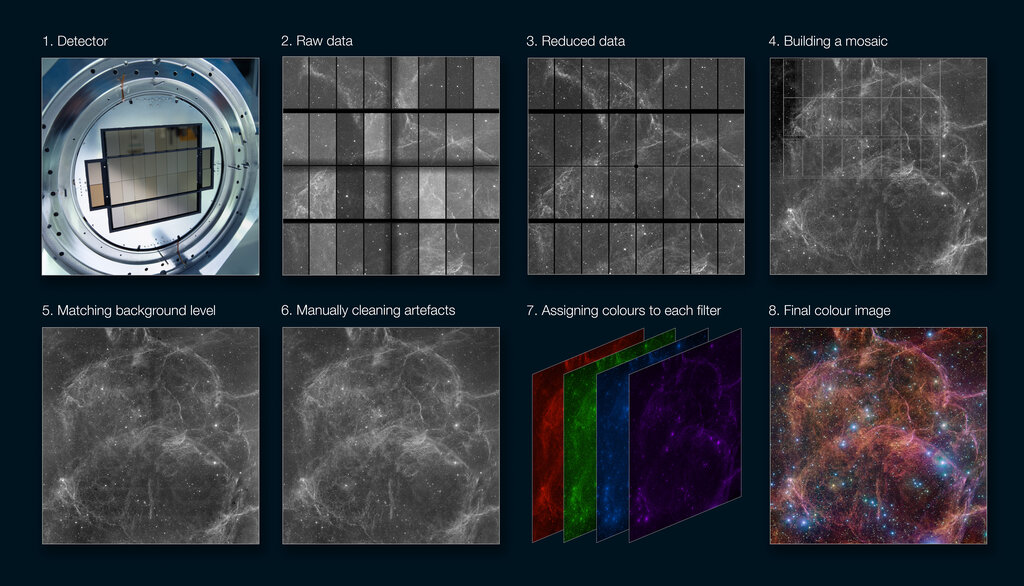
First, the raw image needs to be cleaned up. A computer sees an image as a grid of pixels, each with a numerical value representing its color and brightness. Image processing techniques adjust these values to enhance the image for analysis. This might involve increasing contrast to make objects stand out, reducing blur from motion, or removing digital “noise” from low-light conditions. It's like adjusting a photo on your phone to make it look clearer and sharper.
2. Feature Extraction
Once the image is clean, the system needs to identify its most important characteristics, or features. A feature is a distinguishing piece of information. For a human face, features might be the distance between the eyes or the shape of the nose. For a product box, features could be its color, the logo's shape, the text on the label, or even its texture.
The goal is to find unique and reliable features that help differentiate one object from another. Instead of analyzing every single pixel, the computer focuses on these key data points.
For example, to identify a can of soda, a computer vision system might extract features like its cylindrical shape, red and white colors, and the distinct curves of the brand's logo.
3. Pattern Recognition
This is where the “learning” happens. The extracted features are fed into a machine learning model. This model has been trained on a massive dataset of labeled images. It has learned to associate specific combinations of features with specific objects. It recognizes the pattern.
When the model sees the features from a new image—a cylindrical shape, red color, specific logo—it compares them to the patterns it knows. It then makes a prediction: “Based on these features, there's a 98% probability this is a can of Coca-Cola.”
This three-step process is the foundation that allows a machine to look at a crowded shelf and not just see a jumble of colors and shapes, but to identify and count every single item with precision.
What is the primary goal of computer vision?
In the three-step process of how computer vision works, what is the main purpose of 'feature extraction'?
By breaking down the visual world into manageable data, computers can perform tasks that once required the human eye, but with greater speed and accuracy. This capability is transforming industries by automating routine visual tasks.