Automate Your Inbox for Daily Zero
Understanding Inbox Zero
The Idea of Inbox Zero
Your email inbox can feel like a never-ending stream of demands, newsletters, and notifications. It’s easy to feel overwhelmed. Inbox Zero is a popular method for taming this chaos. The goal isn't just to see the number zero in your inbox, but to create a system where you spend as little time as possible managing email.
Think of it as processing your mail, not just checking it. Instead of letting messages pile up, you make a quick decision on every single one. The result is a clean slate, which helps reduce stress and lets you focus on your most important work.
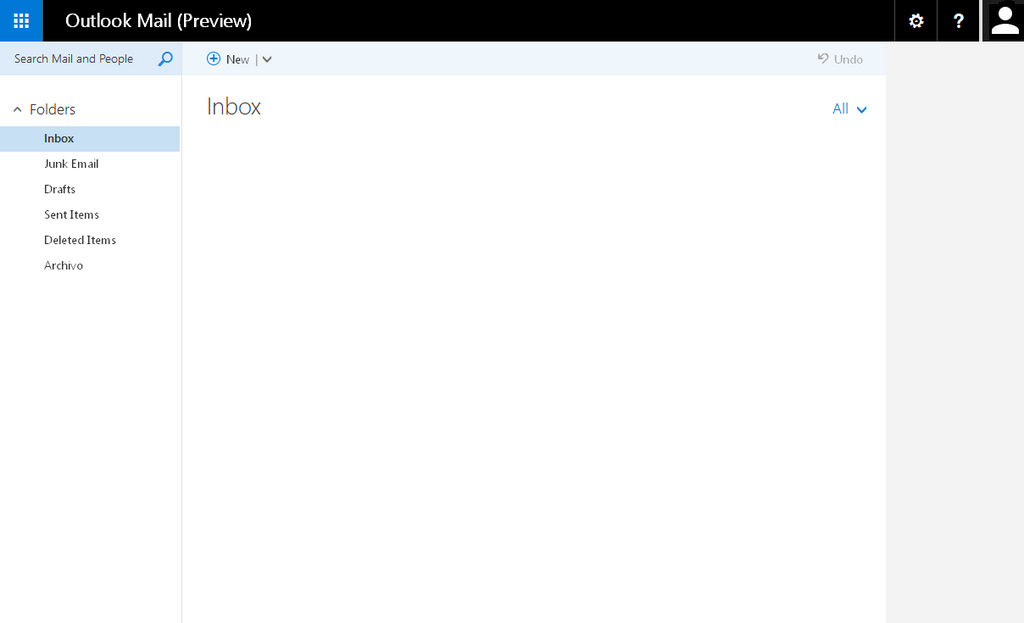
Why Aim for Empty
Maintaining a clear inbox has several benefits. First, it reduces mental clutter. A cluttered inbox is a constant, nagging reminder of unfinished tasks and unanswered questions. Clearing it out frees up mental energy.
Second, it improves your focus. When your inbox is empty, you can turn your full attention to your scheduled priorities without the distraction of unread messages pulling you away. You decide what to work on, not your email.
Finally, it ensures nothing gets lost. When emails sit in a crowded inbox for days or weeks, it’s easy to forget important requests or miss deadlines. An organized system means every message is accounted for.
Your inbox is a delivery system, not a to-do list. The goal is to get things out of it and into the right place.
Core Principles
Achieving Inbox Zero relies on a simple set of actions you take for every email. Rather than reading and rereading messages, you process each one immediately with one of five choices.
1. Delete/Archive: If an email doesn't require action and you won't need it later, delete it. If you might need it for reference, archive it. The key is to get it out of sight.
2. Delegate: If the email is someone else's responsibility, forward it to them. You can move the original to a “waiting” folder so you can follow up later if needed.
3. Respond: If you can reply in two minutes or less, do it right away. Quick responses prevent emails from lingering in your mind and your inbox.
4. Defer: For emails that require more than two minutes of work, add them to your to-do list or calendar. Then, archive the email. This moves the task out of your inbox and into your trusted productivity system.
5. Do: If a task takes less than two minutes and is your responsibility, just do it immediately. This handles small items before they can build up.
By consistently applying these principles, you can transform your inbox from a source of stress into a tool that serves your productivity.
What is the ultimate goal of the Inbox Zero methodology?
An email requires a task that will take about an hour to complete. According to the Inbox Zero principles, what should you do?