Automate Work with Python and AI No Code
Introduction to No-Code and Low-Code Automation
Coding Not Required
Think about the most boring parts of your job. It's probably not the big, creative projects. It's the little things. Copying customer details from an email into a spreadsheet. Manually sending a reminder every Friday. These repetitive tasks eat up time and mental energy.
What if you could build a small robot to do them for you? That's the basic idea behind automation. And today, you don't need to be a programmer to build that robot.
No-code automation platforms empower both technical and non-technical users to automate processes using graphical user interfaces, rather than relying on conventional computer programming.
No-code platforms are like building with LEGOs. You have a set of pre-made blocks, and you connect them in a visual, drag-and-drop interface to create a workflow. Each block performs a specific action, like "When a new email arrives" or "Add a row to a Google Sheet." You simply snap them together to tell your digital robot what to do.
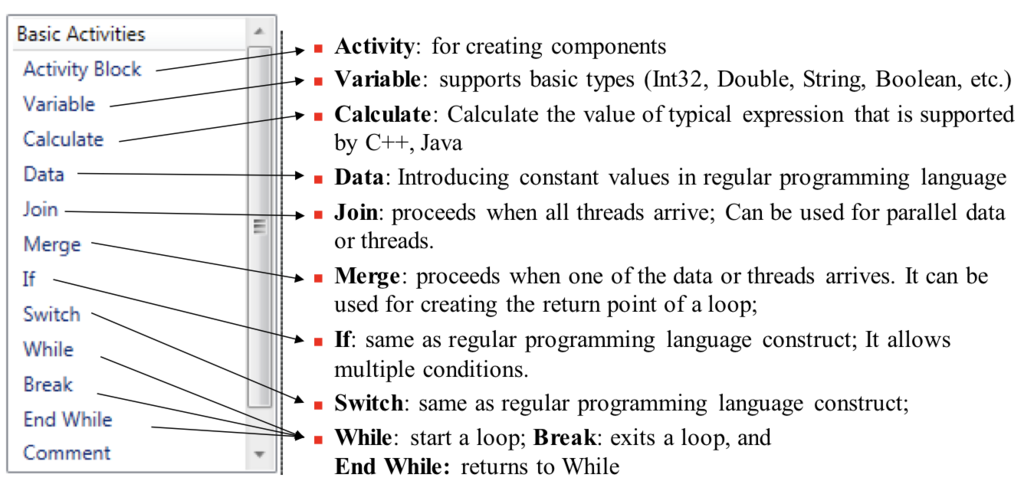
Low-code platforms are a close cousin. They also use visual builders, but they let you open up the LEGO blocks and tinker with the insides. If you know a little bit of code, you can add custom features or connect to less common software. It's a middle ground that offers more power and flexibility than no-code, but still saves you from writing everything from scratch.
| Feature | No-Code | Low-Code |
|---|---|---|
| Target User | Business users, marketers, anyone | IT pros, developers, tech-savvy users |
| Required Skill | Logic and process understanding | Some coding knowledge required |
| Speed | Very fast to build and deploy | Fast, but slower than no-code |
| Customization | Limited to available blocks | Highly customizable with code |
More Than Just Saving Time
The most obvious benefit of automation is efficiency. You can build a workflow in an afternoon that saves you hours of manual work every week. This frees you up to focus on more important, strategic tasks that require human thinking.
But the advantages go deeper. Automation reduces human error. A workflow doesn't get tired or distracted; it performs the task perfectly every single time. It also empowers people across a company to solve their own problems without needing to wait for a busy IT department. Someone in marketing can automate their social media posts, while a project manager can set up automatic deadline reminders.
This shift creates "citizen developers"—people who can build applications and automate processes without a formal background in software development.
The Automation Landscape
A whole ecosystem of tools has emerged to make this possible. You've likely heard of some of them.
Tools like Zapier and Make (formerly Integromat) are great for connecting different web apps. You can create rules like, "When someone fills out my Typeform survey, create a new card in Trello and send me a Slack notification." They act as the digital glue between the services you already use.
Other platforms, like Airtable, are powerful database-spreadsheet hybrids that have automation built directly into them. You can build an entire project management system and set up rules to automatically assign tasks or update statuses based on certain triggers. For building more complex internal applications, tools like Bubble (no-code) and Retool (low-code) give you the power to create custom dashboards and internal tools with minimal programming.
These tools are used across every industry, from small startups streamlining their sales process to large corporations automating HR workflows. The core idea is the same: find the repetitive work and hand it over to the machines.
Let's check your understanding of these foundational concepts.
What is the core idea behind automation with no-code and low-code tools?
A platform that uses a visual, drag-and-drop interface but also allows you to add custom code for more flexibility is best described as a ________ platform.
Now that you understand the what and the why, you're ready to start thinking about which of your own tasks are ripe for automation.