Automate Work with Python and AI No Code
Introduction to Automation
What is Automation?
At its core, automation is about letting technology handle repetitive tasks for you. Think about all the small, manual steps you take every day: copying data from an email to a spreadsheet, sending reminder notifications, or generating weekly reports. These tasks are necessary, but they consume time and are prone to human error. Automation sets up a system to perform these jobs automatically.
The goal is simple: free up your time and mental energy to focus on more complex, creative, and strategic work. By handing over the routine stuff to software, you increase efficiency and reduce mistakes.
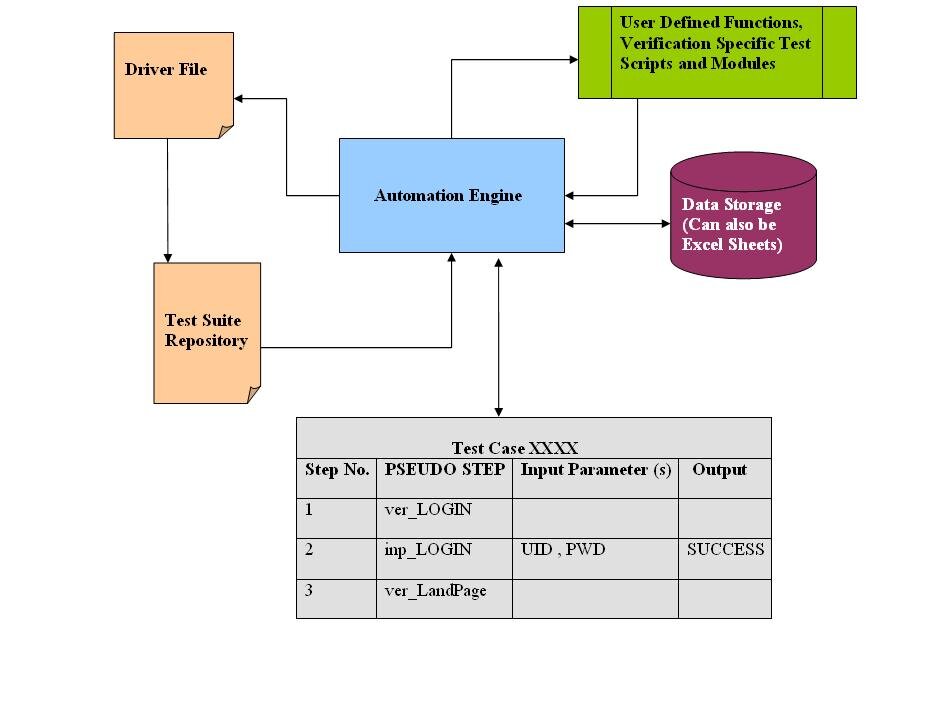
Enter No-Code and Low-Code
Historically, creating automated systems required deep programming knowledge. You had to write code to tell a computer exactly what to do. That has changed with the rise of no-code and low-code platforms.
These are tools designed with visual interfaces, often featuring drag-and-drop builders. Instead of writing code from scratch, you connect pre-built blocks of functionality to create a workflow. It’s like building with LEGOs instead of shaping the plastic yourself.
- No-code tools are for everyone, requiring zero programming experience. You can build surprisingly powerful automations just by clicking and configuring.
- Low-code platforms are a middle ground. They offer the same visual simplicity but also allow for custom code snippets to handle more complex or unique requirements.
No-code automation platforms empower both technical and non-technical users to automate processes using graphical user interfaces, rather than relying on conventional computer programming.
Benefits and Limitations
While powerful, these tools aren't a perfect solution for every situation. It's important to understand their strengths and weaknesses.
| Benefits | Limitations |
|---|---|
| Speed | Less Flexible |
| Build and launch automations in hours, not weeks. | May not support highly custom or niche tasks. |
| Accessibility | Scalability Issues |
| Empowers non-technical team members to solve problems. | Can become slow or costly with very high volumes. |
| Lower Cost | Vendor Lock-in |
| Reduces the need for specialized developer resources. | Difficult to migrate complex workflows to another service. |
The key is to match the tool to the task. For standard business processes, like managing customer data or automating marketing emails, no-code solutions are often ideal. For highly specialized, mission-critical systems, a custom-coded solution might still be the better long-term choice.
Choosing the Right Tool
With hundreds of automation platforms available, finding the right one can feel daunting. Start by answering a few basic questions:
- What problem are you trying to solve? Be specific. Is it about connecting two apps, managing a project, or processing data? Different tools specialize in different areas.
- Which applications do you use? Your chosen tool must be able to integrate seamlessly with the software you already rely on, like your email, calendar, or CRM.
- How complex is your workflow? A simple, two-step task has different needs than a multi-stage process with conditional logic (if X happens, do Y). Check if the tool can handle the level of complexity you require.
- What is your budget? Pricing can range from free plans for simple automations to expensive enterprise subscriptions. Consider both your current needs and future growth.
Start small. Pick one repetitive, low-risk task and try to automate it. This lets you learn the platform and see the benefits firsthand before tackling more critical workflows.
What is the primary goal of automation in a business context?
True or False: Historically, creating automated systems always required deep programming knowledge.