Automate Work with Python AI No-Code
Introduction to Automation
What is Automation?
Automation is the use of technology to perform tasks with little or no human help. Think of it as teaching a machine to handle a job you'd normally do yourself. The goal is to free you from repetitive, predictable work.
At its heart, automation is about efficiency. When a computer can handle the boring stuff, it does it faster and with fewer mistakes than a person might. This saves time and resources, allowing people to focus on tasks that require creativity, critical thinking, and complex problem-solving—things machines aren't so good at.
The main benefits of automation are simple: increased productivity, reduced errors, and more time for meaningful work.
What Can You Automate?
The best candidates for automation are tasks that are done over and over in the same way. If you can write down a clear set of steps for a task, there's a good chance you can automate it.
Identify your repetitive tasks. The first step in any automation journey is to pinpoint the tasks that are ripe for automation.
Consider these common examples:
| Task Category | Example of Automation |
|---|---|
| Data Entry | Automatically copying customer information from a form into a spreadsheet. |
| File Management | A script that sorts downloaded files into folders based on their type (e.g., PDFs, images). |
| Communication | Sending a standard welcome email to every new subscriber on a mailing list. |
| Reporting | Generating a weekly sales report by pulling data from different sources into one document. |
These tasks are often simple but time-consuming. Automating them clears your plate for more engaging challenges.
How Automation Works
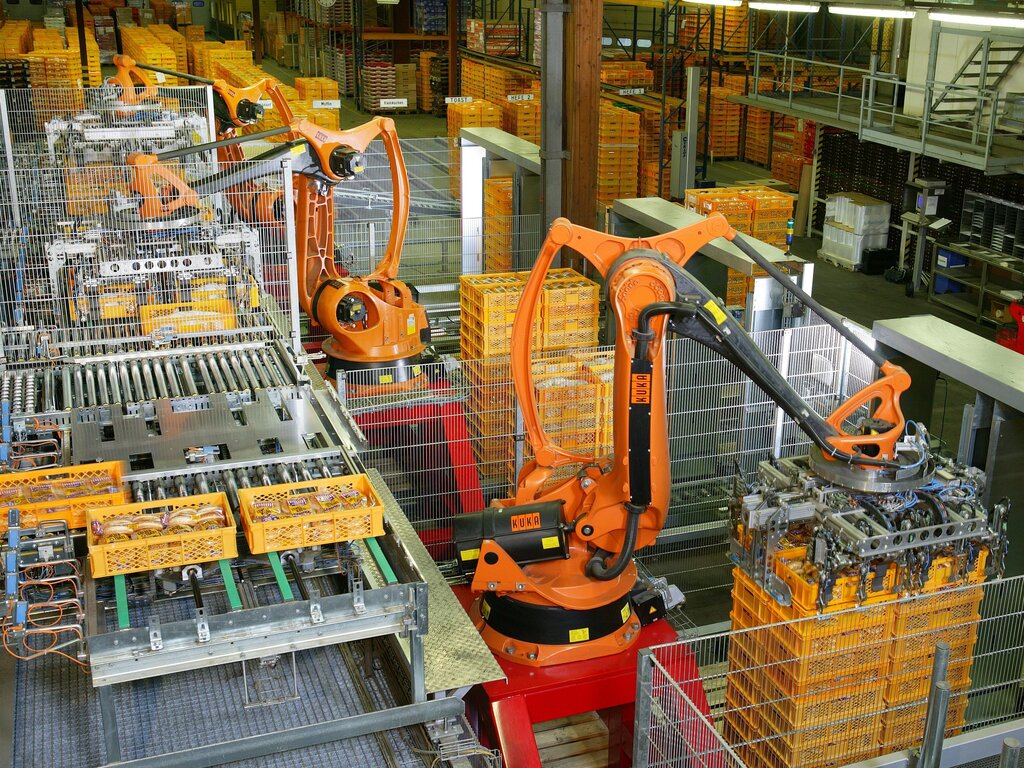
Automation can be as simple as a macro in a spreadsheet program or as complex as a factory full of robots. Physical automation, like the kind you see in manufacturing, has been around for decades. It uses machinery to assemble products faster and more consistently than humans ever could.
Today, much of the focus is on software automation, which handles digital tasks. This is often done using workflows. A workflow is a pre-defined series of steps that a software tool follows. It starts with a trigger—an event that kicks off the process—and then executes a sequence of actions.
For example:
- Trigger: A customer submits a
A customer submits a 'Contact Us' form on your website.
Action 1: The automation tool copies the customer's name and email to a spreadsheet.
Action 2: It then sends a confirmation email to the customer.
Action 3: Finally, it notifies your sales team via a chat message.
Many tools now offer no-code or low-code platforms, which let you build these workflows using simple drag-and-drop interfaces. You don't need to be a programmer to start automating your work. The key is to think clearly about the steps in your process.
What is the primary goal of automation?
In a software automation workflow, what is the term for the event that initiates the process?
By finding these opportunities, you can streamline your work and make more time for what matters.