Automate Work with Python AI No Code
Introduction to Automation
What is Automation?
At its core, automation is about teaching a machine to perform a task that a human usually does. Think of it as creating a recipe for a computer to follow. You define the steps, and the system executes them, again and again, without getting tired or making typos.
Many of us already use simple forms of automation. An automatic out-of-office email reply is a classic example. You set it up once, and it handles every incoming email while you're away. Scheduling a social media post to go live tomorrow morning is another. You're giving instructions now for a task to be completed later, without your direct involvement at that moment.
The main goal isn't to replace humans, but to free us from the repetitive, mundane parts of our jobs. This lets us focus on the creative, strategic, and complex problems that require a human touch.
Automation platforms aim to automate repetitive tasks using workflows, which start with a trigger and then perform a series of actions.
A workflow is just a sequence of tasks. A "trigger" is the starting signal, like receiving a new email. The "actions" are the steps that follow, like adding that email's attachment to a specific folder. Simple, right?
The Modern Toolkit
Years ago, automation was almost exclusively the domain of programmers. Today, a new wave of tools has made it accessible to everyone, regardless of technical skill. These are often called "no-code" or "low-code" platforms.
These tools use visual interfaces, often with drag-and-drop builders, to let you connect different apps and services. You can build powerful workflows without writing a single line of code. Instead of programming, you’re just connecting blocks and setting rules.
| Tool Category | What It Does | Common Example |
|---|---|---|
| Workflow Connectors | Links different apps together | When a new file is added to Dropbox, send a notification in Slack. |
| Email Automation | Manages and sends emails automatically | Send a welcome email series to new subscribers. |
| Robotic Process Automation (RPA) | Mimics human clicks and keystrokes | A bot that copies data from a spreadsheet and pastes it into a web form. |
| AI-Powered Tools | Uses AI to perform complex tasks | A chatbot that answers common customer questions on a website. |
These platforms act as interpreters between your favorite applications. They allow you to create custom processes tailored perfectly to your needs.
Reaping the Benefits
Integrating automation into your work isn't just a novelty; it's a strategic move that pays off in several key ways. The most obvious benefit is saving time. Tasks that used to take hours of manual work can be completed in minutes, or even seconds.
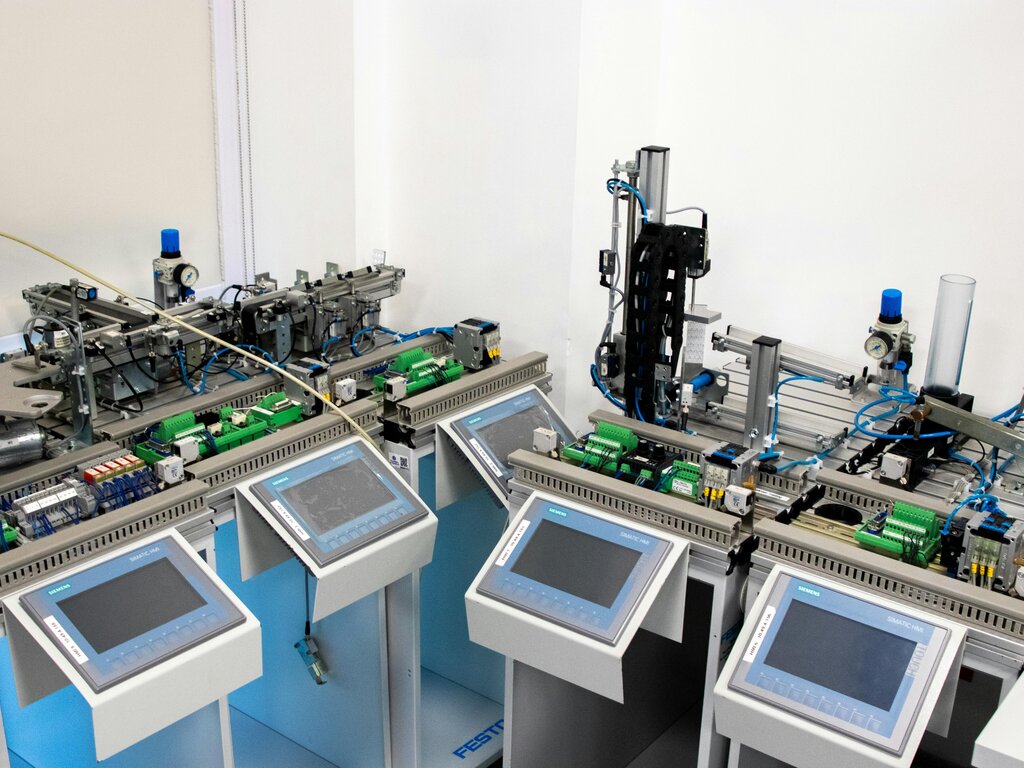
Beyond speed, automation significantly boosts accuracy. Humans make mistakes, especially when bored or tired from doing the same thing over and over. A well-designed automation follows its instructions perfectly every time, reducing costly errors in data entry, file management, or reporting.
Finally, automation allows for better focus. When you're not bogged down by tedious administrative tasks, you have more mental energy to dedicate to high-value work. This could be brainstorming a new marketing campaign, talking to customers, or improving a product. It shifts your work from maintenance to innovation.
Think of it this way: automation takes care of the "what," so you can focus on the "why" and the "what's next."
Ready to test your understanding of these core concepts?
What is the fundamental concept of automation as described in the text?
In an automated workflow, the starting signal is called a(n) __________, and the steps that follow are called __________.
By automating routine processes, you open the door to greater efficiency and can direct your energy toward what truly matters.