Automate Work with Python AI No Code
Introduction to Automation
What Is Automation?
Think about the most boring, repetitive parts of your day. It could be manually copying data from an email into a spreadsheet, sending the same follow-up message over and over, or sorting digital files into folders. These tasks are necessary, but they take up time and mental energy that could be spent on more important, creative work.
Automation is the solution. It's the practice of using technology to perform tasks that would otherwise require human effort. The goal isn't to replace people, but to free them up from the mundane. It's like having a digital assistant that handles the tedious stuff, allowing you to focus on problem-solving, strategy, and making decisions.
At its core, automation is about creating a system where a specific trigger leads to a predictable action, with no manual intervention required.
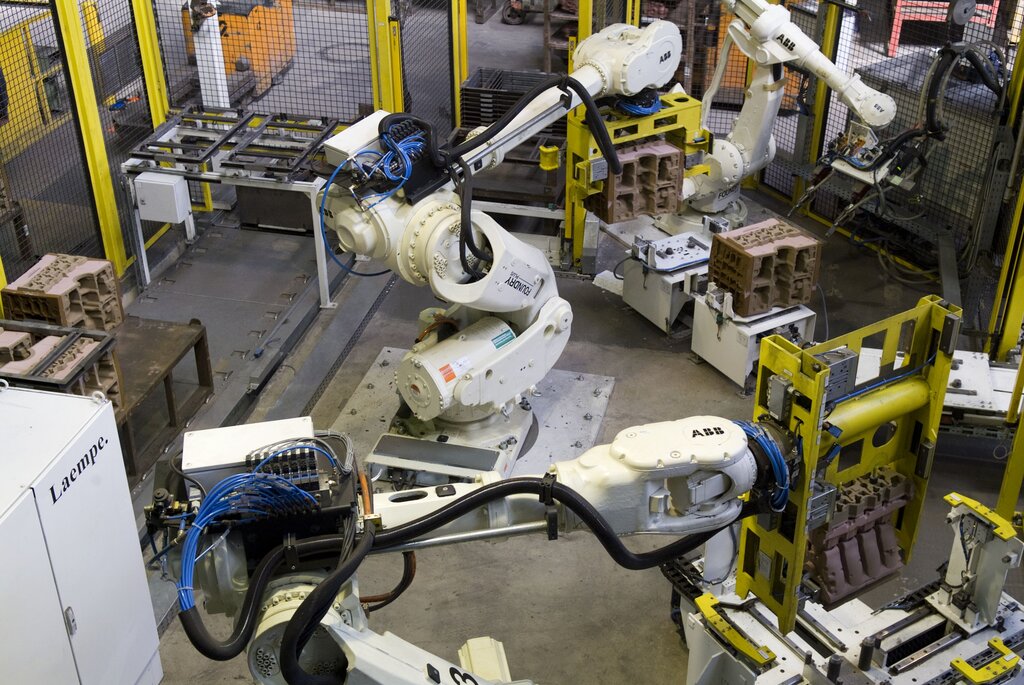
This could be as simple as a rule in your email that automatically files receipts into a 'Finances' folder, or as complex as a factory assembly line run by robots. The principle is the same: set it up once, and let the system run itself.
The Power of No-Code
In the past, creating automated systems required deep programming knowledge. You had to write code to tell computers what to do. But that's no longer the case. A new wave of tools has made automation accessible to everyone, regardless of their technical background.
Enter no-code and low-code platforms. These tools use visual, drag-and-drop interfaces to build automated workflows. Instead of writing lines of code, you connect pre-built blocks that represent different apps and actions. It’s like building with LEGOs, but for digital processes.
No-code platforms enable non-technical users, such as marketers or administrators, to create automations using drag-and-drop interfaces, eliminating the need for coding skills.
This shift is revolutionary. It empowers the people who actually do the work—the marketers, the project managers, the salespeople—to build their own solutions without needing to wait for a developer. If you understand a process, you can now automate it.
Real-World Automation
Automation isn't just a concept; it's being used everywhere to make work more efficient. The benefits are clear: reduced errors, faster processes, and more time for strategic thinking.
Here are just a few examples of how different industries are putting automation to work:
| Industry | Common Use Case | Benefit |
|---|---|---|
| Marketing | Automatically sending personalized email sequences to new subscribers. | Increases engagement and saves hours of manual work. |
| Sales | Logging calls and emails in a CRM system without manual data entry. | Keeps records accurate and frees up salespeople to sell. |
| Human Resources | Onboarding new employees by automatically sending forms and scheduling meetings. | Provides a consistent experience and reduces administrative burden. |
| Finance | Generating and sending monthly invoices to clients based on project data. | Ensures timely payments and reduces the chance of human error. |
| Customer Support | Using chatbots to answer common questions instantly. | Provides 24/7 support and lets human agents focus on complex issues. |
While these examples are specific, the underlying principle is universal. Any process that is rule-based and repetitive is a great candidate for automation. Popular no-code tools like Zapier, Make (formerly Integromat), and Airtable are designed to connect the apps you already use, allowing you to build these kinds of workflows with ease.
Now, let's test your understanding of these core concepts.
What is the primary goal of automation as described in the text?
Which of the following tasks is the best candidate for automation?
By automating the small, repetitive tasks, you create more space for the work that truly matters.