Automate Work with AI and Python No-Code
Introduction to AI Automation
What is AI Automation?
At its core, AI automation is about teaching machines to handle repetitive tasks. But it's a huge leap from traditional automation. Think of old-school automation like a simple calculator. It follows strict rules. If you press 2 + 2, it will always give you 4. It can't learn or adapt.
AI automation is more like a skilled assistant. It doesn't just follow a script; it learns from experience, recognizes patterns, and makes decisions to achieve a goal.
Imagine you spend an hour every morning sorting through emails. A simple automation script could move all emails with the word "invoice" to a specific folder. That's helpful. But an AI-powered automation could analyze the content of each email, understand its urgency, extract key information like due dates and amounts, and even draft a reply. It adapts to new types of emails without you needing to rewrite the rules.
The main benefits are straightforward: it saves time, reduces human error in tedious tasks, and frees you up to focus on more creative and strategic work that requires a human touch.
The 'Intelligence' Behind It
What gives AI automation its power is its ability to learn from data. Instead of being explicitly programmed for every possible scenario, it's trained on vast amounts of information to identify patterns. This allows it to handle variation and ambiguity in a way rule-based systems can't.
This learning ability is key. It's what allows an AI tool to get better at a task over time, whether it's identifying spam emails, transcribing audio, or categorizing customer support tickets.
Making AI Accessible
In the past, building any kind of automation required programming skills. Today, that's no longer the case thanks to no-code and low-code platforms. These tools are designed to be used by anyone, regardless of their technical background.
They use visual, drag-and-drop interfaces to build workflows. You can connect different apps and services, set triggers, and tell an AI model what to do without writing a single line of code. For example, you could build a workflow that automatically takes a new entry from a form, sends its content to an AI to summarize, and then posts that summary in a team chat.
No-code AI tools let you build smart workflows, automate repetitive tasks, and launch intelligent apps—all without writing a single line of code.
These platforms have made AI automation accessible to small businesses, individual teams, and anyone looking to streamline their work.
Knowing the Boundaries
While AI automation is powerful, it has its limits. It excels at tasks that are data-driven and follow recognizable patterns, even complex ones. It's great for data entry, analysis, scheduling, and managing information.
However, it struggles with tasks that require genuine creativity, emotional intelligence, or complex ethical reasoning. An AI can draft a marketing email, but it can't come up with a truly groundbreaking campaign concept. It can sort customer feedback, but it can't have a nuanced, empathetic conversation with an unhappy client.
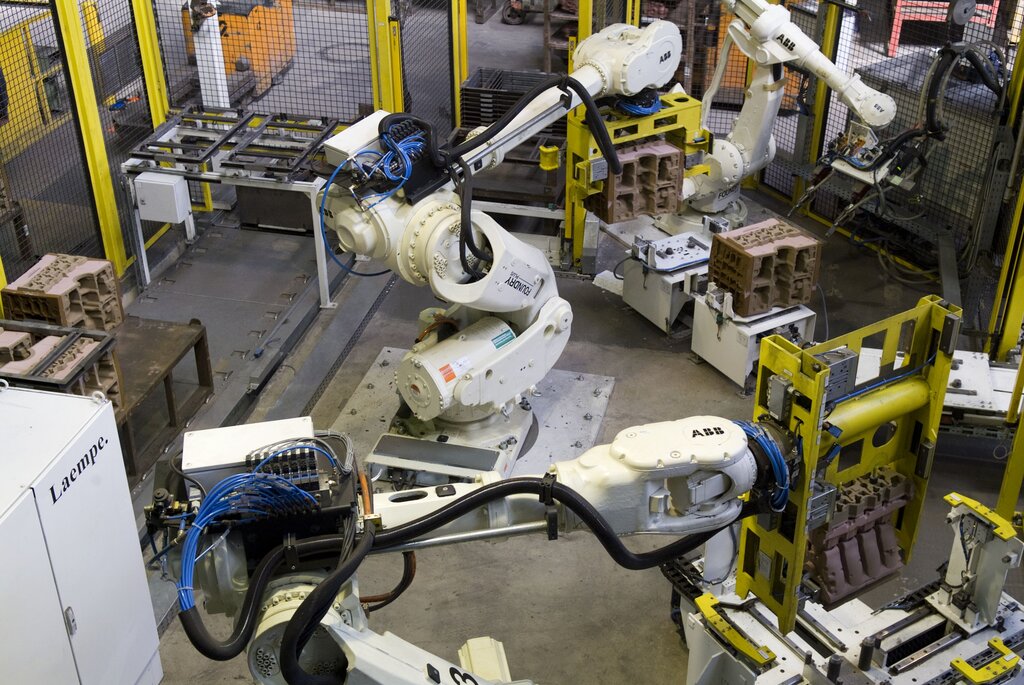
The most effective approach is to view AI as a collaborator. It handles the repetitive, data-heavy work, which allows humans to focus on strategy, creativity, and relationship-building—the areas where we still excel.
Success with AI in instructional design requires a balanced approach - combining powerful automation capabilities with human expertise and oversight.
Ready to check your understanding of these core concepts?
What is the primary difference between AI automation and traditional automation?
According to the text, what enables AI to handle variation and ambiguity in tasks?
Understanding these fundamentals—what AI automation is, how it learns, and its capabilities and limits—is the first step toward using it effectively in your own work.