Asana Project Management
Introduction to Asana
What Is Asana?
Think of all the places your team's work lives. It might be scattered across emails, spreadsheets, meeting notes, and maybe even a few sticky notes on your monitor. Asana brings all of that into one shared space, giving everyone clarity on who is doing what, and by when.
Asana is a powerful work management platform designed to help teams organize, track, and manage their work.
At its core, Asana is a project management tool. It helps you track all the pieces of a project, from the big milestones down to the smallest details. This keeps your team organized, focused, and on schedule, without the constant back-and-forth of checking in for status updates.
Finding Your Way Around
When you first open Asana, the layout is straightforward. The interface is generally split into three main sections.
-
Navigation Sidebar: On the left, this is how you move between the big picture views. 'Home' gives you a summary, 'My Tasks' shows everything assigned to you across all projects, and 'Inbox' collects notifications about work you're following.
-
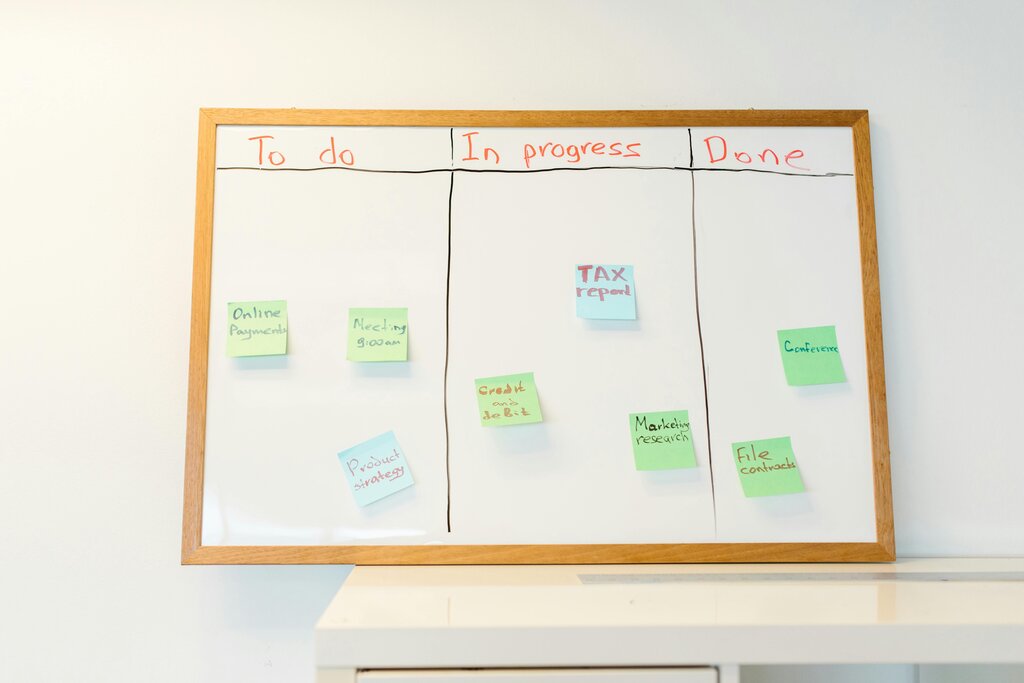
Main Pane: This central area is where you’ll see your work. It might be a list of tasks in a project, a calendar, or a board with columns like 'To Do', 'In Progress', and 'Done'.
-
Details Pane: When you click on any task in the main pane, its details pop up on the right. This is where you find the assignee, due date, description, comments, and any subtasks.
The Building Blocks: Tasks and Projects
Everything in Asana revolves around tasks. A task is a single unit of work. But it’s more than just a to-do item. A well-defined task answers three key questions: Who, What, and When.
| Element | Question It Answers |
|---|---|
| Assignee | Who is responsible for this? |
| Task Title & Description | What needs to be done? |
| Due Date | When is it due? |
For bigger pieces of work, you can break them down into smaller steps using subtasks. This makes complex work more manageable and clarifies every step needed to reach the finish line.
For example, a task to 'Publish Blog Post' could have subtasks like 'Write draft', 'Create graphics', 'Proofread', and 'Schedule post'.
Individual tasks are then organized into Projects. A project is a container for all the tasks related to a specific goal or initiative, like 'Q4 Marketing Campaign' or 'New Website Launch'. This keeps related work grouped together and easy to find.
Working Together
Asana's real power comes from collaboration. Instead of sending an email to ask for an update, you can simply check the task in Asana. Need to ask a question? Leave a comment directly on the task itself. This keeps all communication tied to the work it's about.
Asana places a heavy emphasis on collaboration, and it’s easy to see why.
When you leave a comment, you can @mention a teammate to send them a notification. This is perfect for asking questions, providing feedback, or handing off work. You can also add followers to a task. Followers get notified of any updates, which is a simple way to keep stakeholders in the loop without cluttering their inbox.

By centralizing tasks and conversations, Asana makes teamwork smoother and more transparent. Everyone has a clear view of the project's progress and knows what they need to do next.
Now, let's test your understanding of these core concepts.