Arm vMTE Technology
Introduction to Memory Safety
What is Memory Safety?
Think of your computer's memory (RAM) as a vast, organized library. When you run a program, the operating system lends it a specific set of shelves. The program can store its books (data) on these shelves, arrange them, and retrieve them as needed.
Memory safety is the simple rule that a program must only use its own assigned shelves. It can't wander off and start scribbling in books on another program's shelves, or knock them over. This rule is crucial. When programs respect their boundaries, the whole system runs smoothly. When they don't, chaos can ensue.
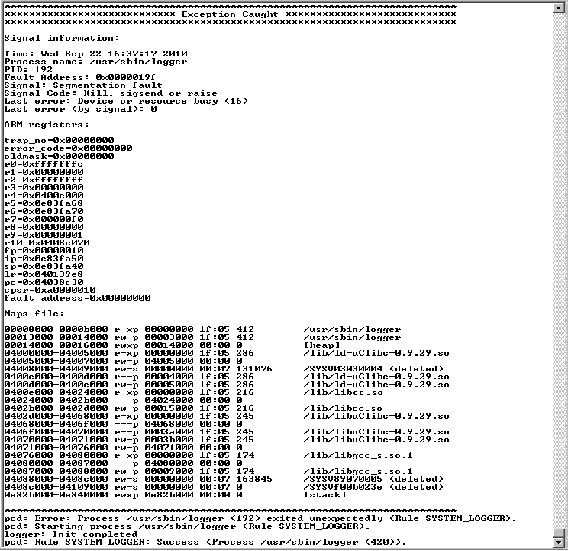
When a program tries to access memory it doesn't own, the operating system usually steps in and terminates it. This is what causes a "segmentation fault" or a sudden crash. While frustrating, a crash is often the best-case scenario. The real danger occurs when these memory errors don't cause an immediate crash but instead create subtle, exploitable security holes.
Common Memory Errors
Two of the most notorious memory safety violations are buffer overflows and use-after-free errors. They might sound technical, but the ideas behind them are straightforward.
Buffer Overflows A buffer is just a fixed-size block of memory, like a container meant to hold a specific amount of something. A buffer overflow happens when a program tries to put too much data into the container. The excess data spills out and overwrites whatever was stored in the adjacent memory locations.
Imagine a program asks for your name and reserves space for 10 characters. If you enter a 20-character name, the extra 10 characters might overwrite other critical data, such as a variable that tracks whether you're a regular user or an administrator. An attacker could use this to intentionally overwrite that data and gain unauthorized privileges.
// A simple C-style example of a buffer overflow

void vulnerable_function() {
    // Reserve space for 8 characters (+1 for null terminator)
    char buffer[8];

    // This string is too long for the buffer!
    char* malicious_input = "ThisIsWayTooLong";

    // Trying to copy the long string into the small buffer
    // causes an overflow, corrupting memory next to 'buffer'.
    strcpy(buffer, malicious_input);
}
Use-After-Free This error occurs when a program continues to use a piece of memory after it has already been "freed," or returned to the operating system. It's like trying to use a key to enter an apartment you've already moved out of. The landlord might have rented it to someone else, and you have no idea what you'll find inside.
When a program accesses freed memory, it might read leftover data from the previous operation, or worse, it could corrupt new data that another part of the program has just stored there. This leads to unpredictable behavior, crashes, and security vulnerabilities that can be very difficult to track down.
Why It Matters
Memory safety isn't just an abstract programming concept; it's a cornerstone of modern cybersecurity. A huge percentage of critical software vulnerabilities reported over the years are a direct result of memory safety issues.
When a system is not memory-safe, it can lead to:
- Data Corruption: Programs can accidentally modify each other's data, leading to incorrect calculations, garbled files, and unstable applications.
- System Instability: A single memory error in a critical program, like a device driver or the operating system itself, can bring down the entire computer.
- Security Exploits: Attackers can craft special inputs that intentionally trigger memory errors like buffer overflows. By carefully overwriting memory, they can inject and execute their own malicious code, allowing them to take complete control of a system.
Ensuring memory safety is a continuous challenge in software development. It's about building robust systems that are not only functional but also resilient against both accidental bugs and malicious attacks.
What is the fundamental principle of memory safety?
A "buffer overflow" occurs when a program writes more data into a memory buffer than the buffer was designed to hold, overwriting adjacent memory.