Architecting Your Alchemical Digital Garden with tldraw
Local Development Setup
Your Digital Workshop
Before you can build an app, you need to set up your workspace. Think of it like a carpenter's workshop. You wouldn't start building a chair without a workbench, saws, and measuring tape. For software, our tools are digital, but the principle is the same.
We need three key tools to get started:
- Node.js: This is our power source. It runs our code.
- VS Code: This is our set of hand tools. We'll use it to write and edit code.
- Git: This is our blueprint manager. It tracks every change we make.
The Engine Room
JavaScript, the language we'll be using, was born to live inside web browsers. It was designed to make websites interactive. But developers realized it was a powerful language and wanted to use it for other things, like building servers or command-line tools.
That's where comes in. It's a program that lets you run JavaScript code directly on your computer, no web browser needed. It's like taking the engine out of a car and using it to power a boat or a generator. Same engine, different environment.

When you install Node.js, you also get a crucial companion tool: , the Node Package Manager. Think of npm as a massive, free online warehouse of code. These pieces of code are called "packages," and they are pre-built tools that solve common problems. Need a tool to handle colors? There's a package for that. Need to work with dates? There's a package for that, too.
To install both, go to the official Node.js website and download the LTS version. LTS stands for Long-Term Support, which means it's the most stable and reliable version.
After installing, we need to verify it worked. We'll do this using the command line.
Speaking to Your Computer
The (or CLI) is a text-based way to interact with your computer. Instead of clicking on icons, you type commands. It's direct, powerful, and a fundamental tool for developers.
On macOS, you can find it by searching for the "Terminal" app. On Windows, search for "Command Prompt" or "PowerShell".
Once you have your CLI open, type the following command and press Enter:
node -v
You should see a version number appear, like v20.12.2. This confirms Node.js is installed. Now, let's check npm:
npm -v
Again, you should see a version number. If both commands work, your engine room is ready.
Your Editor and Blueprint Tracker
Next, you need a place to write your code. While you could use a plain text app, a specialized code editor makes life much easier. We recommend Visual Studio Code, or VS Code for short. It's free, incredibly popular, and helps you write better code by highlighting syntax, suggesting completions, and catching errors.
Download it from the official VS Code website and install it.

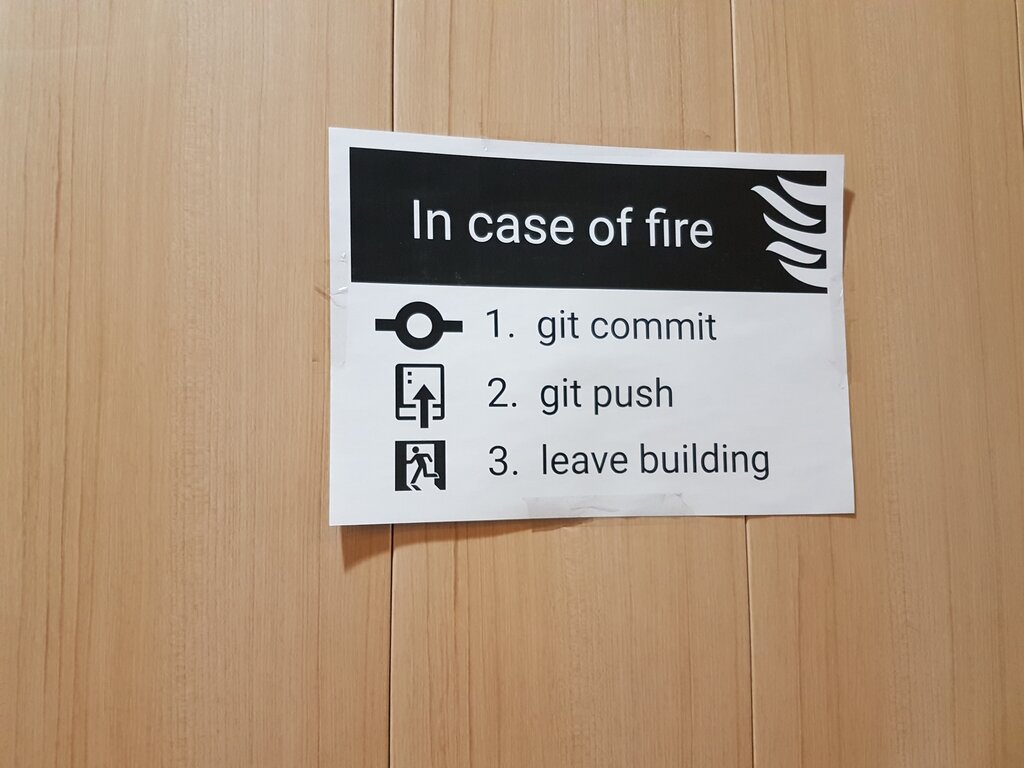
The final tool is Git. Git is a version control system. Imagine it as a 'Save' button on steroids. Instead of just saving the current version of a file, Git takes a snapshot of your entire project. You can save as many snapshots (called "commits") as you want.
This is like having an infinite undo history for your whole project. Made a mistake? Just roll back to a previous snapshot. Want to try a new feature without messing up your working code? Create a new branch, or a parallel timeline, to experiment in. Git tracks every change, making it easy to collaborate with others and manage your project's history.
Go to the official Git website, download the installer for your operating system, and run through the setup, accepting the default options.
To confirm Git is installed, go back to your command line and type:
git --version
You should see a response like git version 2.44.0. With that, your local development setup is complete. You have the engine, the tools, and the blueprint tracker ready to go.
What is the primary role of Node.js in a development environment?
Which tool is described as a 'massive, free online warehouse of code' containing 'packages' that solve common problems?
You've successfully set up your digital workshop. In the next section, we'll use these tools to create our first project and install the tldraw SDK.