Architecting Thriving Maker Communities
Selecting Technical Infrastructure
Choosing Your Digital Workbench
The platform you choose for your maker community is more than just a chat room; it's the digital workbench where ideas are shared, problems are solved, and projects come to life. The fundamental choice boils down to one question: Do you need the fast-paced, real-time energy of a live workshop, or the organized, searchable archive of a library?
Real-time chat platforms like Discord and Slack excel at immediate, fluid conversation. They are perfect for quick questions, collaborative debugging sessions, and spontaneous brainstorming. The trade-off is that valuable information can get buried in a rapidly scrolling feed. Let's compare the two leading options for technical communities.
| Feature | Discord | Slack |
|---|---|---|
| Best For | Live voice/video, social events | Focused, project-based team chat |
| Code Formatting | Good, with syntax highlighting | Excellent, with robust snippets |
| Free Tier | Very generous, unlimited messages | Limited message history (90 days) |
| Cost | Lower-cost premium features (Nitro) | Can become expensive for large teams |
| Integrations | Strong, especially with bots | Extensive, professional SaaS focus |
| Community Feel | Casual, social, community-first | Professional, work-centric |
While real-time chat is great for momentum, it's not ideal for building a long-term knowledge base. For that, you need a different tool. An asynchronous forum platform like is designed for structured, long-form discussions that remain discoverable for years. Think of it as creating a permanent, community-curated encyclopedia of your group's projects and solutions.
Choose a chat app for daily conversation. Choose a forum for building a knowledge base that new members can benefit from months or years later.
Managing the Physical Space
If your community has a physical makerspace, your needs expand beyond online chat. You need to manage who has access to the space, book time on equipment like 3D printers or laser cutters, and handle membership billing. This is where dedicated member management software becomes essential.
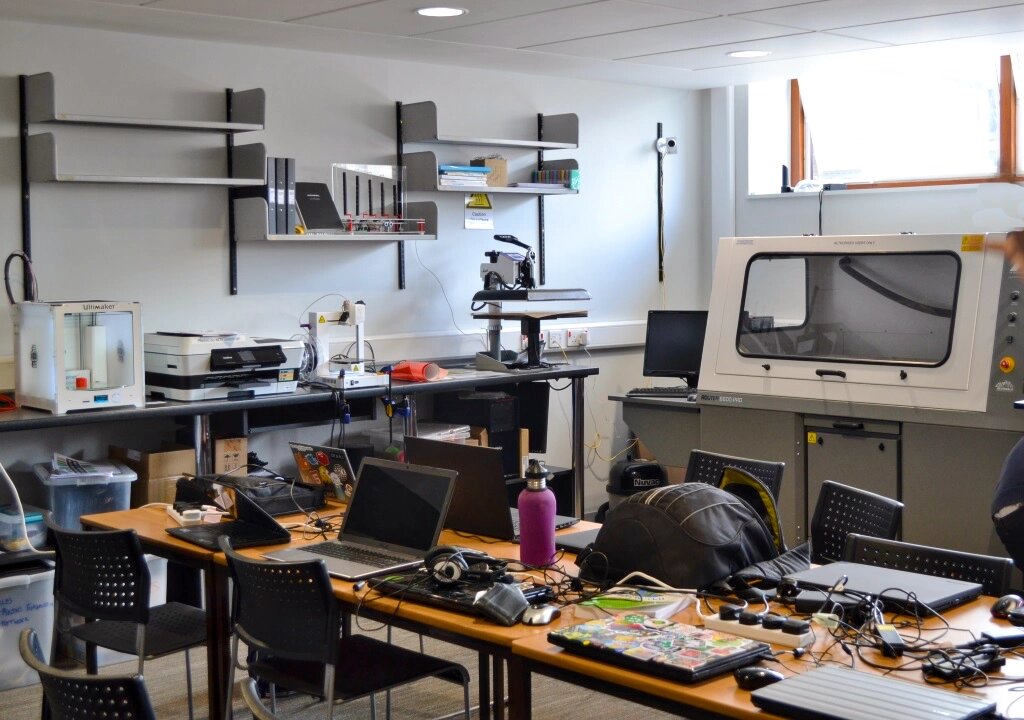
Platforms like Nexudus and are built specifically for coworking spaces and makerspaces. They handle the administrative heavy lifting, integrating door access control systems, managing member subscriptions, and automating invoicing. This frees you up to focus on the community and its projects, not on chasing membership dues or manually scheduling time on the CNC machine.
Integrating and Scaling
The real power of your tech stack comes from how its components work together. Regardless of your chosen platform, robust API integrations are critical. An API (Application Programming Interface) allows different software to talk to each other. For a maker community, this opens up powerful possibilities.
For example, you could create a project showcase bot. When a member posts a new project in your Discourse forum, an API call could trigger a bot to automatically share a summary and link in a dedicated Discord channel. This connects your long-term archive with your real-time chat, ensuring everyone sees the cool things being built.
Finally, plan for growth. Starting with a free Discord server is easy, but what happens when you have thousands of members? Your infrastructure needs to scale. This means choosing platforms that can handle increased load and offer features that support a larger, more complex community. A system that works for 20 people might become chaotic for 200. Thinking about scalability from day one prevents painful migrations down the road.
A maker community wants to create a permanent, searchable archive of project tutorials and solutions. Which type of platform would be most suitable for this primary goal?
What is the primary function of member management software like Nexudus or Cobot in the context of a physical makerspace?