Arch Linux Fundamentals
Introduction to Arch Linux
The Arch Way
Many Linux distributions, like Ubuntu or Fedora, are designed to be complete operating systems right out of the box. They come with pre-selected applications and a specific desktop environment, much like buying a pre-built computer. Arch Linux takes a different approach. It's more like being given a high-quality toolkit and a set of blueprints.
Arch provides a minimal base system and leaves the rest up to you. You choose your desktop environment, your web browser, and every other piece of software. This philosophy is often called 'The Arch Way', and it's guided by a few core principles: simplicity, user-centrality, and modernity.
The goal is to provide a lightweight, flexible foundation that you build upon to create a system tailored perfectly to your needs.
This DIY approach means you install only what you need, which can result in a cleaner and more efficient system. It's a favorite among developers and users who enjoy tinkering and want full control over their machine.
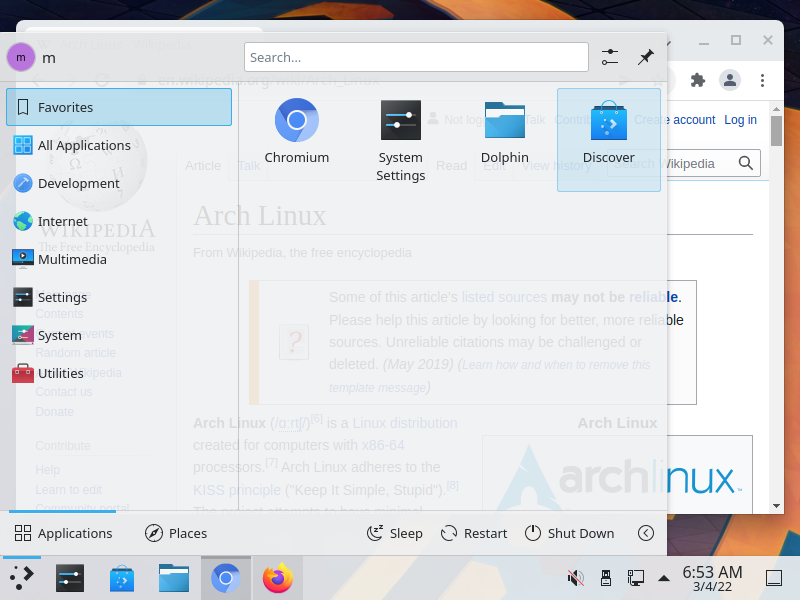
Because you build it yourself, you also gain a deeper understanding of how a Linux system works from the ground up.
A Rolling Release
Most operating systems use a 'point release' model. For example, a new version of Ubuntu is released every six months. To get the latest features, you typically have to perform a major system upgrade from one version to the next.
Arch Linux uses a 'rolling release' model instead. Imagine a continuously flowing river rather than a series of separate lakes. There are no major versions of Arch. Instead, software is updated constantly as new versions become available. A single command, pacman -Syu, keeps your entire system current.
# The command to update an Arch Linux system.
# '-S' syncs packages, '-y' refreshes the local package cache,
# and '-u' upgrades outdated packages.
sudo pacman -Syu
The biggest benefit is that you always have access to the latest software without waiting for the next big OS release. This continuous flow of updates keeps your system fresh and modern.
The Arch User Repository
Arch's official software repositories contain thousands of packages, but they can't include everything. For everything else, there's the Arch User Repository, or AUR.
The AUR is a massive, community-driven repository for software that isn't officially packaged for Arch. It contains scripts called PKGBUILDs that tell your system how to download, compile, and install an application from its source code. This gives Arch users access to a vast library of software, from niche command-line tools to the very latest beta versions of popular applications.
If you avoid bloating your distro with unnecessary apps, routinely remove orphaned packages, and check the Arch News feed before updating, you’ll rarely encounter system-breaking bugs.
While the AUR is an incredible resource, it's important to remember that the packages are user-produced. This means you should be mindful of what you install and check the PKGBUILD scripts if you're ever unsure. The AUR is a key part of what makes the Arch ecosystem so versatile and powerful.
Ready to see what you've learned about the world of Arch Linux?
What is the fundamental philosophy behind Arch Linux, often referred to as 'The Arch Way'?
Which term best describes Arch Linux's update model, where software is updated constantly rather than in major version bumps?
Arch Linux offers a unique experience. It gives you the control to build a lean, modern system that's exactly what you want it to be, powered by a constant stream of the latest software.