Ansys Meshing for Complex FEA
Introduction to FEA and Ansys
Solving Big Problems in Small Pieces
How do you figure out if a new airplane wing will hold up under the stress of flight? Or if a bridge can withstand high winds? You can't just build one and hope for the best. Instead, engineers use a powerful technique called Finite Element Analysis, or FEA.
FEA is a computerized method for predicting how a product reacts to real-world forces, vibration, heat, and other physical effects. In essence, it breaks down a large, complex problem into a collection of small, simple ones that are much easier to solve.
Imagine a complex mosaic. Instead of trying to understand the whole picture at once, you could analyze each tiny tile. FEA works in a similar way.
By solving the equations for each small piece, or "element," and then combining the results, engineers can get a remarkably accurate prediction of the behavior of the entire object. This allows them to test designs virtually, saving massive amounts of time and money on physical prototypes.
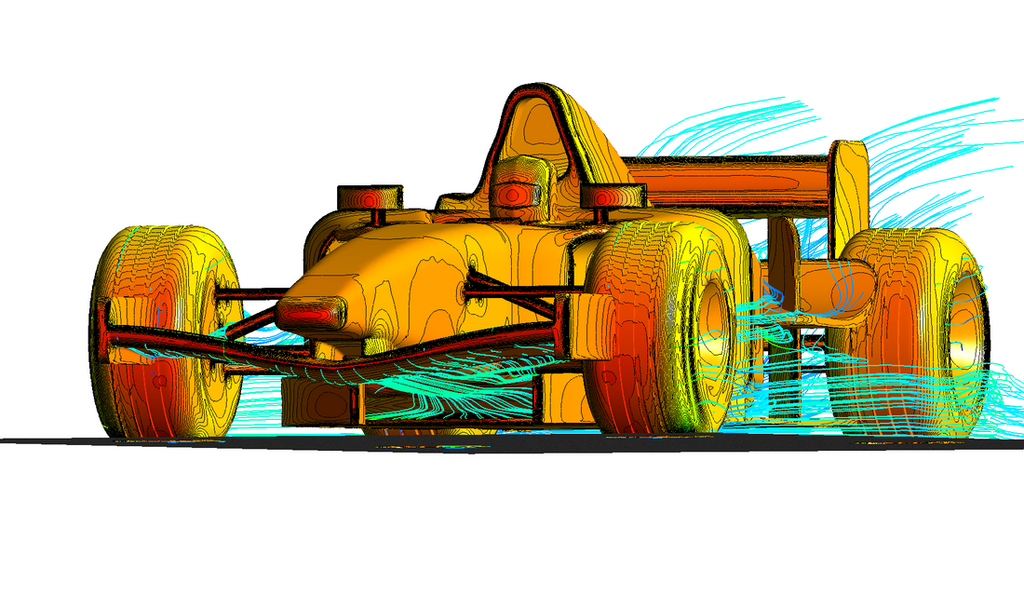
FEA is used across countless industries. Automakers use it to design safer cars, aerospace engineers use it to build lighter and stronger aircraft, and civil engineers use it to ensure the structural integrity of dams and buildings. Even in medicine, FEA helps in designing better prosthetic implants.
The Art of the Mesh
The process of breaking down a complex object into simple elements is called meshing. The collection of all these elements and the points connecting them (called nodes) forms the mesh.
Think of it as creating a digital wireframe of the object. This mesh acts as the foundation for the entire simulation. The software will perform its calculations at each node in the mesh.
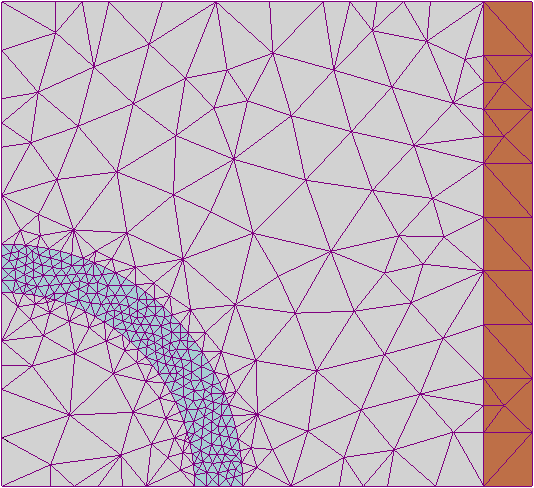
The quality of the mesh is critical. A good mesh captures the geometry of the object accurately without being overly complex. Areas with intricate details or where high stress is expected usually require a finer mesh, meaning more, smaller elements. Simpler areas can get by with a coarser mesh.
The goal is to create a mesh that is detailed enough to produce accurate results but simple enough to be solved in a reasonable amount of time. Getting this balance right is a key skill in FEA.
A simulation is only as good as its mesh. An inaccurate mesh will lead to inaccurate results, no matter how powerful the computer.
Introducing Ansys
To perform FEA, engineers need sophisticated software. Ansys is one of the leading software suites for engineering simulation. It provides a comprehensive set of tools to model geometry, create a mesh, and solve complex physics problems.
When you first open Ansys, you'll typically see a project schematic window where you build your analysis workflow. From there, you'll move into specific applications for geometry, meshing, and solving. The interface is designed to guide you through the simulation process step-by-step.
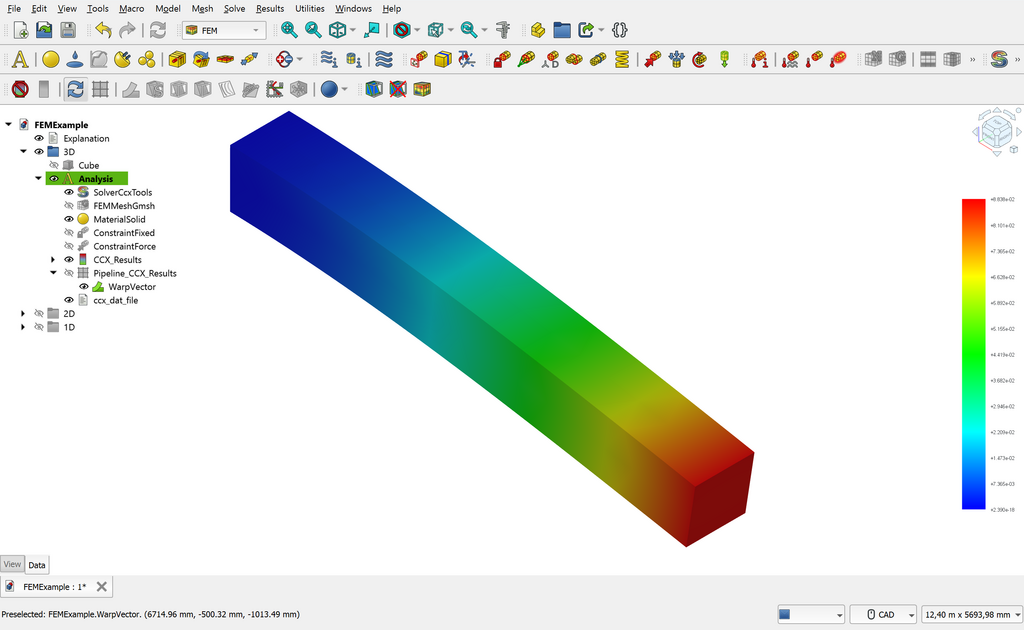
For meshing, Ansys 2025 offers a powerful and intuitive environment. Some key features you'll use include:
- Automated Meshing: Ansys can automatically generate a good quality mesh for most geometries, which is a great starting point.
- Meshing Controls: You can apply specific controls to refine the mesh in certain areas. For example, you can specify a smaller element size on curved surfaces or sharp corners to capture the geometry more accurately.
- Mesh Quality Metrics: Ansys provides tools to check the quality of your mesh. It can highlight poorly shaped elements that might lead to errors in the simulation, allowing you to fix them before you start solving.
Understanding these basic tools is the first step toward creating reliable and accurate simulations to solve real-world engineering challenges.