Animation Fundamentals
Introduction to Animation
What Is Animation?
At its heart, animation is an illusion. It's the art of making something look like it's moving. Animators create this illusion by showing a series of still images, one after another, very quickly. Our brains blur these images together, creating the perception of continuous motion. This is the same principle behind live-action movies, which are just a series of still photographs.
A Quick Trip Through Time
Long before film, people were fascinated with creating moving pictures. In the 19th century, devices like the zoetrope and phenakistoscope used spinning disks or drums with sequential drawings to create short, looping animations.
When film was invented, animation took a huge leap forward. Animators would draw every single frame by hand on clear sheets of celluloid, or "cels," and photograph them one by one. This technique, called cel animation, was pioneered by studios like Disney and Fleischer and brought classic characters to life.
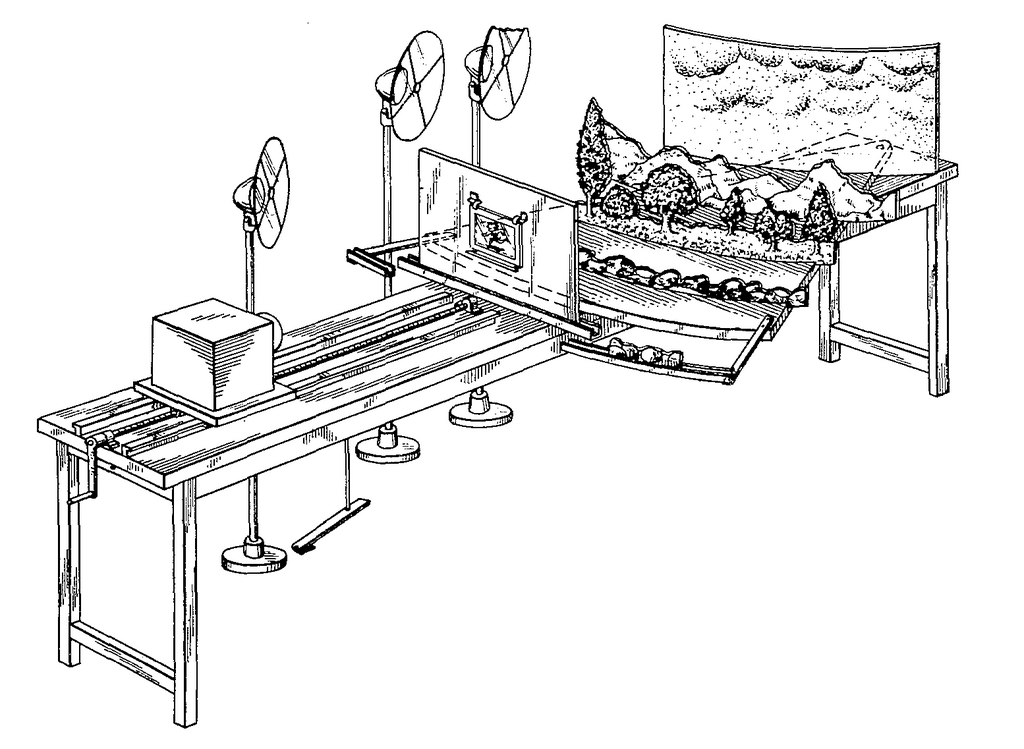
At the same time, another technique was developing: stop-motion. Instead of drawing, animators would take a physical object, like a puppet or a clay figure, move it slightly, take a picture, move it again, and repeat the process.
The biggest change came with computers. Computer-Generated Imagery (CGI) opened the door to 3D animation, where artists build and move characters in a virtual, three-dimensional space. This digital revolution changed not just how animations are made, but the very look and feel of them.
The Building Blocks of Movement
To make motion believable, every animator works with a few core concepts. The most fundamental are frame rates and keyframes.
Frame Rate
noun
The speed at which individual still images, known as frames, are displayed. It's usually measured in frames per second (FPS).
A higher frame rate generally results in smoother, more realistic motion, while a lower frame rate can look choppy. Different mediums have different standards. Film uses 24 FPS, broadcast television in North America uses about 30 FPS, and video games often aim for 60 FPS or higher for fluid gameplay.
Keyframe
noun
A frame in an animation sequence that defines the starting or ending point of a smooth transition.
Imagine animating a bouncing ball. You wouldn't draw every single position of the ball. Instead, you'd define the most important moments: the ball at the highest point of its arc, and the ball as it hits the ground. These are your keyframes. The frames in between, which show the ball's journey from top to bottom, are called "inbetweens." In traditional animation, an assistant animator would draw the inbetweens. In computer animation, the software can generate them automatically in a process called tweening.
The Main Styles
While there are endless creative approaches, most animation falls into one of a few main categories.
2D Animation: This is the classic style. It involves creating movement in a two-dimensional space. While it began with hand-drawn cels, today most 2D animation is created digitally using software that mimics the traditional tools.
3D Animation: Instead of drawings, 3D animation uses digital models of characters and objects. Animators move these models within a 3D virtual environment, much like puppeteers. They set keyframes for the model's position, and the computer calculates the inbetween frames to create fluid movement.
Stop-Motion: This technique uses physical objects in the real world. Clay figures (claymation), puppets, or even paper cutouts are moved and photographed frame by frame. When the photos are played back, the objects appear to move on their own.
Each style has its own unique workflow and aesthetic, but they all share the same fundamental goal: to breathe life into the inanimate and create the powerful illusion of movement.