Android Game Development Mastery
Architectural Fundamentals
From App to Game Engine
Building a game on Android isn't the same as building a typical application. While both use the Android framework, a game's architecture has a fundamentally different pulse. Standard apps are event-driven; they react to user input and then wait. A game, however, is a constantly evolving simulation. It needs a persistent, rhythmic heartbeat to manage everything from character movement to enemy AI, even when the player does nothing.
This is where the standard meets a game loop. In a typical app, onCreate(), onStart(), and onResume() are used to set up a static user interface. For a game, these lifecycle methods become critical entry and exit points for your game's engine. Most games adopt a 'Single Activity' architecture. This means the entire game experience is managed within one main Activity, which acts as a container for your game's view. This simplifies state management and keeps the focus on the continuous loop running within.
The Game Loop
The core of any game is its game loop. Think of it as an infinite while loop that runs dozens of times per second. This loop is the engine that drives the game forward. At its simplest, it performs three tasks in every single cycle, or "tick".
- Process Input: The game checks for any player actions, like taps on the screen or virtual joystick movements.
- Update Game State: Based on input and the passage of time, the game updates everything. This means moving characters, checking for collisions, updating scores, and running AI logic.
- Render Graphics: The updated game state is drawn to the screen. Every character, particle, and background element is redrawn in its new position.
This cycle repeats continuously, creating the illusion of smooth motion and an interactive world. The goal is to complete this loop fast enough to achieve a smooth frame rate, typically 60 frames per second (FPS).
Consistent Speed with Delta Time
A major challenge with the game loop is ensuring consistent game speed. A powerful new phone might run the loop 120 times per second, while an older device might only manage 40. If your game logic simply moves a character by 5 pixels each frame, that character will move three times faster on the new phone. This makes the game unfair and unplayable.
The solution is to make all movement and logic time-based, not frame-based. We do this by calculating the time that has passed since the last frame. This value is commonly called or dt.
Instead of moving a fixed amount each frame, you multiply the object's velocity by dt. This scales the movement based on how much time has actually elapsed.
This simple change ensures your game runs at the same speed on any device, providing a consistent experience for all players.
UI Thread vs. Game Thread
In Android, all UI operations happen on a special thread called the main or This includes handling touch events, drawing views, and running Activity lifecycle callbacks. If you try to run a heavy, continuous game loop on this thread, the user interface will freeze. The system can't process new touch events or even redraw the screen because the thread is stuck inside your loop. This quickly leads to the dreaded "Application Not Responding" (ANR) dialog.
To solve this, we must run the game loop on a separate, dedicated game thread. This decouples the heavy game logic from the sensitive UI work.
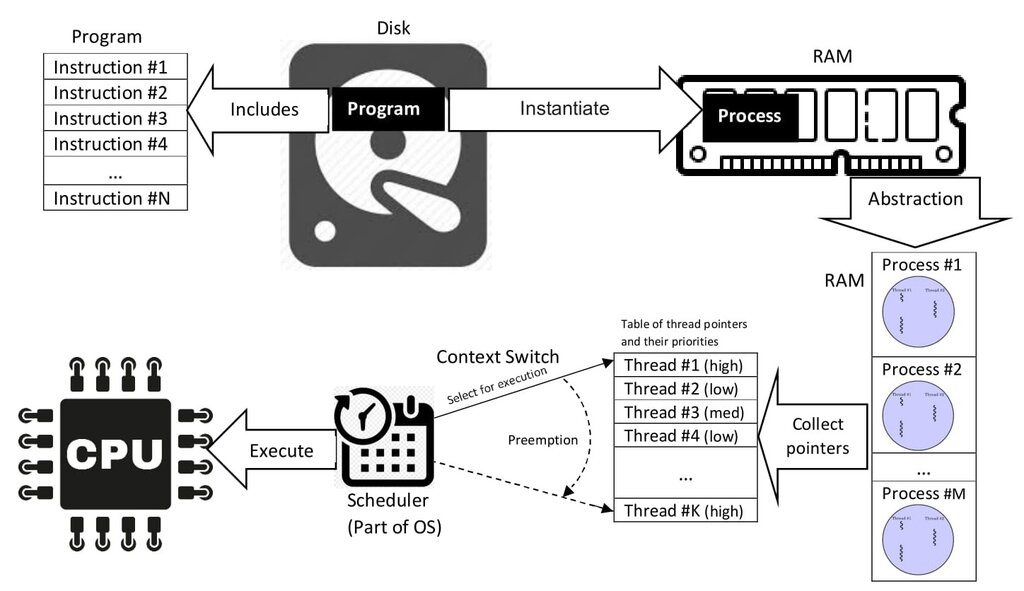
The responsibilities are split:
- UI Thread: Listens for user input (like screen touches) and manages the Activity lifecycle (
onPause,onResume). When input occurs, it passes the event data to the game thread. - Game Thread: Runs the game loop continuously. It receives input data from the UI thread, updates the game state, and tells the rendering system what to draw.
This separation is fundamental to creating a responsive, high-performance game. The UI thread stays free to handle user input instantly, while the game thread can focus on running the complex simulation without interruption.
Finally, we need to handle interruptions. When the user gets a phone call, the app's onPause() method is called on the UI thread. This is our signal to tell the game thread to pause the loop and save the current state. When the user returns, onResume() is called, and the UI thread signals the game thread to resume the loop and restore the saved state. This ensures a seamless experience for the player, preventing data loss and keeping the game stable.
What is the primary architectural difference between a standard Android application and a game?
What is the main purpose of using 'delta time' (dt) in a game loop?
These architectural patterns form the bedrock of any game you'll build on Android. By separating concerns and managing time carefully, you create a robust foundation for all the fun mechanics and graphics you'll add on top.