Android App Location Tracking Explained
Introduction to Android Location Services
Finding Your Way
Many of the most useful apps on your phone rely on knowing where you are. Navigation, weather forecasts, and finding a nearby restaurant all depend on location services. But how does your phone actually pinpoint its position on a map? It's not just one technology, but a team of them working together.
How Your Phone Knows Where It Is
Android uses several sources to figure out your device's location. Each has its own strengths and weaknesses. The system intelligently combines them to get the best possible fix for the situation.
The most well-known source is the Global Positioning System (GPS). Your phone receives signals from satellites orbiting the Earth. By calculating the time it takes for signals from multiple satellites to arrive, it can determine its location with high accuracy, often within a few meters. This works great when you're outdoors with a clear view of the sky, but it struggles indoors and can be a major drain on your battery.
Next up is Wi-Fi positioning. Your phone can see a list of nearby Wi-Fi networks. Google maintains a massive database that maps the locations of these networks. By checking which networks are in range and how strong their signals are, your phone can make a surprisingly accurate guess about its location, even indoors. It's faster and uses less power than GPS.
Finally, there's cellular network positioning. Your device is always connected to cell towers. By measuring the signal strength from several towers, it can triangulate its position. This is the least accurate method, but it requires almost no extra battery power because your phone is already talking to these towers anyway. It’s a good fallback when GPS and Wi-Fi aren't available.
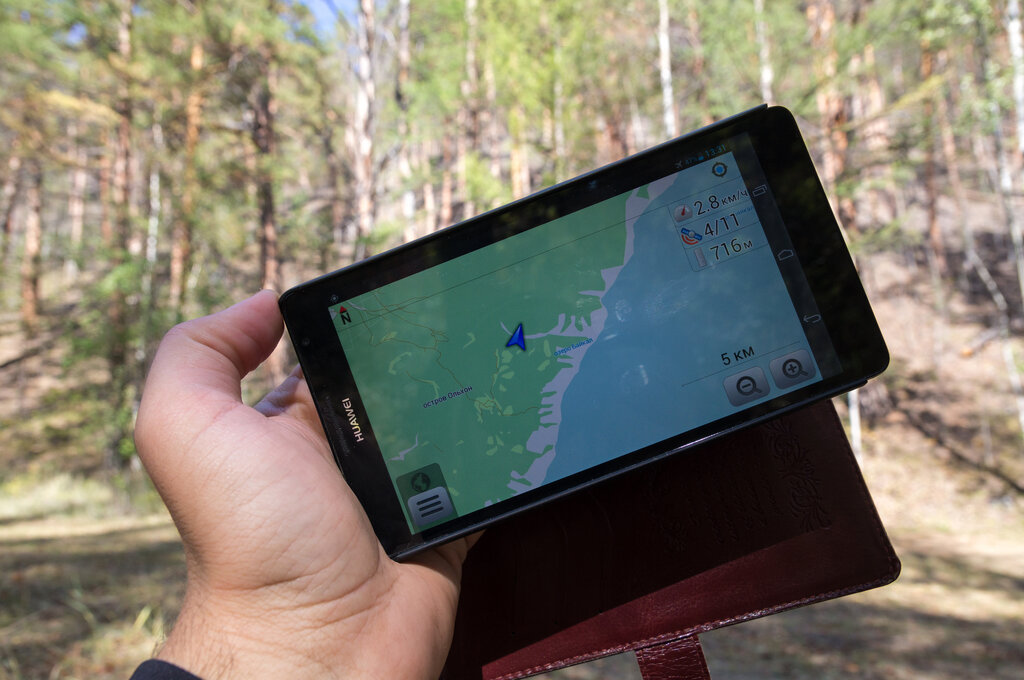
Choosing the right location provider is a balancing act. Developers have to decide what's more important for their app's features: pinpoint accuracy or saving battery life? A turn-by-turn navigation app needs the precision of GPS. A weather app that just needs to know your city can get by with less-accurate, lower-power options.
| Provider | Accuracy | Power Use | Best For |
|---|---|---|---|
| GPS | High (within meters) | High | Outdoor navigation, tracking workouts |
| Wi-Fi | Medium (25-50 meters) | Medium | Indoor location, general city-level positioning |
| Cellular | Low (hundreds of meters) | Low | When no other option is available, rough location |
Asking for Permission
Your location is sensitive information. That's why Android requires apps to get your explicit permission before they can access it. When an app wants to use your location, the operating system steps in and presents you with a permission request. You are in control.
Modern versions of Android give you even more granular control. You can choose to grant an app access to your location only while you're using it, or even just once. You can also decide whether to share your precise location or an approximate location.
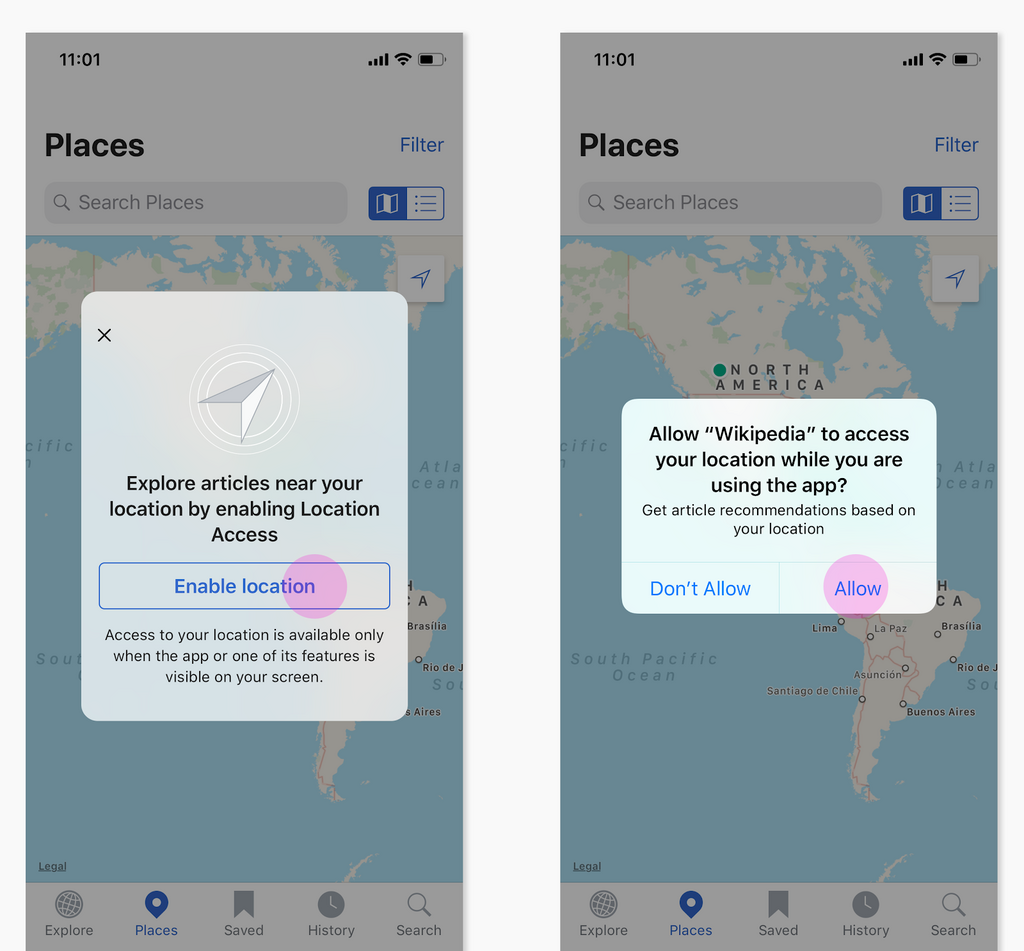
Precise location is exactly what it sounds like, using GPS to pinpoint you on a map. This is necessary for navigation apps. Approximate location, however, only gives the app a general idea of where you are, like the neighborhood or city. This is often enough for apps that provide local news or weather, and it's a better choice for protecting your privacy when pinpoint accuracy isn't needed.
Where possible, don't grant apps permission to use your exact or precise location.
For developers, this means being a good steward of user data. It's crucial to be transparent and explain why a feature needs location information. Requesting the minimum level of accuracy needed for a feature to work builds trust and respects the user's privacy. If an app doesn't truly need to know exactly where someone is standing, it should ask for approximate location instead.
Which of the following location technologies used by Android is generally the most battery-intensive but also the most accurate?
A weather app that only needs to know your city to provide a forecast should request which type of location access to best respect user privacy?