Android App Development Essentials
Introduction to Android Development
What is Android?
Android is a mobile operating system developed by Google. It's the software that runs on the majority of the world's smartphones and tablets. Think of it as the brain that manages all of your device's hardware and software, from making calls and sending texts to running your favorite apps.
Unlike its main competitor, iOS, Android is open-source. This means its underlying code is freely available for anyone to modify and distribute. This openness has led to a vast ecosystem of devices from hundreds of manufacturers, all running different versions of Android.
A Brief History
Android's story didn't start with Google. It began with Android Inc., a startup founded in 2003. Their initial goal was to create smarter operating systems for digital cameras, but they soon shifted their focus to smartphones. Google acquired the company in 2005, and in 2008, the first commercial Android phone, the T-Mobile G1 (or HTC Dream), was released.
For over a decade, Google named its major Android versions after desserts, in alphabetical order. This tradition started with Android 1.5 Cupcake and continued through Android 9 Pie.
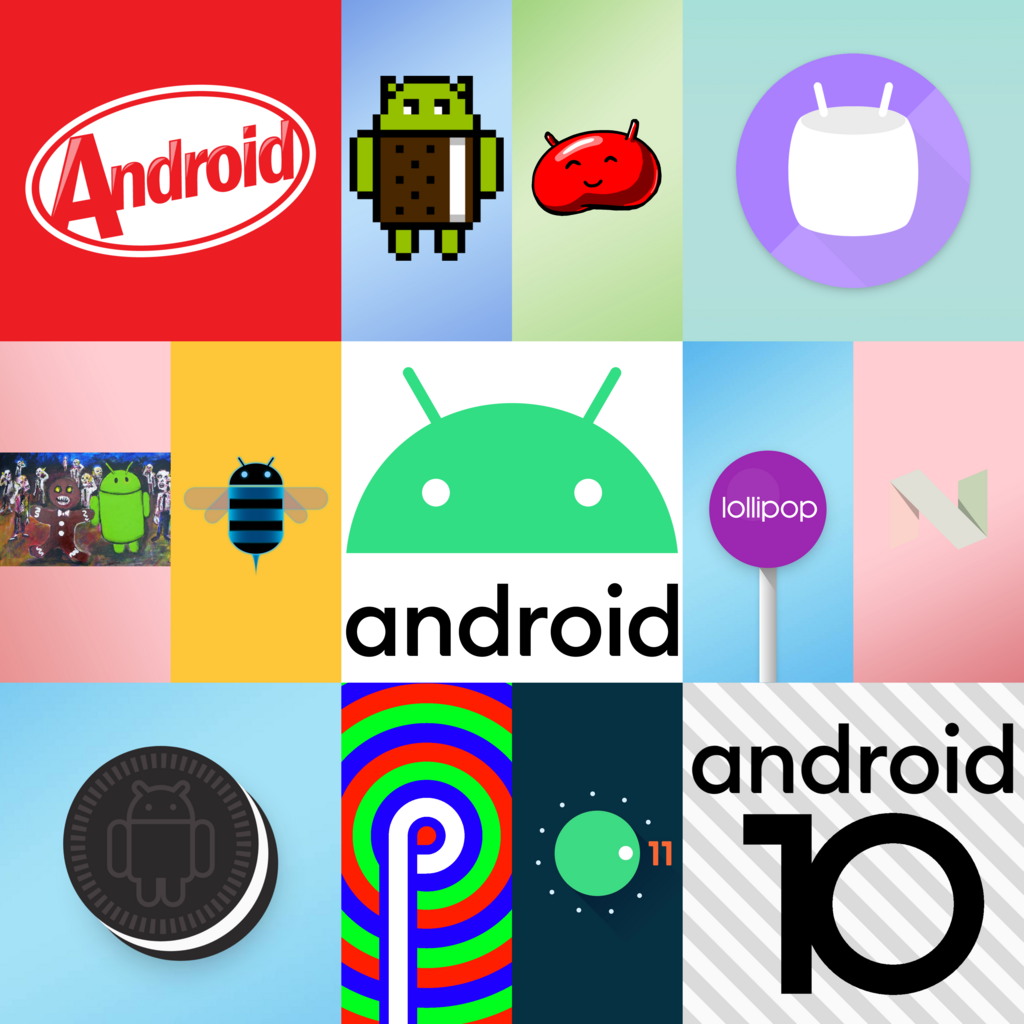
This fun naming scheme helped create a unique identity for each new release, which brought significant improvements in performance, features, and design.
The Android Architecture
Android is built as a software "stack," which is just a fancy way of saying it has layers. Each layer has a different job, and they all work together to make your phone function. Understanding these layers helps you understand how your app will fit into the system.
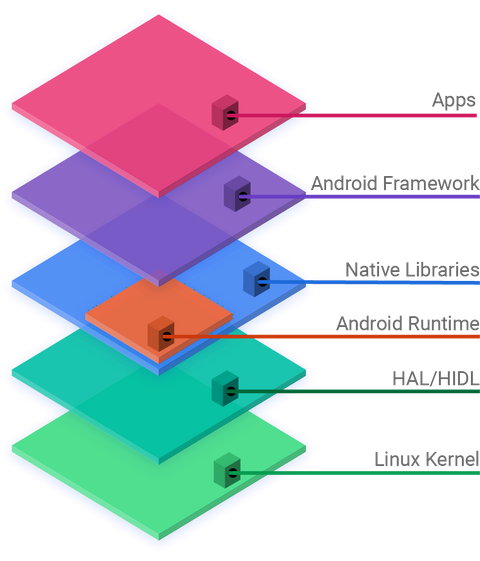
Here's a quick look at the main layers, from bottom to top:
- Linux Kernel: This is the foundation. It manages the device's hardware, like the processor, memory, and drivers. It's the bridge between the physical components and the software.
- Hardware Abstraction Layer (HAL): This layer provides a standard way for the software above it to communicate with device hardware like the camera, Bluetooth, or sensors, without needing to know the specifics of the hardware itself.
- Android Runtime (ART): This is where your app's code is actually executed. When you write an app, ART compiles it into a format that the device can run efficiently.
- Native C/C++ Libraries: These are core libraries that handle many common tasks, such as drawing graphics to the screen (OpenGL), managing databases (SQLite), and rendering web pages (WebKit).
- Java API Framework: This is the layer you'll interact with most as a developer. It provides the building blocks for creating apps, like managing the user interface, handling notifications, and accessing phone features.
- System Apps: At the very top are the apps themselves. This includes the ones that come with your phone (like the phone dialer, contacts, and browser) and the ones you install from the Google Play Store.
Setting Up Your Workshop
To build Android apps, you need a special workshop. This digital workshop is called an Integrated Development Environment, or IDE. The official IDE for Android is Android Studio.
An IDE bundles together all the tools you need: a code editor, a compiler to build your app, and tools for testing and debugging.
Your first step is to download and install Android Studio from the official Android developer website. The installation is straightforward and includes the Android Software Development Kit (SDK). The SDK is a collection of libraries and tools that let you build, test, and debug applications for the Android platform.
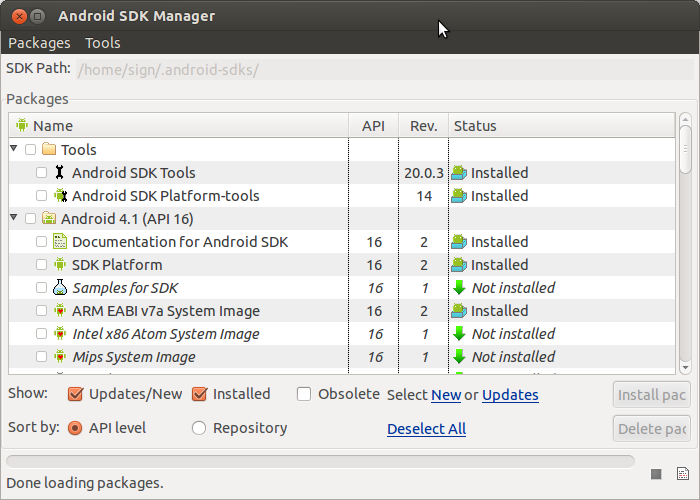
Once installed, the SDK Manager helps you download the specific Android platform versions you want to target, along with other essential tools. For now, the default setup is all you need.
When you launch Android Studio for the first time, you'll see a welcome screen. From here, you can start a new project, open an existing one, or access various settings and tools. The environment is designed to streamline the development process, giving you everything you need in one place.
You're now set up with the same tools used by professional Android developers around the world. In the next steps, you'll learn how to use these tools to build your first app.