Android App Anatomy
Introduction to Android Components
The Building Blocks of an App
An Android app isn't a single, monolithic thing. Think of it more like a team of specialists working together. Each specialist has a specific job, and they communicate with each other and with the Android system to make the app function.
These specialists are called components. There are four main types, and understanding what each one does is the first step to building any Android application. They are the fundamental building blocks.
Activities: The Face of Your App
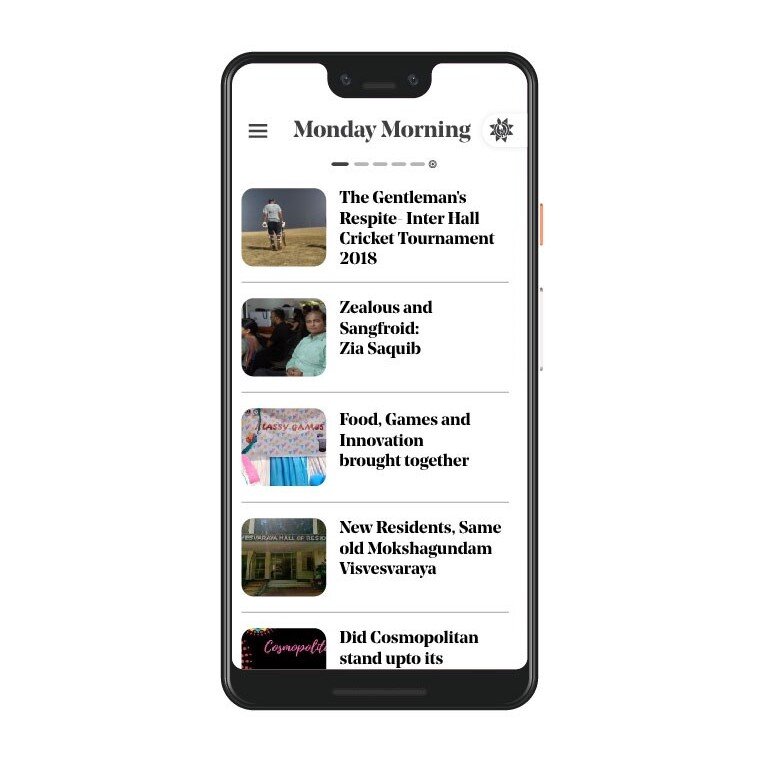
An Activity is the part of the app the user actually sees and interacts with. It represents a single screen with a user interface (UI). If you can see it, you're probably looking at an Activity.
A typical app is made of multiple activities. For example, a social media app might have one Activity for your feed, another for your profile, and a third for composing a new post. Each screen is a separate Activity, linked together to create a seamless user experience.
Services: The Silent Workers
Services work behind the scenes. They don't have a user interface and are designed for long-running tasks that shouldn't be interrupted just because the user switches to another app.
The most common example is a music player. When you start a song and then open your web browser, a Service keeps the music playing in the background. Services are also used for things like downloading large files or syncing data with a server.
A Service is a component that runs in the background to perform long-running operations without a user interface.
Broadcast Receivers: The Messengers
A Broadcast Receiver is an app's listening ear. Its job is to respond to system-wide announcements, called broadcasts. The Android system sends out broadcasts for all sorts of events: when the device finishes booting up, when the battery is low, when a photo is taken, or when network connectivity changes.
Your app can register a Broadcast Receiver to listen for specific messages. For instance, an app that needs an internet connection might listen for the "network connected" broadcast to resume a download. It's a way for your app to react to events happening outside of its direct control.
Content Providers: The Librarians
A Content Provider manages a shared set of application data. Think of it as a gatekeeper or a librarian for your app's data. Its primary purpose is to allow other applications to access or modify your app's data in a secure and structured way.
For example, the Android system has a built-in Content Provider that manages the user's contact information. With the right permissions, any app on the device can query this Content Provider to get a list of contacts. This prevents every app from needing its own separate contact list and allows for data to be shared securely.
Each of these four components plays a distinct role. A well-built app uses the right component for the right job, creating an experience that is both efficient and integrated with the Android operating system.
If you were building a music player app, which component would you use to ensure the music continues playing even when the user navigates away to another app?
Which component is responsible for displaying the user interface (UI) and handling user interactions on a single screen?
Great work. You've just learned about the core components that make up every Android application.