AI Powered Cartoon Storytelling
AI Cartoon Tools
Your New Animation Assistants
Creating a cartoon used to mean long hours sketching, planning, and animating every single frame. Today, artificial intelligence offers a powerful shortcut. A new generation of AI tools can act as your creative partner, helping you brainstorm ideas, visualize scenes, and get a project off the ground in a fraction of the time.
These tools aren't about replacing artists. They're about speeding up the tedious parts of the process. Let's look at a few that handle one of the most crucial early steps: storyboarding.
AI for Storyboarding
Before any animation happens, you need a plan. A storyboard is a sequence of drawings that maps out your story, shot by shot. It’s the blueprint for the final cartoon. This is where tools like Boords come in.
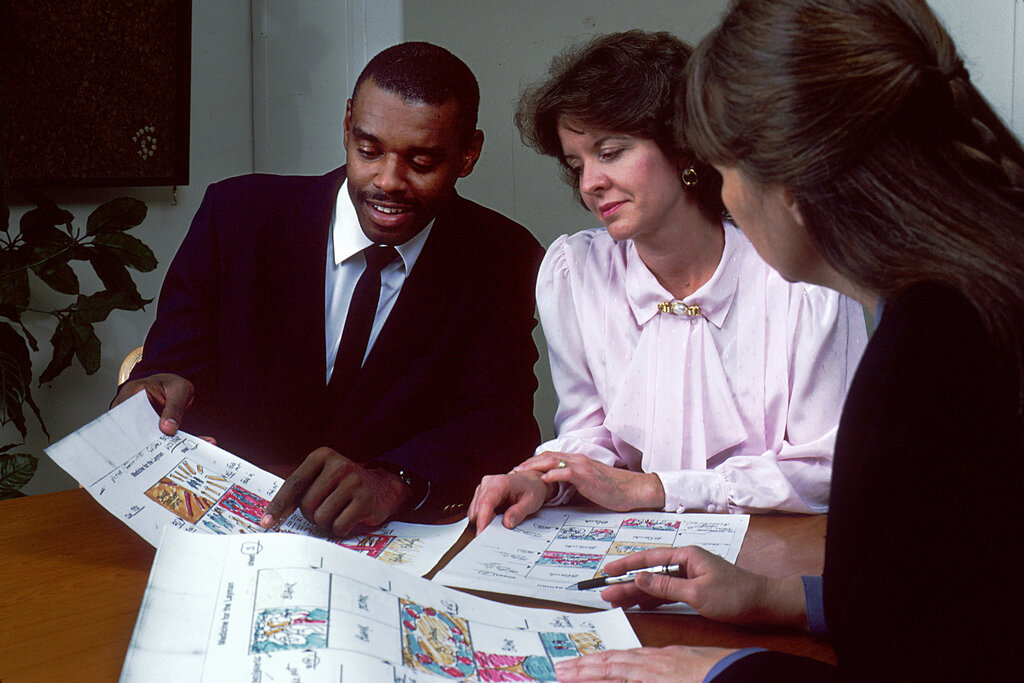
Boords streamlines the storyboarding process with AI. It has a script-writing assistant that can help you flesh out your story. Once you have a script, its AI image generator can turn your words into storyboard panels. You can describe a scene, a character, and an action, and Boords will create a visual to match. This allows you to go from a simple idea to a full, illustrated storyboard without needing to draw a single frame yourself.
The goal is speed. You can test out different visual ideas and story beats quickly, making it easier to find what works.
Another powerful option is StoryboarderAI. This tool also generates panels from text, but it excels at creating consistent characters and settings across your entire storyboard. You can describe a character's appearance once, and the AI will remember and redraw that same character in different poses and scenes. This consistency is key for creating a believable and professional-looking storyboard.
From Storyboard to Scene
While some tools focus only on storyboards, others aim to create fully-realized scenes. LTX Studio is an all-in-one platform that bridges the gap between idea and finished clip. It’s designed to generate and edit entire video sequences from a single text prompt.
With LTX Studio, you can describe a scene, and the AI will generate it. But it doesn't stop there. You can then edit specific shots within that scene, change character actions, or even adjust the virtual camera angles to get the perfect composition. It maintains character and style consistency automatically, so every shot feels like part of the same world.
With the help of AI tools, even someone with no background in design or animation can bring characters to life, generate scenes, add motion, and export full videos with ease.
Putting It All Together
So how do these tools fit into a real workflow? An animator might start with Boords' AI writer to outline a script. From there, they could use StoryboarderAI to quickly generate a visual storyboard with consistent characters. Finally, they might take those ideas into LTX Studio to generate dynamic scenes and experiment with camera work.
The AI-generated content serves as a strong foundation. The animator can then export these clips and bring them into traditional animation software for polishing, adding custom details, and completing the final product. The AI handles the initial heavy lifting, freeing up the artist to focus on creativity and refinement.
Now, let's review what we've covered about these tools.
What is the primary function of a storyboard in the animation process?
An animator wants to create a storyboard where the main character looks the same in every panel. Which AI tool is highlighted as being particularly strong at maintaining this consistency?
By integrating these tools, creators can dramatically accelerate their workflow, moving from a simple idea to a polished animation more efficiently than ever before.