AI-Powered Automation Without Code
Introduction to Automation
What Is Automation?
Think about the tasks you do every day that are repetitive. Maybe it's copying data from an email into a spreadsheet, or sending the same follow-up message to new clients. These tasks are necessary, but they're also time-consuming and prone to human error.
Automation is the process of using technology to perform these tasks with minimal human help. It's about setting up a system to handle the routine work so you can focus on the parts that require creativity, strategy, and a human touch.
Automation
noun
The use of technology to perform tasks that were previously done by humans, typically to increase efficiency and reduce errors.
The goal isn't to replace people, but to augment their abilities. By handing off the monotonous work to machines, we free up valuable time and mental energy for problem-solving and innovation.
Automation today is largely driven by no-code and low-code tools, enabling users to create workflows—sequences of tasks across multiple systems that achieve business goals—without needing to write code.
Types of Automation
Automation isn't a one-size-fits-all solution. It comes in different forms, each suited for different kinds of tasks.
Robotic Process Automation (RPA) is one of the most common types. Think of it as a digital robot that mimics human actions on a computer. It can log into applications, copy and paste data, move files, and fill out forms, just like a person would. RPA is perfect for well-defined, rule-based processes that don't change much.
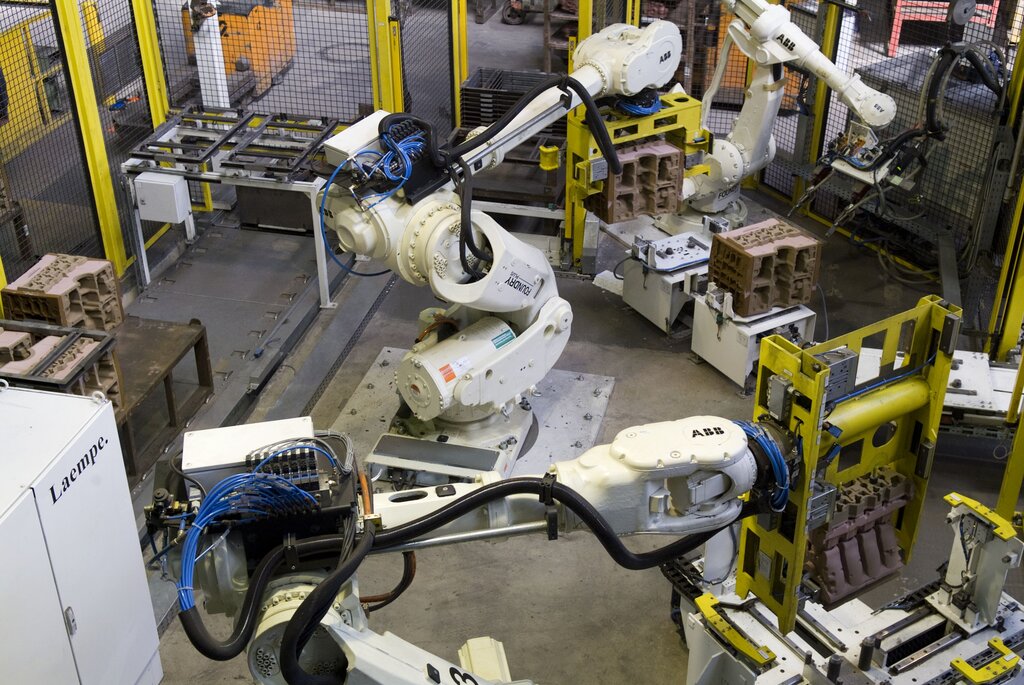
AI-Driven Automation, on the other hand, is smarter. It uses artificial intelligence and machine learning to handle more complex and dynamic tasks. Instead of just following a script, AI can make decisions, understand language, and learn from data. This allows it to automate tasks that require judgment, like interpreting customer emails to determine their sentiment or predicting future sales trends.
| Feature | Robotic Process Automation (RPA) | AI-Driven Automation |
|---|---|---|
| Task Type | Rule-based, repetitive | Complex, requires judgment |
| Data Handling | Structured data (e.g., spreadsheets) | Unstructured data (e.g., emails, images) |
| Decision Making | Follows predefined rules | Makes predictions and decisions |
| Example | Copying invoice data to a database | Analyzing customer feedback for themes |
Making Automation Accessible
In the past, building automated systems required a team of skilled programmers. But that's changing rapidly with the rise of low-code and no-code platforms.
These platforms provide a visual, drag-and-drop interface for building automated workflows. Instead of writing code, you connect pre-built blocks that represent different actions, like "When a new email arrives in Gmail, add its attachment to Dropbox." This approach empowers people without a technical background to build their own automations, making the technology accessible to everyone.
Low-code/no-code tools democratize automation, allowing anyone to streamline their personal and professional workflows.
The Benefits in Practice
Implementing automation brings a host of benefits. The most obvious is increased efficiency. Tasks that once took hours can be completed in minutes, freeing up significant time.
Accuracy is another major advantage. Automated systems don't get tired or make typos, leading to higher quality and more consistent work. This reliability is crucial for tasks involving data entry or financial calculations.
Ultimately, automation allows businesses and individuals to scale their efforts. By streamlining routine processes, you can accomplish more without a proportional increase in effort, paving the way for growth and new opportunities.
Ready to review the key concepts we've covered?
Now, let's test your understanding.
What is the primary goal of automation as described in the text?
Which of the following tasks is a classic example of what Robotic Process Automation (RPA) would handle?
By understanding these core ideas, you're well on your way to identifying opportunities for automation in your own work and leveraging its power to become more productive and effective.