AI for Smarter Email Communication
Introduction to AI in Email Communication
AI and Your Inbox
Your inbox can feel like a never-ending flood. Emails pile up, important messages get buried, and crafting the right reply takes time you don't always have. What if you had an assistant who could help manage it all? That’s where Artificial Intelligence comes in.
Artificial Intelligence
noun
A field of computer science dedicated to creating smart machines capable of performing tasks that typically require human intelligence.
In simple terms, AI is technology that can learn, reason, and adapt. For email, this means AI tools can understand the context of a message, identify what’s important, and help you communicate more effectively. Think of it as a partner that reads, writes, and organizes alongside you, making your email workflow smoother and faster.
Smarter, Faster Emails
Integrating AI into your email routine isn't just about fancy technology. It's about reclaiming your time and energy. By automating repetitive tasks, AI frees you up to focus on the work that truly matters.
AI assistants and automation. AI assistants draft replies and summarize threads, while AI agents automate certain tasks so your team can focus on more complicated issues.
Here’s how AI can transform your daily email tasks:
-
Drafting and Replying: Stuck on how to start an email? AI can take a simple prompt, like "email team about project deadline," and generate a complete, well-written draft. It can also suggest replies to incoming messages, often giving you a few options to choose from. Many tools even let you adjust the tone, shifting from formal to casual with a single click.
-
Summarizing: You don’t have to scroll through a 20-message chain to get up to speed. AI can analyze long email threads and provide a concise summary of the key points and action items. This is perfect for catching up after a vacation or quickly understanding a complex conversation.
-
Proofreading: AI goes far beyond basic spell check. It acts as a sophisticated editor, catching subtle grammatical errors, awkward phrasing, and confusing sentences. It can help ensure your tone is appropriate and your message is clear and professional before you hit send.
These capabilities aren't futuristic concepts; they are practical tools available right now. Many modern email clients and services are already building AI features directly into their platforms. Others are available as add-ons or extensions.
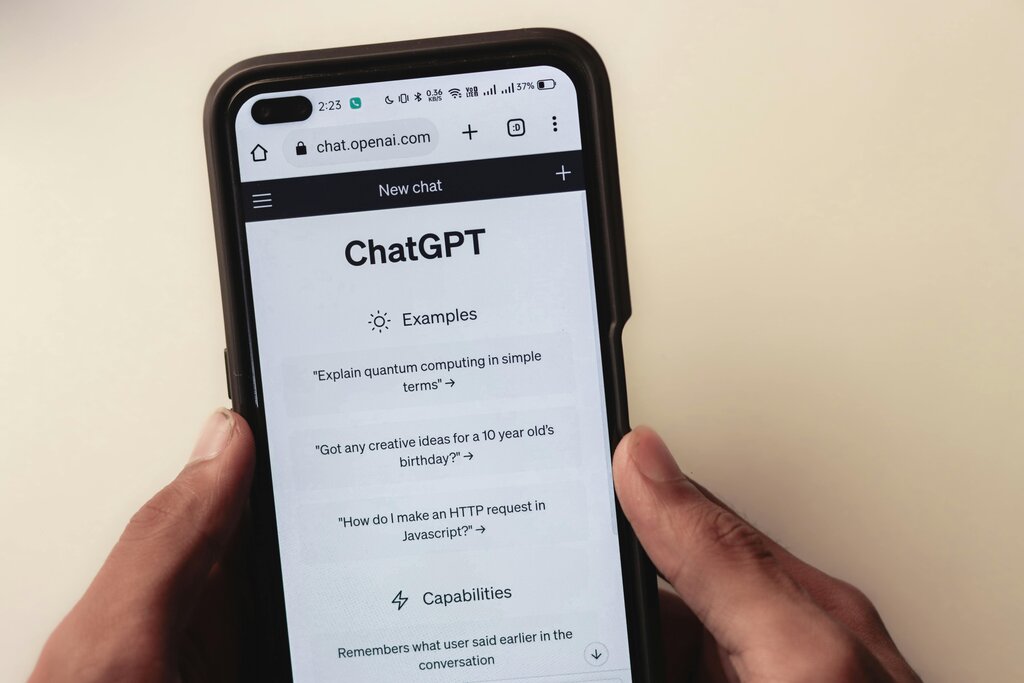
By handling the tedious parts of email management, AI allows you to communicate more thoughtfully and efficiently. It's about working smarter, not harder.
You've just returned from vacation to a 30-message email chain. According to the text, which AI feature would be most useful for quickly understanding the conversation?
When helping you reply to an email, what can an AI tool typically provide?
By understanding these fundamentals, you're ready to explore how AI can become a valuable part of your digital toolkit.