AI for Data Entry and Excel Mastery
Introduction to AI Tools
AI in Data Entry
Data entry has long been a manual, error-prone task. Traditional automation helped, but modern AI changes the game by adding a layer of intelligence. It's not just about copying and pasting; it's about understanding and structuring information.
One of the most powerful applications is advanced Optical Character Recognition (OCR). While basic OCR turns images of text into machine-readable text, AI-powered OCR can interpret handwritten notes, understand the layout of a complex form, and extract specific pieces of information. Imagine an AI scanning a stack of invoices. It doesn't just see text; it identifies the vendor, invoice number, due date, and total amount, then places each piece of data into the correct column in a spreadsheet.
This process, known as data extraction, turns unstructured documents like PDFs, emails, or images into structured data ready for analysis, without manual keying.
This capability is crucial for any workflow that involves digitizing physical documents or pulling information from various digital formats. It dramatically reduces the time spent on manual entry and minimizes the kinds of human errors that can creep into datasets.
Supercharging Spreadsheets
Microsoft Excel and similar tools are powerful, but mastering complex formulas can be a significant hurdle. AI integrations act as an intelligent assistant, bridging the gap between what you want to do and how to do it.
You can now use natural language to ask for what you need. Instead of wrestling with nested functions, you can simply type a request, and the AI will generate the appropriate formula. This lowers the barrier to entry for advanced data manipulation.
| Your Request | AI-Generated Formula |
|---|---|
| "Combine the first and last name columns" | =CONCATENATE(A2, " ", B2) |
| "Find the average sale price for products in the 'Electronics' category" | =AVERAGEIF(C:C, "Electronics", D:D) |
| "Clean up the phone numbers to a standard format" | =TEXT(SUBSTITUTE(SUBSTITUTE(A2,"(",""),")","-"),"###-###-####") |
Beyond formula generation, AI excels at data cleaning. It can analyze a messy dataset and suggest corrections, such as standardizing state abbreviations (e.g., changing "Calif." and "CA" to "California"), identifying outliers that could skew your analysis, and even intelligently filling in missing values based on patterns in the surrounding data.
Breaking Language Barriers
AI-powered translation has moved far beyond the literal, often awkward translations of the past. Early systems used statistical methods, essentially making educated guesses based on the frequency of word pairings. Today's tools use Neural Machine Translation (NMT), a deep learning approach that considers the entire context of a sentence.
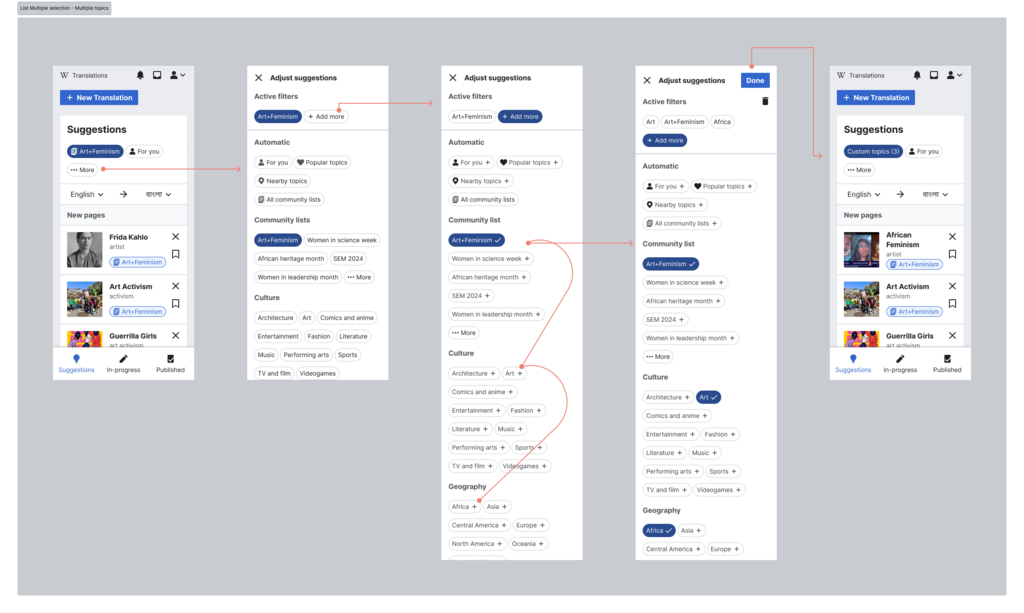
NMT models produce translations that are more fluid, accurate, and context-aware. They can handle idiomatic expressions and subtle nuances that older systems would miss. For data-related tasks, this means you can translate columns of user feedback, product descriptions, or international correspondence with much higher confidence. The AI preserves the meaning, not just the words.
Capabilities and Limitations
AI tools offer incredible leverage, but it's crucial to understand they are not infallible. They are assistants, not replacements for human judgment.
A key capability is speed. AI can perform repetitive tasks in seconds that would take a human hours. It's also excellent at pattern recognition, finding trends or anomalies in datasets that might be invisible to the human eye.
However, AI has significant limitations. Its primary weakness is a lack of contextual understanding. An AI might standardize addresses perfectly but won't know that a typo in a client's name is sensitive and requires careful, personal correction. It operates on the data it was trained on, which can lead to bias. If a model was trained on biased data, its outputs will reflect and potentially amplify that bias.
The golden rule is to always verify the AI's output. Use it to generate a first draft, perform bulk actions, and accelerate your workflow, but always apply a final layer of human review and critical thinking.
Now, let's test your understanding of these core concepts.
What is the key advantage of AI-powered Optical Character Recognition (OCR) compared to traditional OCR?
How does AI integration in tools like Microsoft Excel lower the barrier for advanced data manipulation?
Understanding these tools, their strengths, and their weaknesses is the first step to using them effectively in your own work.