AI Artistry to Online Sales
AI Image Generation Tools
Choosing Your AI Image Tool
Not all AI image generators are created equal. While most operate on the same core principle of turning text prompts into pictures, the tools themselves have different strengths, interfaces, and quirks. Think of them like different types of cameras. A simple point-and-shoot is great for quick, easy shots, while a DSLR offers granular control for professional results. The right tool depends entirely on what you want to create.
We'll look at three popular and accessible options: ChatGPT, Google's Gemini, and Freepik's AI Image Generator. Each offers a distinct user experience and excels in different areas, from conversational image refinement to creating commercially viable graphics.
ChatGPT and DALL-E 3
ChatGPT's image generation is powered by OpenAI's DALL-E 3 model. Its main advantage is its conversational nature. You don't just give it a prompt and get an image; you have a conversation. You can ask it to create a picture and then refine it through follow-up requests.
For example, you might ask for "a photorealistic image of a red panda drinking bubble tea." After it generates the image, you could say, "make it a nighttime scene with neon signs in the background" or "change the style to be more like a watercolour painting." This iterative process feels intuitive and is great for exploring ideas without needing to write complex, technical prompts from scratch. ChatGPT often enhances your simple prompts behind the scenes to add detail and context, which is helpful for beginners.
The downside is that you have less direct control over specific parameters compared to more specialised tools. While you can request things like a specific aspect ratio, it's all handled through conversation rather than dedicated settings or sliders. This can sometimes lead to unpredictable results if the model misinterprets your request.
Google's Gemini
Google's Gemini (formerly Bard) also integrates image creation directly into its chat interface. It aims for ease of use and often produces several variations for each prompt, giving you a few options to choose from right away. This is useful for quickly seeing different interpretations of your idea.
Gemini tends to excel at generating images of people, often with a focus on photorealism. However, it has stricter content filters, especially regarding the generation of recognisable faces or potentially sensitive content. This is a safety feature, but it can sometimes be a creative constraint if your prompt is flagged, even if it seems harmless.
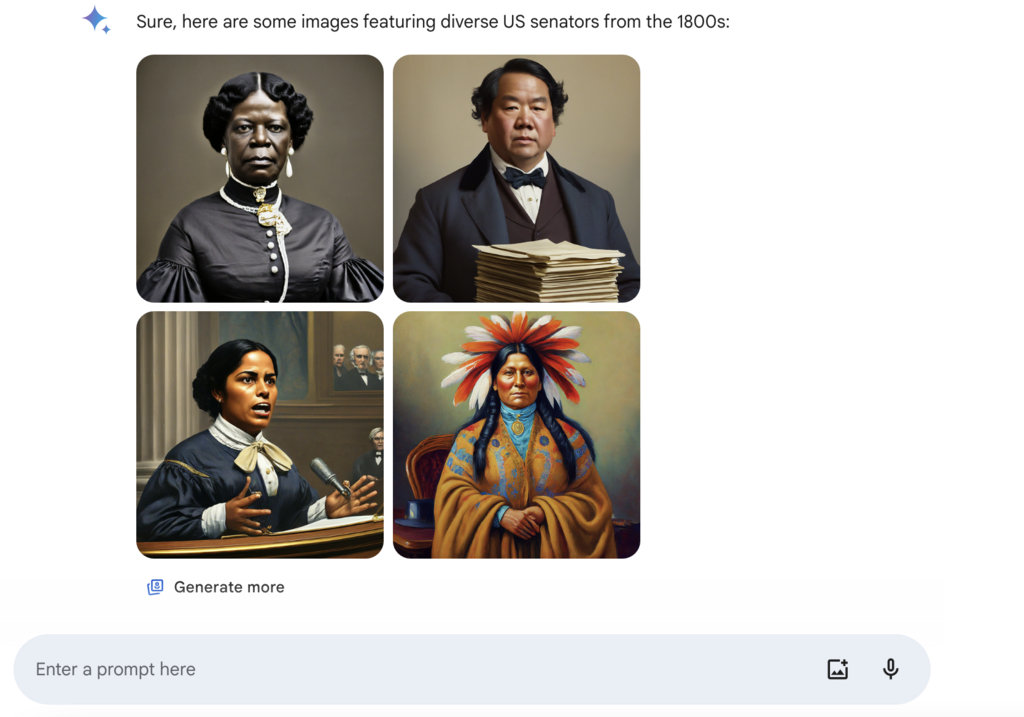
One of its key limitations is that, unlike ChatGPT, you can't easily edit or iterate on a generated image within the same conversation. If you want to make a change, you need to write a new prompt from scratch, losing the conversational refinement process.
Freepik's AI Image Generator
Freepik's tool is different. It's part of a larger ecosystem of stock photos, vectors, and design assets. This context shapes its functionality. The generator is designed to create commercially useful images that fit into design workflows. It provides more explicit control than general chatbots.
You can select styles (like Photo, Digital Art, or Painting), choose colour palettes and lighting, and specify the composition. It also offers a "Live" generation feature, where the image updates in real-time as you type your prompt. This immediate feedback is incredibly helpful for learning how small changes in your prompt affect the final output.
Because it's part of a stock media platform, the images you create are commercially licensed, which is a significant advantage if you're using them for professional projects.
Freepik's integration with a stock library means its AI is trained on a vast and curated dataset of high-quality images, often leading to clean, professional-looking results that are ready for use in presentations, websites, or marketing materials.
Tool Comparison
Choosing the right tool depends on your goal. There is no single "best" option; they each serve different needs. Here's a quick breakdown to help you decide.
| Feature | ChatGPT (DALL-E 3) | Google Gemini | Freepik AI Generator |
|---|---|---|---|
| Best For | Creative exploration, idea generation | Quick variations, realistic people | Commercially usable assets, design work |
| Interface | Conversational chat | Conversational chat | Dedicated UI with settings |
| Editing | Iterative refinement via conversation | Start over with a new prompt | Limited direct editing, re-prompting |
| Control | Low direct control (relies on AI interpretation) | Low direct control | High control (style, colour, lighting) |
| Unique Feature | Conversational prompt improvement | Generates multiple options at once | Live prompt feedback, commercial license |
For a beginner, starting with ChatGPT or Gemini is a great way to understand the basics of prompting in a forgiving, conversational environment. If your focus is on creating specific assets for a project, Freepik provides the control and licensing you'll need.
If you want to create an image and then refine it step-by-step through a series of follow-up requests in the same conversation, which tool is best suited for this iterative process?
Which of the following features is unique to Freepik's AI Image Generator compared to ChatGPT and Gemini?
Experimenting is the best way to learn. Try giving the same simple prompt to all three tools and compare the results. You'll quickly get a feel for their individual personalities and strengths.