AI Agents for Excel Automation
Agentic Excel Basics
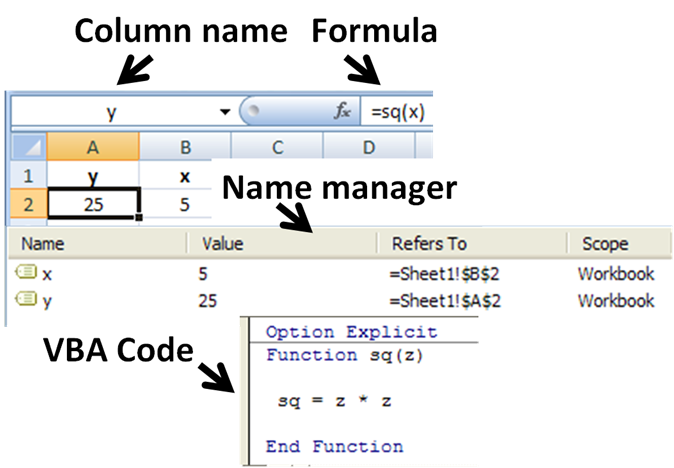
Excel Beyond Formulas
For years, mastering Excel meant learning a language of functions, cell references, and perhaps even Visual Basic for Applications (VBA). You gave the computer explicit, step-by-step instructions. With agentic AI, that relationship is changing. Instead of providing a detailed recipe, you now describe the finished meal you want, and the agent figures out how to cook it.
This new approach centers on AI assistants that can understand intent and perform multi-step tasks autonomously. In Microsoft 365, this capability is most apparent when comparing Copilot's standard Chat Mode to its more powerful in Excel. Understanding this difference is the key to unlocking a new level of productivity.
| Feature | Chat Mode | Agent Mode |
|---|---|---|
| Interaction | Conversational Q&A | Goal-oriented instructions |
| Action | Suggests formulas and steps | Directly edits the workbook |
| Reasoning | Single-step answers | Multi-step task execution |
| Autonomy | Requires user to implement | Performs sequences of actions |
Chat Mode is like having a helpful expert looking over your shoulder. You can ask, "How do I calculate the quarterly average sales from this column?" and it will give you a formula to copy and paste. Agent Mode is like handing the task to a junior analyst. You say, "Analyze the sales data, identify the top-performing quarter for each region, and create a summary table."
With Agent Mode in Excel and Word, you can guide Copilot in Excel through data analysis, formula selection, and visualization.
Steering with Vibe
Instructing an AI agent doesn't require precise syntax. Instead, you use natural language to guide its general direction, a practice sometimes called "vibe working". You're setting the goal and the constraints, not micromanaging the process. The agent uses its understanding of Excel to translate your request into concrete actions.
Imagine you have a messy dataset of customer feedback. The date format is inconsistent, some entries are duplicates, and there's a mix of uppercase and lowercase text. Manually cleaning this would take dozens of steps.
Using Agent Mode, your prompt could be something like this:
1. Go through the 'Feedback' sheet.
2. Standardize all dates in Column B to MM/DD/YYYY format.
3. Remove any duplicate rows based on the 'CustomerID' column.
4. Convert all text in the 'Comment' column to sentence case.
5. Highlight any rows where the 'Sentiment' column is 'Negative' in red.
6. Create a new sheet named 'Cleaned Data' and move the result there.
The agent will execute these steps sequentially. It will recognize "Standardize all dates" as a data formatting task and apply the necessary functions. It understands that "Remove any duplicate rows" is a data cleaning action. You didn't need to specify which formulas to use; the agent made those decisions itself.
Trust but Verify
This autonomy is powerful, but it's not infallible. AI agents can misunderstand instructions or make logical errors, especially with ambiguous requests. That's why reviewing the agent's work is a critical part of the process. Most agentic platforms, including Copilot, provide reasoning logs or an action summary. This is a step-by-step account of what the agent did and why.
The log might show:
- User goal: Standardize dates.
- Action: Identified mixed date formats in column B.
- Decision: Applied the
TEXTfunction to convert all cells to MM/DD/YYYY.- Validation: Confirmed all 5,000 rows in column B now match the target format.
Reading these logs helps you catch errors and refine your prompts. If the agent misinterpreted a step, you can correct it with a follow-up instruction like, "Actually, for the dates, use the European DD/MM/YYYY format instead." The agent will then revise its work. This iterative feedback loop is central to working effectively with AI.
By combining natural language goals with careful verification, you can automate complex data analysis that once required extensive manual effort or custom scripting. This is the core of the agentic shift in Excel: focusing on the what, and letting the AI handle the how.