Advanced VST3 Plugin Development
Introduction to VST3 and JUCE
The Language of Audio Plugins
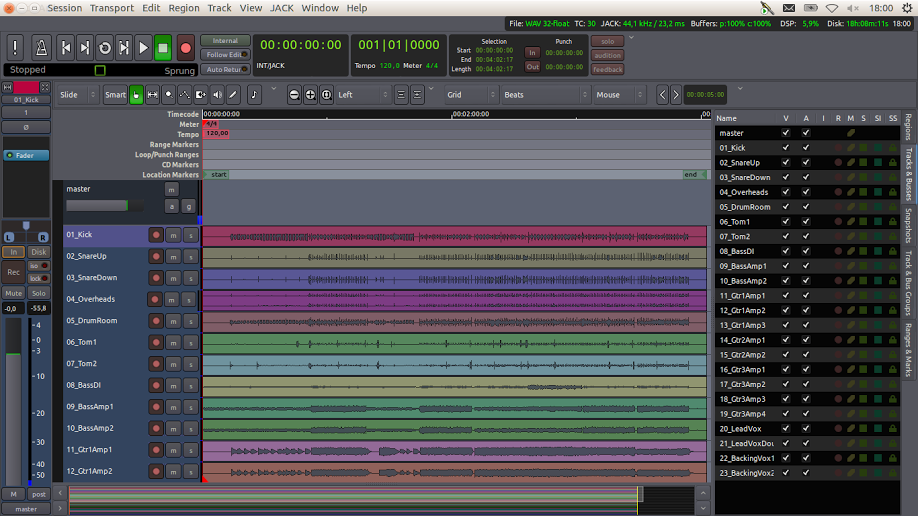
Digital Audio Workstations (DAWs) like Ableton Live, Logic Pro, or FL Studio are powerful, but their true magic comes from plugins. These are smaller pieces of software that run inside a DAW to add new sounds or effects. Think of a virtual synthesizer that creates a bass sound, or a reverb effect that makes a vocal sound like it was recorded in a cathedral.
For these plugins to work inside any DAW, they need a common language, a standard. This is where Virtual Studio Technology, or VST, comes in. Developed by the music technology company Steinberg, VST is a specification that tells developers how to build plugins that DAWs can understand and use.
Enter VST3
The VST standard has been around for a while, evolving over time. The latest and most powerful version is VST3. It's a significant upgrade from its predecessor, VST2, designed to meet the demands of modern music production.
One of its biggest improvements is how it handles processing. VST3 plugins can be set to only use your computer's CPU power when they are actually processing audio. If a track is silent, the plugin goes to sleep. This might sound small, but with dozens of plugins running in a large project, it saves a massive amount of processing power.
VST3 also introduced more flexible inputs and outputs. A VST2 plugin had a fixed number of audio channels. A VST3 plugin can adapt on the fly, making it much easier to work with complex surround sound formats or creative sidechaining setups.
| Feature | VST2 | VST3 |
|---|---|---|
| CPU Usage | Always active | Active only when processing audio |
| Audio I/O | Fixed channels | Dynamic, adaptable channels |
| Automation | Less precise | Sample-accurate |
| MIDI Input | Limited to one port | Multiple MIDI ports |
These improvements make VST3 the modern standard for professional audio plugin development.
Building with JUCE
Knowing the VST3 standard is one thing; actually building a plugin is another. Writing a plugin from scratch requires a lot of complex, low-level code that has nothing to do with the creative part of sound design. You'd have to write separate versions for Windows and macOS, and handle all the tiny details of creating a user interface.
This is where a framework comes in. Think of a framework as a toolkit and a set of pre-built components for a specific job. If you were building a car, a framework would give you the chassis, wheels, and engine, so you could focus on designing the body and interior. For audio software, the go-to framework is JUCE.
JUCE (Jules' Utility Class Extensions) is a C++ framework designed specifically for building audio applications and plugins. Its key feature is being cross-platform. You write your audio processing code and design your user interface once, and JUCE lets you compile it into a VST3 plugin for Windows, an Audio Unit (AU) for macOS, and other formats, all from the same codebase. It handles the difficult, platform-specific code for you.
JUCE simplifies the development process by providing a unified API for different plugin formats and operating systems.
When you start a new project in JUCE's project management tool, the Projucer, you can simply tick a box to build a VST3 plugin. JUCE provides all the necessary boilerplate code to connect your custom audio logic to the VST3 standard. This lets you focus on what really matters: how your plugin sounds and works.
// A simplified look at a JUCE plugin's core.
// JUCE handles the VST3 integration behind the scenes.

class MyAwesomePluginAudioProcessor : public juce::AudioProcessor
{
public:
    // Constructor
    MyAwesomePluginAudioProcessor() {}

    // Where the magic happens: process audio samples
    void processBlock (juce::AudioBuffer<float>& buffer,
                       juce::MidiBuffer& midiMessages) override
    {
        // ... your unique signal processing code goes here ...
    }

    // Create the plugin's user interface
    juce::AudioProcessorEditor* createEditor() override
    {
        return new MyAwesomePluginAudioProcessorEditor (*this);
    }

    // ... other necessary functions managed by JUCE ...
};
With a powerful standard like VST3 and an elegant framework like JUCE, developers have the tools they need to create the next generation of audio effects and instruments.
Ready to check your understanding?
What is the primary role of a plugin, such as a VST, within a Digital Audio Workstation (DAW)?
The Virtual Studio Technology (VST) standard was developed by Steinberg primarily to solve what problem?
These two technologies form the foundation of modern plugin development, streamlining the path from an idea to a finished product.