Advanced Three.js Development
Complex Geometries
Building Complex Shapes
You already know how to create basic shapes like cubes and spheres using Three.js's built-in geometries. But what happens when you need something more complex, like a custom character model, a detailed architectural element, or a unique piece of terrain? For that, you need to define the geometry yourself, vertex by vertex.
In the past, you might have used the Geometry class, which let you define vertices and faces with easy-to-read objects. While conceptually simple, this approach was slow. Modern Three.js uses a much more powerful and efficient method: BufferGeometry.
BufferGeometrystores all its data, like vertex positions, faces, normals, and colors, in buffers—essentially, large, flat arrays of numbers. This structure is highly optimized for being passed to the GPU, resulting in much better performance.
The Power of Buffers
Working with BufferGeometry means thinking directly in terms of these arrays. Instead of a list of Vector3 objects for vertices, you'll have a single Float32Array where every three numbers represent the x, y, and z coordinates of a vertex. It's less intuitive at first but gives you precise control and a significant speed boost.
Let's create a simple triangle. A triangle has three vertices. Each vertex has three coordinates (x, y, z). So, our position buffer will need to hold 3 * 3 = 9 numbers.
// 1. Define the vertices for a triangle
const vertices = new Float32Array([
  -1.0, -1.0,  1.0, // vertex 1 (x, y, z)
   1.0, -1.0,  1.0, // vertex 2 (x, y, z)
   1.0,  1.0,  1.0, // vertex 3 (x, y, z)
]);

// 2. Create an empty BufferGeometry
const geometry = new THREE.BufferGeometry();

// 3. Set the 'position' attribute with our vertices
// The '3' means each vertex is composed of 3 values (x, y, z)
geometry.setAttribute('position', new THREE.BufferAttribute(vertices, 3));

// 4. Create a material and mesh
const material = new THREE.MeshBasicMaterial({ color: 0x00ff00 });
const mesh = new THREE.Mesh(geometry, material);
This geometry now has one attribute: position. We could add more attributes in the same way, such as normal for lighting calculations or uv for textures. For non-indexed geometries like this one, the GPU draws triangles by taking vertices from the buffer in groups of three.
Merging for Performance
Every mesh you add to your scene usually results in a separate instruction to the GPU, known as a "draw call." If you have thousands of individual objects, the sheer number of draw calls can become a performance bottleneck, even if the objects themselves are simple.
One powerful optimization technique is geometry merging. You can combine multiple geometries into a single BufferGeometry. This drastically reduces the number of draw calls, as the GPU can now draw all the combined shapes with one instruction. This is ideal for static objects that share the same material.
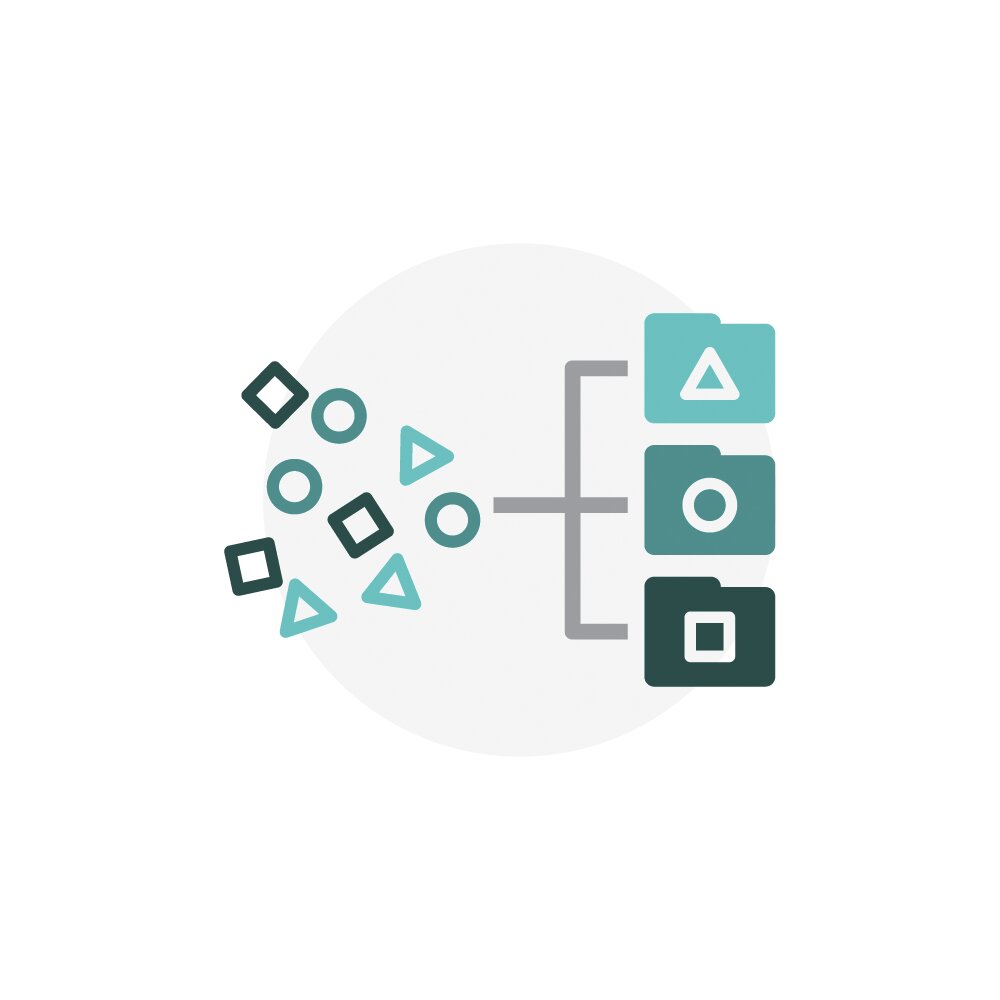
The BufferGeometryUtils module provides a helpful method for this.
import { BufferGeometryUtils } from 'three/addons/utils/BufferGeometryUtils.js';

const boxGeometry = new THREE.BoxGeometry(1, 1, 1);
const sphereGeometry = new THREE.SphereGeometry(0.5, 16, 16);

// It's important to position the geometries *before* merging
sphereGeometry.translate(2, 0, 0);

// Merge the geometries into one
const mergedGeometry = BufferGeometryUtils.mergeGeometries([
  boxGeometry,
  sphereGeometry
]);

// Create a single mesh from the merged geometry
const material = new THREE.MeshNormalMaterial();
const mesh = new THREE.Mesh(mergedGeometry, material);
scene.add(mesh);
When merging, remember two things: the original geometries are combined into a new one, and it's most effective when the objects share a single material.
By understanding BufferGeometry and techniques like merging, you can create highly complex and detailed scenes that still run smoothly. It's a fundamental skill for building anything ambitious in Three.js.
Ready to test your knowledge?
What is the primary reason Three.js transitioned from the older Geometry class to the more modern BufferGeometry?
If you are creating a custom geometry for a single, non-indexed triangle, how many individual numbers must your position attribute's Float32Array contain?
Now you have the tools to move beyond simple primitives and start building the intricate 3D worlds you have in mind.