Advanced Smartsheets for Construction Management
Smartsheet Overview
Your Digital Job Site
Construction projects are a complex dance of people, materials, and deadlines. From the architect's first sketch to the final walkthrough, keeping everyone and everything in sync is a major challenge. Information gets scattered across emails, spreadsheets, and paper documents, leading to confusion and costly delays. Smartsheet steps in as a central hub, bringing all the moving parts of your project into one organized space.
Think of it as a dynamic blueprint that everyone can view and update in real-time, whether they're in the office or on the construction site.
At its core, Smartsheet is a work management platform that looks a bit like a spreadsheet but is far more powerful. It's designed to manage tasks, track project progress, and automate communication, making it a strong fit for the demands of the construction industry.
The Project Command Center
When you first open Smartsheet, you'll see a familiar grid layout of rows and columns. This is the foundation for tracking everything. You can list tasks, assign them to team members, set deadlines, and attach relevant files like permits, blueprints, or contracts directly to a specific task. This keeps all documentation exactly where you need it, when you need it.
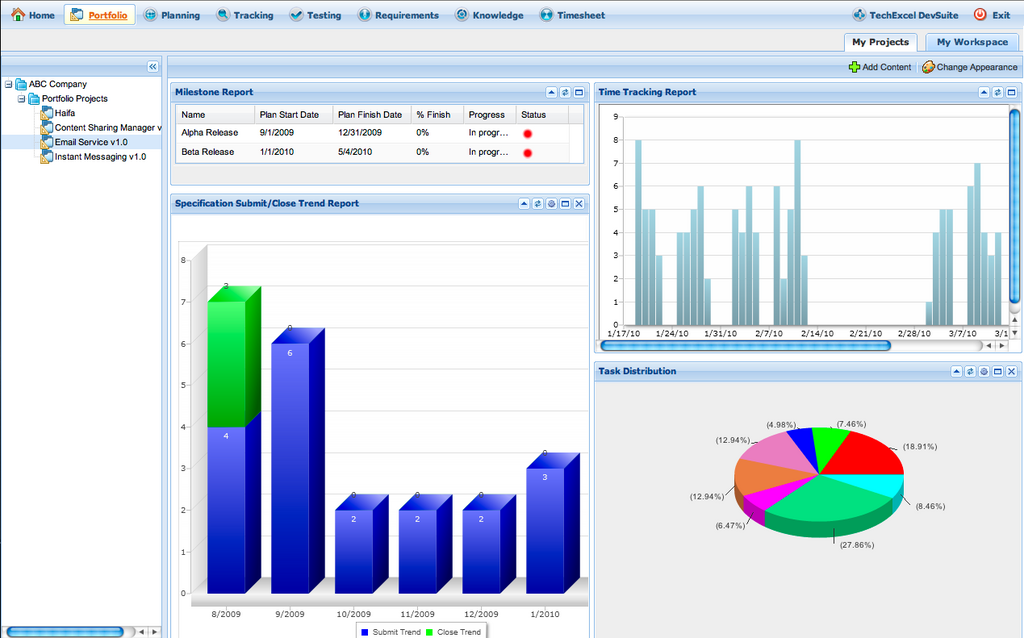
Beyond the basic grid, Smartsheet offers different views to visualize your project. You can switch to a Gantt chart view to see a timeline of your entire project, showing how tasks depend on one another. A calendar view helps schedule team availability and important milestones, while a card view is great for managing smaller, day-to-day tasks in a visual workflow.
Smartsheet is the best way to plan, capture, manage, automate, and report on work — wherever that work happens.
Benefits for Construction
Using a tool like Smartsheet fundamentally changes how construction projects are managed. By centralizing information, it breaks down communication silos between the field crew, project managers, and clients. Everyone works from the same source of truth, reducing misunderstandings and errors.
| Benefit | How Smartsheet Helps |
|---|---|
| Clearer Timelines | Gantt charts visually map out the project schedule, making it easy to spot potential bottlenecks. |
| Centralized Documents | Attach files directly to tasks so blueprints, change orders, and safety forms are always accessible. |
| Real-Time Collaboration | Team members can update their task status from any device, giving managers an instant view of progress. |
| Improved Accountability | Every task has a clear owner and deadline, ensuring everyone knows what they're responsible for. |
With these features, teams can streamline their workflows, moving from planning and scheduling to execution and closing with greater efficiency and control.
What is a primary challenge in construction project management that a tool like Smartsheet is designed to solve?
A project manager wants to see a high-level timeline of the entire project, including how different tasks are scheduled and how they depend on each other. Which Smartsheet view is best for this?
By bringing project management into a single, flexible platform, Smartsheet helps construction teams build better, faster, and more efficiently.