Advanced GitHub Workflows
Git's Distributed Architecture
Everyone Gets a Copy
Most version control systems in the past worked like a library. There was one central server—the library—that held all the project files. To work on something, you had to "check out" a file, just like borrowing a book. Only one person could edit a file at a time, and you needed a constant connection to the central server to save your changes.
Git turned this model on its head. It’s a distributed version control system. When you work on a Git project, you don’t just check out the latest version of the files; you get a complete copy of the entire project's history. Every developer has their own personal library, complete with every past version of every file.
This might seem like a small change, but it has massive implications. Your computer holds the entire project, making it a self-contained powerhouse for development.
Local vs Remote
In Git's world, you'll constantly hear about "local" and "remote" repositories. It’s a simple distinction.
-
Your local repository is the one on your computer. It’s the copy you work with directly. Because it's on your machine, operations like saving changes (committing), creating experimental versions (branching), or looking at history are incredibly fast. You don't need an internet connection for any of it.
-
A remote repository is just another copy of the project, usually stored on a server that everyone on a team can access (like on GitHub or GitLab). Its purpose is to be a common ground—a central place to share changes with your teammates. You "push" your local changes to the remote to share them, and "pull" changes from the remote to get updates from others.
A remote isn't special. It's just another repository that you happen to be syncing your work with. The real work and history live right on your machine.
Freedom to Experiment
This distributed architecture is what makes Git’s branching so powerful. Since you have the entire project history locally, creating a new branch is trivial. A branch is just a lightweight pointer to a specific commit. You're not copying all the files again; you're just saying, "I'm starting a new line of work from this point."
This encourages experimentation. Want to try a new feature? Create a branch. Need to fix a bug without disrupting the main code? Create a branch. These branches exist only on your local machine until you decide to share them by pushing them to a remote repository.
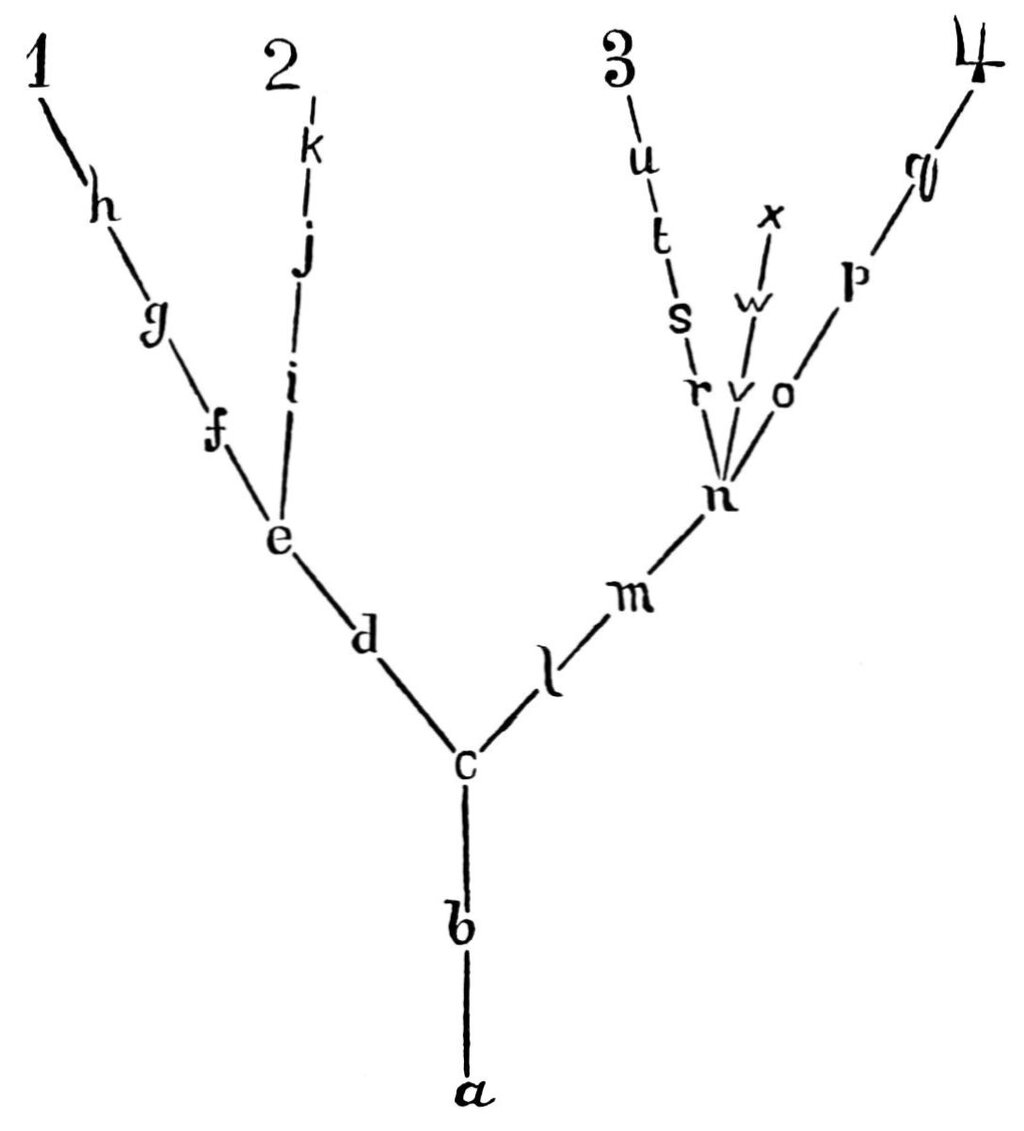
Merging is also handled locally first. You can combine your experimental branch back into your main branch on your own machine, resolve any conflicts, and make sure everything works perfectly before you share the final, polished result with your team.
This local-first approach reduces friction. It empowers you to work independently, create safe experiments, and only sync with the team when your changes are ready. It's a system built on trust and autonomy, where every developer has the full context and power of the project's history at their fingertips.