Advanced GHL Podcast Portfolio Architecture
Core Layout Architecture
Beyond the Standard Funnel
You already know how to build a basic funnel to capture leads. Now, let's build something different: a podcast media kit. This isn't about getting an email address. It's about building a high-impact portfolio page that screams authority and professionalism to potential sponsors, guests, and collaborators. Forget the simple squeeze page. We're creating a destination.
The goal is to present a polished, comprehensive overview of your show at a glance. Think of it as your podcast's digital resume. It needs to be sharp, convincing, and easy to navigate. We'll use GoHighLevel's page builder, but we'll push its capabilities to create a layout that feels custom and premium.
Structuring the First Impression
The most critical part of your media kit is the section viewers see without scrolling. This is the "Above the Fold" or ATF area. It has about three seconds to convince a visitor you're serious. A weak ATF section means they'll leave before they ever see your impressive download stats or guest list.
We'll achieve a strong ATF by creating a sophisticated two-column layout in GHL. The left column will feature a large, high-quality hero image—perhaps your podcast cover art or a professional shot of the host. The right column will hold the core value propositions. This isn't a long paragraph; it's a hierarchy of punchy, compelling facts. Lead with your most powerful stat, like "50,000 Monthly Downloads," followed by your show's tagline and then a credibility builder, such as "Guests from Google, Netflix & NASA."
Strategic use of whitespace is also key. Don't crowd your elements. The space between your headline, stats, and image guides the eye and communicates a sense of calm confidence. In GHL, you achieve this by adjusting the padding and margin settings for your rows and columns. Aim for generous spacing to let each piece of information breathe.
Advanced Styling with CSS
To truly elevate your media kit, we need to go beyond the standard GHL settings and write a little custom CSS. This is how you add premium touches, like a frosted glass sticky navigation menu, that aren't available out of the box.
First, you need to find the right elements to target. Every browser includes developer tools that let you "Inspect Element" on a webpage. Right-click on your page's navigation bar inside the GHL editor and select "Inspect." A panel will appear showing the page's HTML and CSS. As you hover over the code, the corresponding page element will be highlighted.
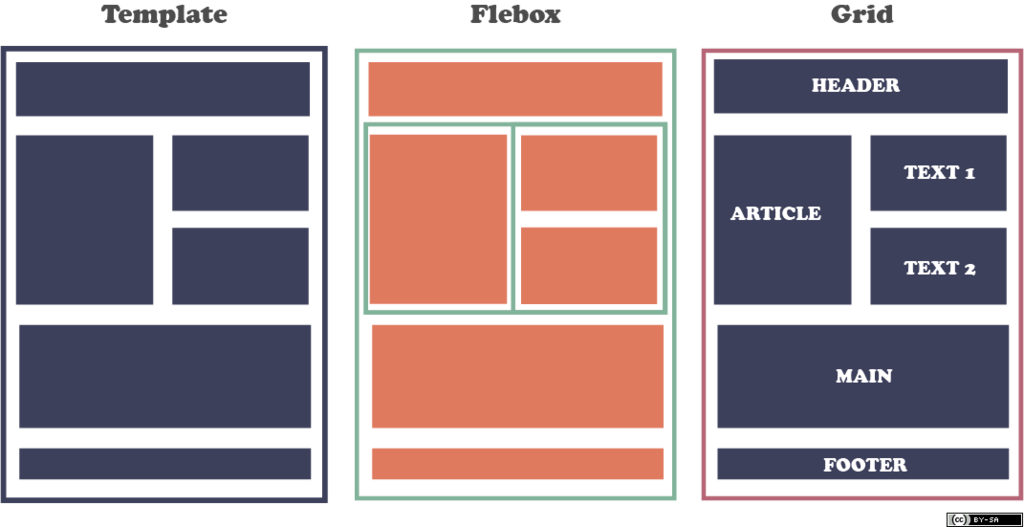
You'll notice that GoHighLevel uses specific class names for its structural elements. The main horizontal containers are typically wrapped in a div with the class . Within a section, you'll find .c-row, which holds your columns (.c-col). By targeting these GHL-specific classes in your custom CSS, you can apply styles precisely where you want them.
To create the frosted glass sticky navigation, you'll first set your top section (the one containing your menu) to be "sticky" in the GHL element settings. Then, you'll add custom CSS in GHL's 'Custom CSS' area. Here is a sample code block that targets the first section of the page and applies the effect.
/* Target the first section wrapper on the page */
.c-section:first-child {
  /* Ensure it sticks to the top */
  position: sticky;
  top: 0;
  z-index: 99;

  /* The frosted glass effect */
  background-color: rgba(255, 255, 255, 0.7);
  backdrop-filter: blur(10px);
  -webkit-backdrop-filter: blur(10px); /* For Safari compatibility */
}
Let's break that down. background-color: rgba(255, 255, 255, 0.7) sets a white background that's 70% transparent. The magic comes from backdrop-filter: blur(10px). This property blurs whatever is behind the element, creating the frosted look as the content scrolls underneath. The z-index ensures the navigation stays on top of all other content.
What is the primary goal of creating a podcast media kit, as described in the material?
Why is the 'Above the Fold' (ATF) section of the media kit so critical?
By combining strategic layout with custom styling, you can build a media kit that positions your podcast as a professional, high-value brand.