Advanced Gemini App Development
Introduction to Gemini API
Meet the Gemini API
The Gemini API is your toolkit for building applications with Google's latest generative AI models. Think of it as a direct line to a powerful creative partner that can understand and generate human-like text, interpret images, and even write code.
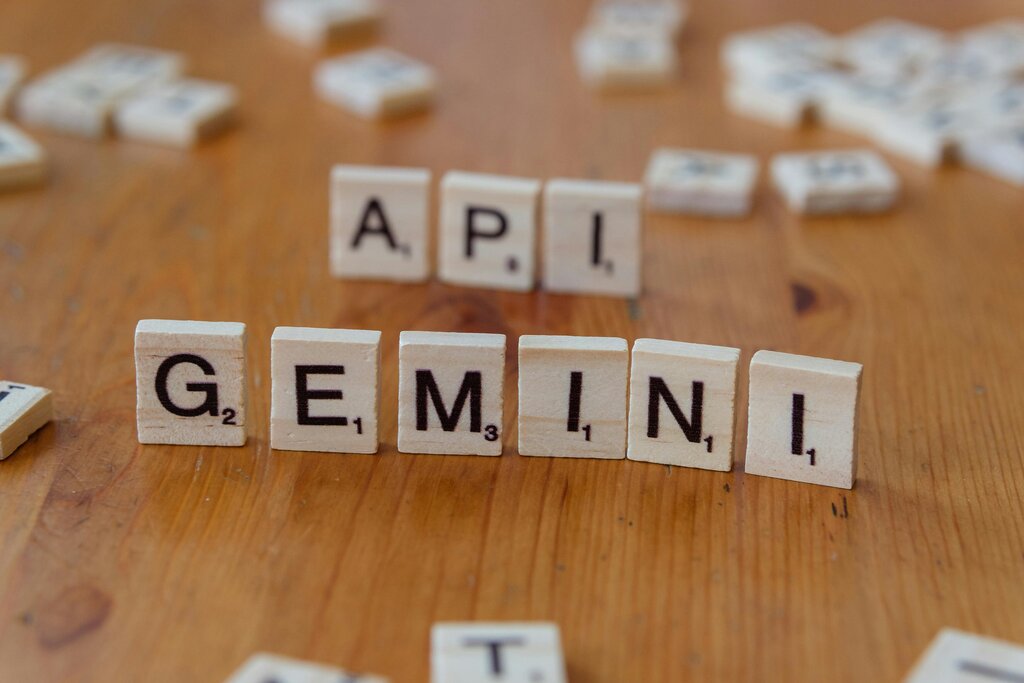
With the API, you can build features that summarize long documents, create chatbots that understand context, generate marketing copy, or analyze the content of a photo. It's designed to be flexible, whether you're building a simple script or a complex, multi-functional application.
The API's core strengths are text generation, image understanding, and code generation, making it a versatile tool for developers.
Setting Up Your Environment
To start using the Gemini API, you'll need the Google GenAI Software Development Kit (SDK). The SDK is a library that simplifies the process of sending requests to the Gemini models and receiving their responses, handling a lot of the complex details for you. It's available for several popular programming languages.
First, you'll need to get an API key from Google AI Studio. This key authenticates your requests and should be kept private. Once you have your key, you can install the SDK.
# For Python
pip install google-generativeai
If you're working with JavaScript, you can use npm to add the package to your project.
// For Node.js (JavaScript)
npm install @google/generative-ai
Go developers can fetch the module directly.
// For Go
go get github.com/google/generative-ai-go/genai
For Java developers, you'll add the dependency to your pom.xml (Maven) or build.gradle (Gradle) file. The specifics will be available in the official documentation.
How to Get a Response
Once the SDK is installed, you interact with the API through its endpoints. There are two primary ways to generate content: the standard API and the streaming API. Your choice depends on the user experience you want to create.
Endpoint
noun
A specific URL where an API can be accessed to perform a task, like generating content.
The standard content generation API is straightforward. You send your prompt to the model and wait for the entire response to be generated before it's sent back to you. This is perfect for tasks where the result is needed all at once, like summarizing an article or classifying a user's comment.
The streaming API works differently. Instead of waiting for the full response, the model sends back chunks of content as soon as they are generated. This allows you to display the response to the user in real-time, just like you see in many chatbot interfaces. It creates a more interactive and responsive feel, as the user isn't left waiting for a long process to complete.
Use the standard API for complete, one-shot answers. Use the streaming API for real-time, interactive experiences.
Now let's test what you've learned.
What is the primary function of the Gemini API?
What is the first step required to begin using the Gemini API in your project?
With your environment set up and an understanding of the basic endpoints, you're ready to start building.