Advanced FMOD Masters for Game Audio
Advanced FMOD Event Design
Building with Nested Events
Think of a complex sound in a game, like a magical spell. It's not just one sound file. It's a whoosh, a crackle, a bass impact, and a shimmering tail. Instead of cluttering your main event's timeline with dozens of audio tracks, you can use nested events. A nested event is a self-contained FMOD event placed inside another event's timeline. It's like putting a folder inside another folder. This keeps your projects tidy and makes complex sounds easier to manage.
The main benefit is organization and reusability. Imagine you have a standard magical "crackle" sound. You can build it once in its own event. Then, you can drag that crackle event into your "Fireball" event, your "Lightning Bolt" event, and your "Arcane Shield" event. If you ever want to update the crackle sound, you only need to change it in one place, and the update applies everywhere it's used.
Use nested events for sound components you want to reuse or keep separate for clarity. It simplifies the parent event's timeline, focusing it on timing and high-level control rather than a sea of individual audio files.
Triggering Event Instruments
While nested events are about structure, event instruments are about triggering. An event instrument is a special type of instrument on a track that, instead of playing an audio file, plays an entire FMOD event. This allows you to treat a complex, multi-layered event as a single, playable sound source.
This is incredibly powerful for sounds that need variation. Let's go back to our footstep example. You could have a main "PlayerFootstep" event. On one of its tracks, you place an event instrument. This instrument can be set up to play one of several other events at random, like "Footstep_Grass," "Footstep_Gravel," or "Footstep_Wood." Now, every time the main "PlayerFootstep" event is triggered, it randomly plays the sound for a different surface type.
The key difference is control. A nested event is part of the parent's timeline; it starts when the timeline reaches it. An event instrument is triggered by a single point on the timeline, but then it plays out independently. This is perfect for creating dynamic systems where you want to fire off complex, self-contained audio cues.
Complex Parameter Automation
Automation allows a sound to change over the range of a game parameter, like health, speed, or ammo. Instead of a simple linear change, like a filter opening as speed increases, you can create complex, multi-point automation curves. This lets you design audio that responds more dynamically and musically to gameplay.
Consider a vehicle engine. You can use a 'Speed' parameter to control its pitch. But a real engine doesn't just get higher in pitch. It changes timbre, vibrates more, and has gear shifts. With complex automation, you can map all of these changes to the 'Speed' parameter. You can draw a curve that makes the volume jump at a certain speed to simulate a turbo kicking in, or add a sudden low-pass filter dip to mimic a gear change.
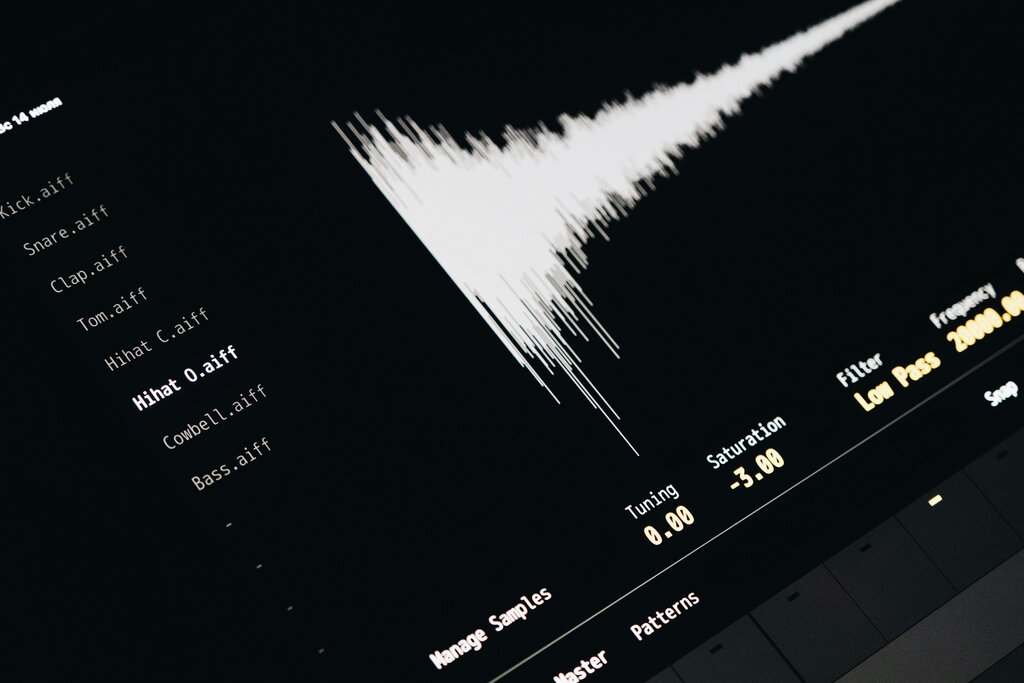
You can also automate built-in parameters. For instance, you can automate the pitch of a sound based on its distance from the listener. You could make a monster's roar get slightly deeper and more menacing as it gets closer, adding an extra layer of intimidation beyond simple volume changes.
By combining nested events, event instruments, and detailed automation, you move from creating static sounds to designing interactive audio systems. An event can become a small engine that takes in game data via parameters and outputs a rich, constantly evolving soundscape that truly enhances the player's experience.
Ready to test your knowledge?
What is the primary advantage of using a nested event for a sound like a magical 'crackle' that appears in multiple different spell effects?
You want a single 'Gunshot' event to trigger one of several different shell casing sounds (e.g., 'Shell_Concrete', 'Shell_Metal') at random. Which FMOD feature is best suited for this task?
These techniques provide the building blocks for nearly any audio scenario you can imagine in a game. Mastering them is key to creating truly dynamic and immersive sound.