Advanced E-learning Storyboarding Techniques
Introduction to E-Learning Storyboards
What Is an E-Learning Storyboard?
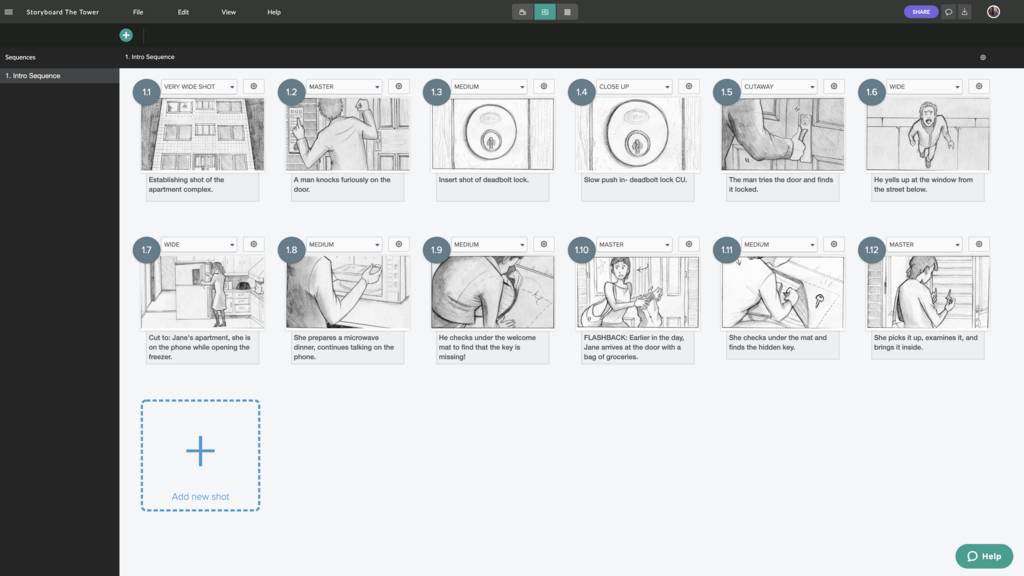
Think of a storyboard as a blueprint for your e-learning course. Before a construction crew builds a house, they work from a detailed plan that shows where every wall, window, and door goes. An e-learning storyboard does the same thing for a course. It's a visual script that lays out what the learner will see, hear, and interact with on each screen.
This plan maps out everything from the on-screen text and images to the narration, video clips, and interactive elements like quizzes or click-to-reveal activities. It organizes the content logically, ensuring a smooth and effective learning experience.
Think of a storyboard as a comic strip of your video, with illustrations or sketches that represent key scenes, along with accompanying notes on camera angles, actions, and dialogue.
By creating this document before any actual development begins, instructional designers can visualize the final product, test the flow of information, and make changes easily.
Why Bother with a Storyboard?
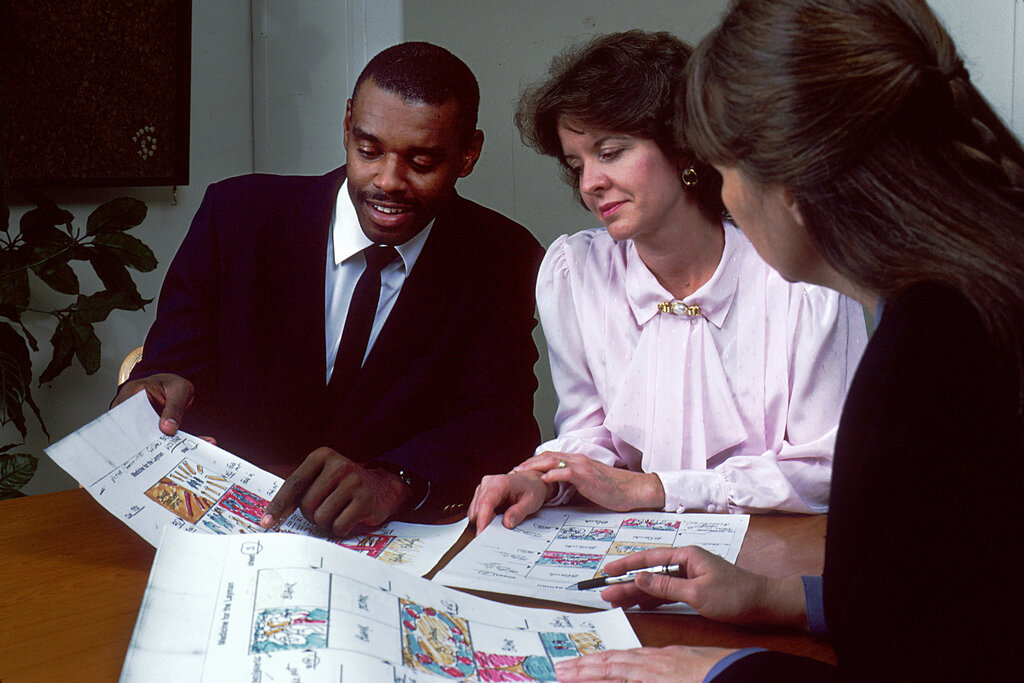
Jumping straight into development without a storyboard might seem faster, but it often leads to confusion, rework, and a disjointed final product. Storyboarding provides three main benefits.
1. Clarity and Alignment: A storyboard gets everyone on the same page. The instructional designer, subject matter expert, developer, and client can all look at the same document and agree on the plan. This ensures the course content, visuals, and activities are all working together to meet the learning goals.
2. Streamlined Development: It's much cheaper and faster to edit a document than to recode a digital module. Storyboards help you catch design flaws, content gaps, or confusing navigation early in the process, saving significant time and resources down the line.
3. Better Communication: A storyboard transforms abstract ideas into a concrete plan. It's a powerful tool for presenting your vision to stakeholders, gathering feedback, and getting formal approval before the expensive work of development begins.
Aligning with Learning Objectives
A storyboard is more than just a visual outline; it's a critical tool for instructional design. Its primary role is to ensure that every single element of the course serves a purpose and directly supports the learning objectives.
For each scene or screen, the storyboard should specify which learning objective it addresses. This deliberate mapping prevents a course from getting filled with interesting but irrelevant content. If an element doesn't help the learner achieve an objective, it probably doesn't belong.
This process forces you to think critically about how each piece of information, every image, and each interaction contributes to the ultimate learning goal.
| Learning Objective | Storyboard Scene 1 | Storyboard Scene 2 | Storyboard Scene 3 |
|---|---|---|---|
| Identify the three main states of matter. | Visual: Animation showing water molecules. Narration: Introduces the concept of matter. Text: "What is matter?" | Visual: Graphic showing solid ice, liquid water, and gaseous steam. Narration: Explains the three states. Text: Defines solid, liquid, and gas. | Visual: Interactive drag-and-drop. Narration: Asks the learner to match items (ice cube, water, steam) to their state. Text: "Test your knowledge!" |
By connecting every part of the course to a specific objective, the storyboard ensures the final product is focused, effective, and built with the learner's success in mind.
Which of the following is the best analogy for an e-learning storyboard?
An instructional design team decides to skip storyboarding to meet a tight deadline. What is the most likely consequence of this decision?