Advanced Desktop Support Techniques
Advanced Troubleshooting Techniques
Beyond the Quick Fix
When you're starting out, troubleshooting often feels like a guessing game. You try a reboot, check a few common settings, and hope for the best. But complex problems demand a more disciplined approach. Instead of randomly trying solutions, advanced troubleshooting uses a structured methodology to move from symptom to solution logically and efficiently.
Effective troubleshooting methodologies involve gathering information, or data that can help with isolating the problem, diagnosing potential causes as to why the failure occurred, and implementing the right solutions to fix it.
Think of it like a detective solving a case. A good detective doesn't just arrest the first person they see. They gather evidence, interview witnesses, form a hypothesis, and then test that hypothesis until they're sure. This systematic process avoids wasted time and ensures you're solving the actual problem, not just a temporary symptom. A common framework follows a clear, repeatable path.
Following these steps in order prevents you from jumping to conclusions. For instance, you should never implement a solution before testing your theory. A fix applied without confirmation can often create new, more confusing problems.
Digging for the Root Cause
It’s easy to mistake a symptom for the problem itself. A user might complain that their computer is slow. You could clear the temporary files, and it might speed up for a while. But have you solved the problem? Or just treated a symptom?
Root Cause Analysis (RCA) is the practice of digging deeper to find the underlying issue that triggers the symptoms. It’s the difference between replacing a dead car battery and discovering the faulty alternator that prevented the battery from charging in the first place. One is a temporary patch; the other is a permanent fix.
A simple but powerful RCA technique is the "5 Whys." You state the problem and then ask "Why?" five times, with each answer forming the basis for the next question. This process drills down past the obvious symptoms to the foundational issue.
| Question | Answer |
|---|---|
| Problem | A specific software application crashes every day. |
| 1. Why? | It generates a memory error. |
| 2. Why? | The application's memory usage spikes right before crashing. |
| 3. Why? | It happens when processing a large, auto-generated daily report. |
| 4. Why? | The report file it's trying to load is corrupted. |
| 5. Why? | A network script that creates the report is failing intermittently, leaving a half-finished, corrupted file. |
By the fifth why, we've moved from a vague software crash to a specific, faulty network script. Fixing the script is the root cause solution; anything else would just be a temporary workaround.
Using Advanced Diagnostic Tools
Your senses and a user's description can only tell you so much. To truly understand what's happening inside a system, you need to use tools that can read its internal logs and monitor its performance. These go far beyond the basic Task Manager.
Event Viewer (Windows) / Console (macOS): Every operating system keeps detailed logs of everything that happens, from a successful login to a critical driver failure. When a problem occurs, these logs are your first and best source of raw information. Look for red "Error" or yellow "Warning" events around the time the issue occurred. The event details often contain specific error codes you can research to pinpoint the cause.
Performance Monitor (PerfMon): If a system is slow or unresponsive, PerfMon can tell you exactly why. It allows you to track hundreds of specific metrics over time, such as processor queue length, disk read/write times, and memory page faults. By monitoring these counters, you can identify bottlenecks that would otherwise be invisible. For example, you might discover that a slow application isn't maxing out the CPU, but is instead waiting constantly on a slow hard drive.
Resource Monitor: This tool provides a real-time, detailed look at CPU, memory, disk, and network usage, broken down by individual processes. It's excellent for identifying exactly which application is hogging a specific resource at a given moment.
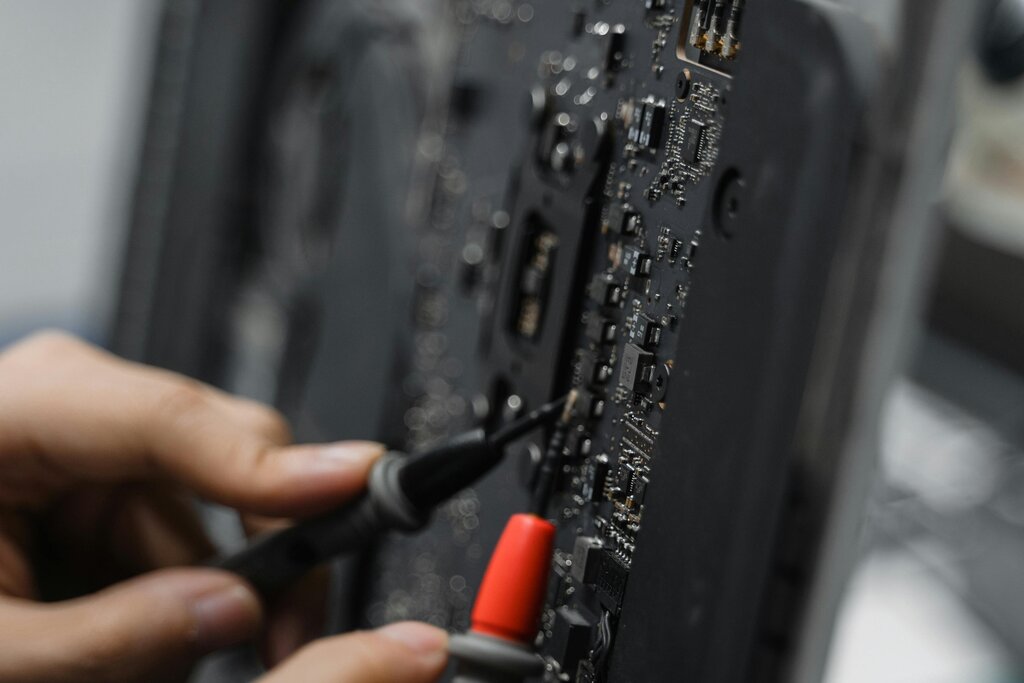
These tools turn troubleshooting from guesswork into data-driven analysis. By learning to interpret their output, you can form accurate theories about a problem's cause and confirm them with hard evidence.
What is the primary goal of a structured troubleshooting methodology?
A user reports their computer is slow. A technician clears the cache and temporary files, which makes the computer faster for a short time before it slows down again. This action is an example of:
By combining a structured methodology with a deep understanding of diagnostic tools, you can approach even the most complex technical problems with confidence.