Advanced Cursor Animation Techniques
Introduction to Cursor Animations
The Point of Pointers
Think about the last time you used a computer or a phone. You probably clicked on buttons, dragged files, or just moved a cursor around the screen. That little arrow or dot is your main way of interacting with the digital world. But what if it did more than just point? What if it helped tell a story?
Cursor animations are small movements and visual effects that bring the humble cursor to life. They're not just for show. These animations guide your attention, give you feedback, and make digital experiences feel more responsive and intuitive. A well-placed animation can turn a confusing interface into a clear one, showing you exactly what’s happening and what you can do next.
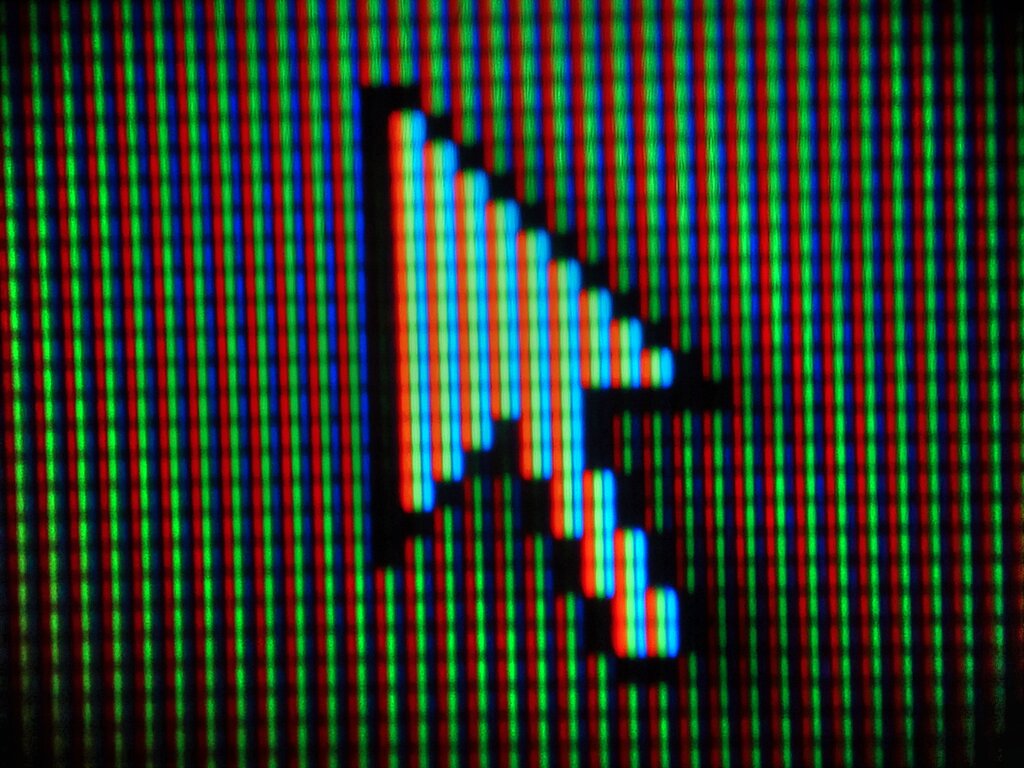
Clicks, Drags, and Hovers
Cursor animations come in a few common forms, each with its own job to do. The most basic is the click. When you click on a button, you expect something to happen. A simple animation, like a ripple effect or a subtle color change, confirms that the click was registered. It’s the digital equivalent of a physical button depressing and popping back up. It tells you, “Got it!”
A click animation provides immediate feedback, letting the user know their action was successful.
Next up is the drag. This animation shows movement and manipulation. Think about moving a file from one folder to another. As you drag it, a ghosted image of the file follows your cursor. This visual trail confirms you're moving the right item and shows you where it will land. It makes the action of organizing digital items feel tangible.
Finally, there's the hover effect. This happens when you move your cursor over an interactive element without clicking. The element might change color, grow slightly, or reveal more information. This subtle cue signals that the item is clickable and invites you to interact with it. It's a way for the interface to say, “Hey, you can do something here.”
When we hover, click, scroll — motion helps guide the eye, provide feedback, and make the experience feel alive.
Where Animations Matter
You'll find these animations everywhere, from websites and mobile apps to software tutorials and interactive media. In a tutorial video, animating the cursor shows the viewer exactly where to click and what to do, making instructions much easier to follow. In a web app, a loading animation tied to the cursor lets you know the system is working on your request.
These small details have a big impact on the user experience. They make interfaces feel less like a collection of static elements and more like a dynamic, responsive environment. By providing clear visual cues, cursor animations reduce uncertainty and help users navigate complex systems with confidence. They are a simple but powerful tool for creating more engaging and human-centered designs.
Time to see what you've learned about the power of these tiny movements.
What is the main goal of using cursor animations in a digital interface?
When you move your mouse over a button and it changes color, which type of cursor animation is this?
By guiding attention and providing feedback, cursor animations transform a simple pointer into an essential part of the storytelling and user experience.